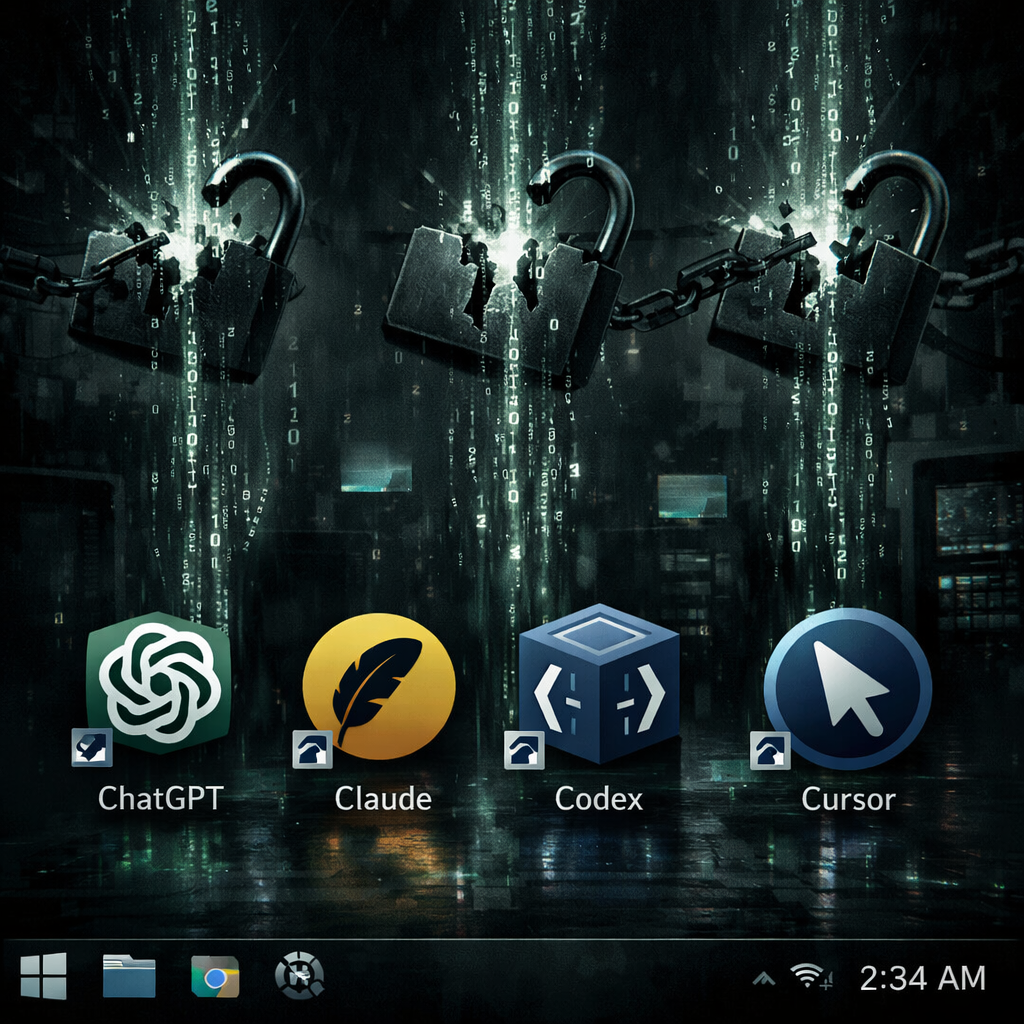
A newly discovered Windows infostealer, named Aokigahara, is harvesting login credentials, session tokens, and authentication files from popular AI development tools. Detected by cybersecurity researchers, this threat targets desktop and cloud-based AI applications much like classic password stealers—but with a focus on AI workflows. It digs into locally stored login data from tools such as ChatGPT Desktop, Claude, Codex, Cursor, GitHub Copilot, and more. Notably, there is no evidence that the AI services themselves have been compromised; the malware instead collects data stored on infected machines. This revelation came from a detailed report published by Check Point on October 23.
What Aokigahara Steals
Aokigahara features a module named “aisessions” that scours for credential files, stored configuration, and session data. It searches through AI tools including Claude Code and Desktop, Codex, ChatGPT Desktop, Cursor, Windsurf, GitHub Copilot, Gemini CLI, JetBrains AI Assistant, Amazon Q, and Kiro. For Claude, it zeroes in on desktop app credentials and files; for Codex, authentication and environment settings; for ChatGPT Desktop, application cache; and for Cursor, local storage databases. The malware skips some files that may not contain an active secret or token.
Besides AI-centric tools, Aokigahara collects SSH keys, cloud configuration files for AWS, Azure, and Google Cloud, Git credentials, browser cookies and passwords, messaging, email, VPN apps, and cryptocurrency wallet data. It can also grab clipboard and screenshot contents.
Evasion Techniques and How It Escapes Detection
Designed to evade analysis, Aokigahara checks for virtual machines, debuggers, language or keyboard settings, hardware conditions, and process counts. For example, it may stay idle if it detects Russian, Ukrainian, or other regionally excluded Windows language settings. Its configuration is encrypted with AES-256-CBC, and although some modules may be disabled at runtime, all exist embedded in the binary. The data collected is archived into ZIP files, encrypted via AES-256-GCM, and transmitted after establishing a secure key exchange using X25519. Communications mimic legitimate windows traffic headers and user-agent, though fingerprinting must use multiple signals to confirm infection.
Mitigation and Indicators of Compromise
Recommended defensive steps include isolating compromised machines, revoking exposed sessions, rotating keys, and reviewing connected cloud accounts. Merely changing passwords may not suffice if session tokens are still valid. Monitoring tools designed for detecting AI token theft should be added to existing infostealer response plans. Incident response should also include examining whether sensitive files or conversations were accessed.
Researchers have published a set of indicators of compromise (IoCs), including SHA-1 hashes of malware samples, domains used for command-and-control infrastructure, and HTTP endpoints like /gate/handshake, /gate/chunk, and /gate/complete that are used to manage uploads. A YARA rule is also available to assist with detection.
Importantly, this malware’s presence on a device doesn’t mean the AI platforms themselves were breached or their servers compromised. The danger lies in what attackers can do with session tokens, configuration files, or local credentials. In some cases, those may allow access without a password.
The Aokigahara campaign is part of a wider trend: attackers are shifting from targeting browsers and cloud keys to embedding themselves in AI tools and developer workflows. Security teams should treat AI sessions and authentication stores with the same care as any other critical credential store.