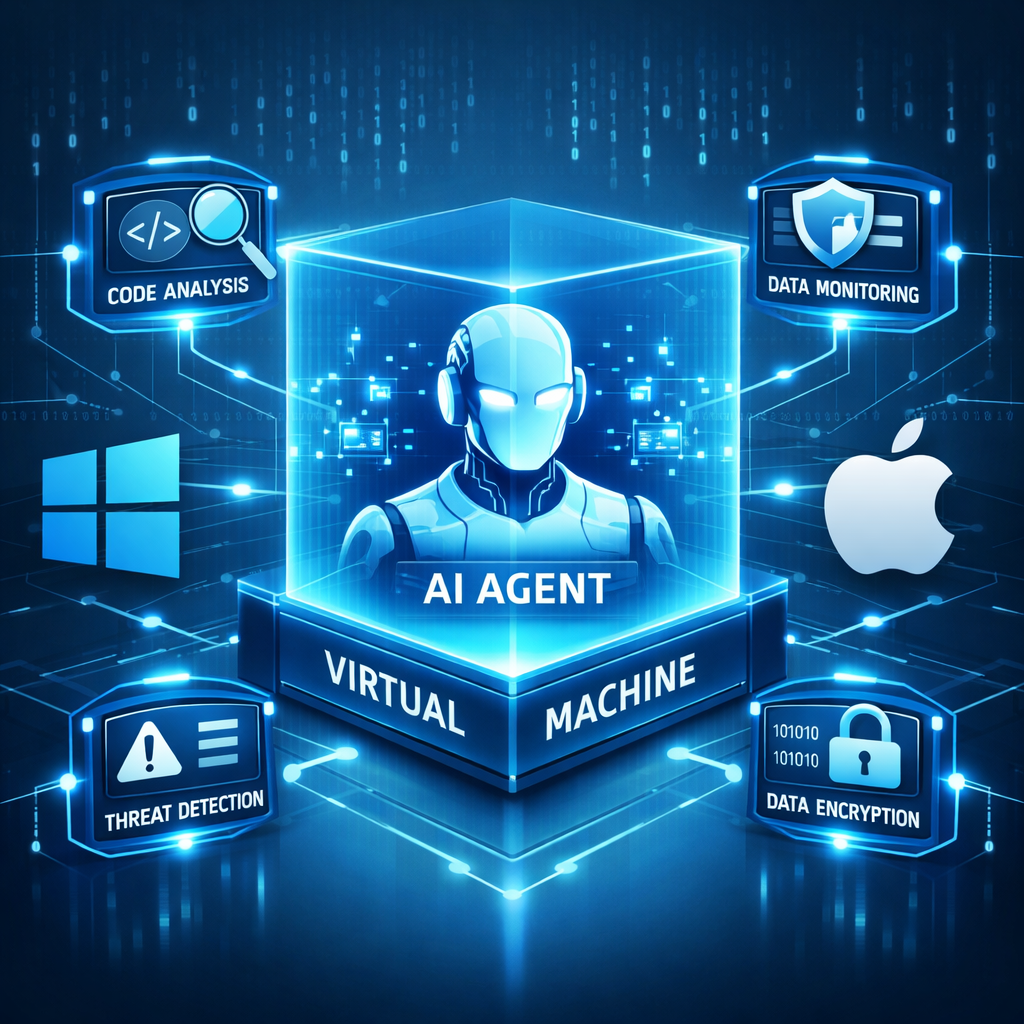
Anthropic has added a new beta feature that gives organizations the ability to deploy endpoint detection and response (EDR) monitoring agents directly inside Claude Cowork’s local virtual machine. This enhancement fills a visibility gap: previously, security tools couldn’t see the internal operations—shell commands or code execution—that AI agents performed inside Cowork’s isolated environment. With the new beta, that activity can feed into an organization’s existing security console.
What’s New: EDR Inside Cowork VMs
The update applies to Team and Enterprise tiers on both Windows and macOS. It works when Claude Desktop is connected to Amazon Bedrock, Google Cloud Vertex AI, or Microsoft Foundry. However, it’s important to note that this monitoring only covers sessions running on a local VM. Cowork sessions on Anthropic’s remote servers remain outside its scope.
Normally, Claude Cowork uses a virtual machine to sandbox code execution, keeping it separated from the host OS to enhance security. But that separation has been a drawback: the host’s EDR systems couldn’t see what happened inside the guest VM. With the new integration, a sensor—provided by one of several approved EDR vendors—can be installed inside the virtual environment, giving visibility into what was previously hidden.
How It Works & Limitations
When the VM starts, Claude Desktop copies a preconfigured sensor package into it. The software checks the package signature against a vendor’s trusted key. If validation passes, the vendor’s installation script runs once per VM boot. Without this setting, no sensor is installed. Approved vendors include CrowdStrike, Evoke Security, Neo, Palo Alto Networks, Pluto Security, SentinelOne, and Tanium.
This sensor can capture prompts, files, AI responses, and other internal content inside the VM. Data flows to the EDR vendor’s cloud, not Anthropic. That means customers must assess how each vendor handles telemetry and whether it aligns with their security policies. Also, the monitoring applies only for local VMs—not for Anthropic-hosted Cowork instances.
To deploy this feature, organizations need Claude Desktop version 4.4212.0 or higher. For Windows systems, additional requirements include using the MSIX build on Windows 10 or 11, having hardware virtualization enabled, and enabling the Virtual Machine Platform. Configuration is handled via management tools—registry policy, Group Policy, or Intune for Windows; mobile device management for macOS.
Technical caveats include the fact that removing management policies doesn’t uninstall an already-deployed sensor—it merely prevents its installation on future VM launches. Also, vendor package signatures expire within two years and don’t automatically cover vendor-provided updates beyond that term.
The new EDR capability is currently offered at no extra cost during its beta period. That said, individual EDR vendors may still charge fees for their tools or cloud telemetry services.
Why It Matters
As AI tools like Claude gain capabilities—running desktop applications, executing sandboxed code, or even operating background processes in some cases—organizations are increasingly exposed to risks that existing monitoring setups can’t fully observe. Recent vulnerabilities in Claude’s sandbox reinforced the need for better visibility. With this EDR-enhanced VM approach, security operations teams gain a clearer picture of what AI agents are doing under the hood.
This isn’t a cure-all: sessions executed on Anthropic’s servers or through Cloud-only deployments remain opaque under current design. But for enterprises relying heavily on local virtual environments for AI work, this is a meaningful step forward toward closing blindspots.