Android 17 QPR1 is rolling out now for Pixel devices (from Pixel 6 through the new Pixel 11), bringing a focused set of visual polish and quality-of-life fixes rather than sweeping new features. Most changes are cosmetic or aimed at making the user experience feel smoother—and many users will spot those immediately.
UI tweaks you’ll see first
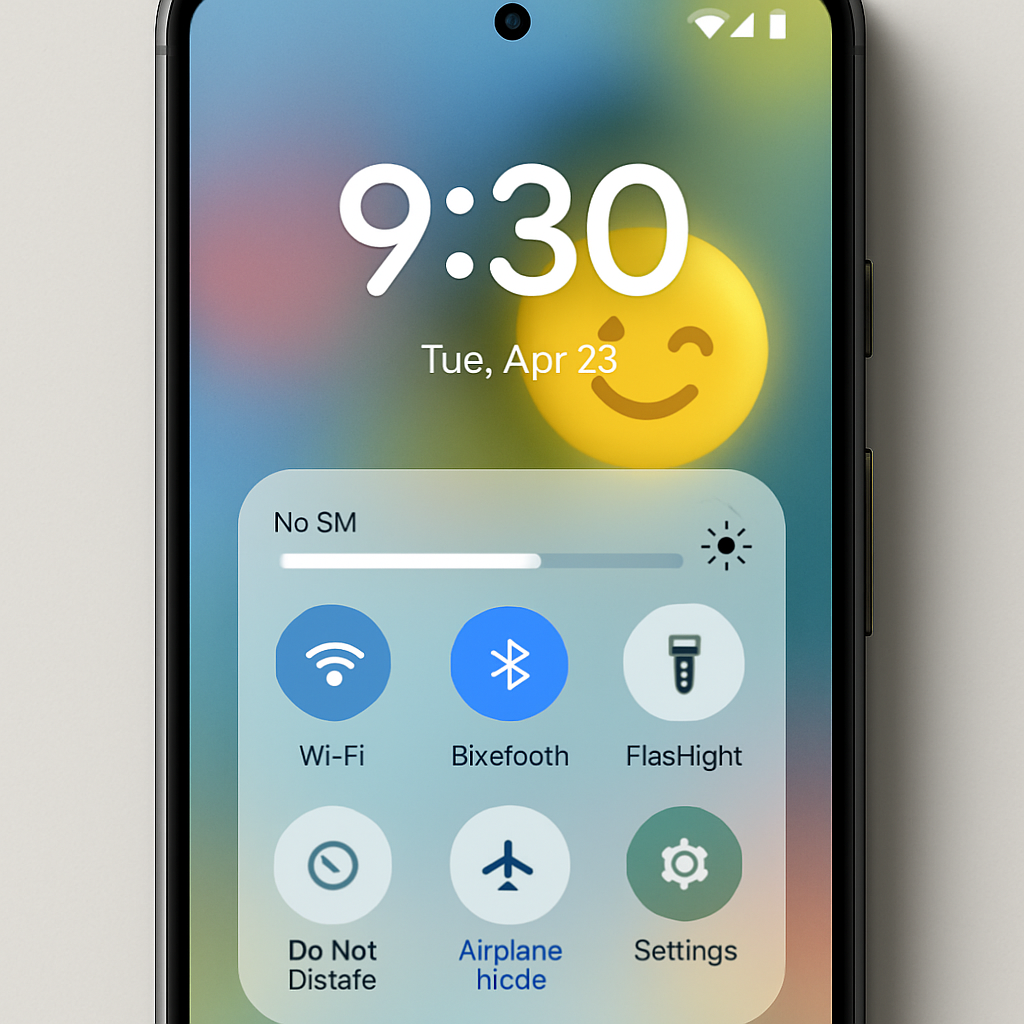
The lockscreen now shows media controls with a slide-in animation when waking the device—much more dynamic than before. There’s also a “Pixel Search settings” option in the App List settings for devices older than the Pixel 11: you can now fine-tune whether the search bar shows app suggestions, full web search, and whether the keyboard pops up automatically. When music or media apps are active, Android will now stash multiple players inside Quick Settings so you can switch between them easily. This grouped media display also shows up on the lockscreen.
Minor usability upgrades
QPR1 refines back navigation gestures inside Quick Settings: when you swipe back, you’ll see a preview of what it does—such as collapsing notifications then returning to Home—so there’s no longer ambiguity about what gesture will trigger. A new tile for switching keyboards has been added to Quick Settings: tap to bring up all installed keyboards, or long-press to enable/disable specific ones. Another handy addition: when you turn mobile data off then back on, a “Do not ask me again” checkbox appears so you won’t keep getting the mobile data toggle prompt.
Long-pressing app icons now reveals a split panel where you can either access main actions (like app info or deletion) or tap a “Shortcuts” toggle to see in-app shortcuts you can pin to the Home screen. Screen recording defaults have shifted too: the last-used app becomes the default for recording, and the menu now opens with “single app” preselected instead of the full screen.
Visual refinements & polish
Cosmetics get a boost: the “Edit Quick Settings” icon has been redesigned with a combined pencil + tiles motif. Section titles in Settings are now thicker and spaced more generously, reminiscent of older Android styles. Some rebooting Pixels (Pixel 10 and newer) may see a Gemini Intelligence boot logo during startup.
Many pop-up menus—wallpaper/style chooser, mini menus—shrink in size for a neater display. Core app icons (Settings, Clock, Calculator, Recorder, etc.) have been updated under a refreshed “Pixel style” theme. Animations throughout the system are more responsive: Quick Settings tiles bounce more dynamically, with overshoot and easing effects. System blur has been increased across the app drawer, volume sidebar, power menu, and pop-ups for a more glass-like feel. Finally, notification dots now feature a Dynamic Color-style outline to help them stand out on icons.
Overall, the update delivers mostly cosmetic and usability enhancements rather than major functional additions. Many of the tweaks—media player behavior, UI spacing, icon redesigns—are subtler, and some may only be noticed by power users. But small adjustments like dismissible mobile data prompts or better back gesture feedback do contribute to a smoother experience.
What this means going forward: Android seems to be hitting diminishing returns on radical new functionality and instead leaning into refinement. That’s not a bad thing—it reflects maturity. Users should expect incremental polish rather than headline-grabbers in future QPRs. Once Android 17 QPR2 arrives, attention will likely shift toward deeper performance, privacy, or AI integrations. For now, this feels like Android catching its breath—and leveling up little details.