Android 17 Beta 4: Unveiling the Latest Features and Enhancements
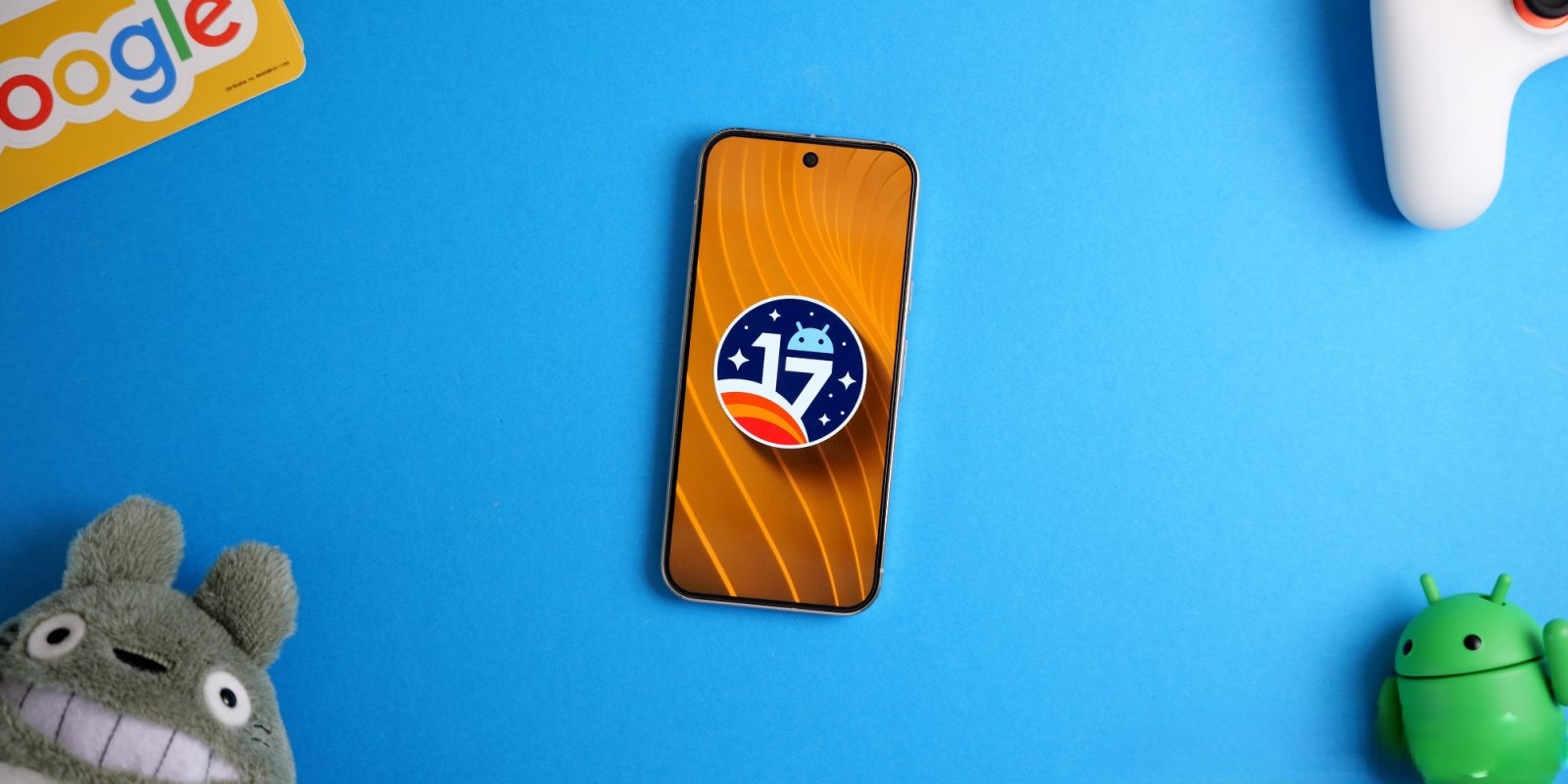
Google has released Android 17 Beta 4, marking the final scheduled beta before the official launch. This update introduces several new features and addresses various issues to enhance user experience.
Easter Egg Update
A notable addition in Beta 4 is the updated Android 17 Easter egg. This interactive feature, accessible through the Settings menu, has been refreshed to offer users a new visual experience.
Notification System Enhancement
The notification system has been refined with a new message: You’re all caught up, replacing the previous No notifications prompt. This change aligns with the notification style of the Pixel Watch, providing a consistent user experience across devices.
System Icon Redesign
Beta 4 introduces a redesigned system icon, contributing to a more cohesive and modern interface. This subtle yet impactful change enhances the overall aesthetic of the operating system.
Resolved Issues
Several critical issues have been addressed in this update:
– Screenshot Sharing: Previously, sharing screenshots from the capture preview automatically included webpage URLs, leading to unintended link sharing. This issue has been resolved, ensuring that only the intended image is shared.
– Accessibility: An issue causing devices to become unresponsive and unusable has been fixed, improving accessibility and device reliability.
– Media Control Widget: Problems where the media control widget would disappear or fail to navigate between multiple active media sessions have been addressed, ensuring smoother media management.
– Dream Services: Issues with dream services failing to process key events, trigger keyguard bouncer prompts, or execute service lifecycle callbacks have been corrected, enhancing the functionality of these services.
– Wallpaper Effects: Users previously faced difficulties downloading and applying cinematic or local weather wallpaper effects. This issue has been resolved, allowing for a more personalized device appearance.
– Device Stability: A critical system instability issue causing devices to hang and crash during normal usage has been fixed, significantly improving overall device stability.
– Charging Speeds: An issue causing devices to experience significantly reduced charging speeds when approaching the 80% battery limit has been addressed, ensuring efficient charging performance.
– Display Rendering: A rendering issue that caused multicolored horizontal lines to randomly obscure the device display has been corrected, enhancing visual clarity.
Additional Features and Improvements
Beyond these fixes, Android 17 Beta 4 includes several other enhancements:
– Location Privacy: The introduction of a location button provides simplified access for one-time use, allowing users to grant precise location access to apps only when necessary. This feature aims to prevent apps from having permanent or background access to a user’s location.
– Approximate Location Algorithm: The algorithm for approximate (coarse) locations has been improved to be aware of population density. This change ensures a more consistent privacy guarantee across different environments, from dense urban centers to remote regions.
– Dark Theme Control: Users now have granular control over which apps can be forced into Expanded dark theme modes. This per-app setting allows users to disable forced dark mode for specific apps that may not display well in dark mode.
– Pixel Launcher Search Bar: The Pixel Launcher search bar has been redesigned to offer a more streamlined and cohesive look, aligning with the overall aesthetic of Android 17.
– Multitasking Bubbles: The Bubbles feature has been expanded to act as a new multitasking platform. Any app can now be opened in a floating window and minimized quickly, enhancing multitasking capabilities, especially on larger displays.
Conclusion
Android 17 Beta 4 brings a host of new features and critical fixes, enhancing both functionality and user experience. As the final beta before the official release, it sets the stage for a robust and polished operating system.