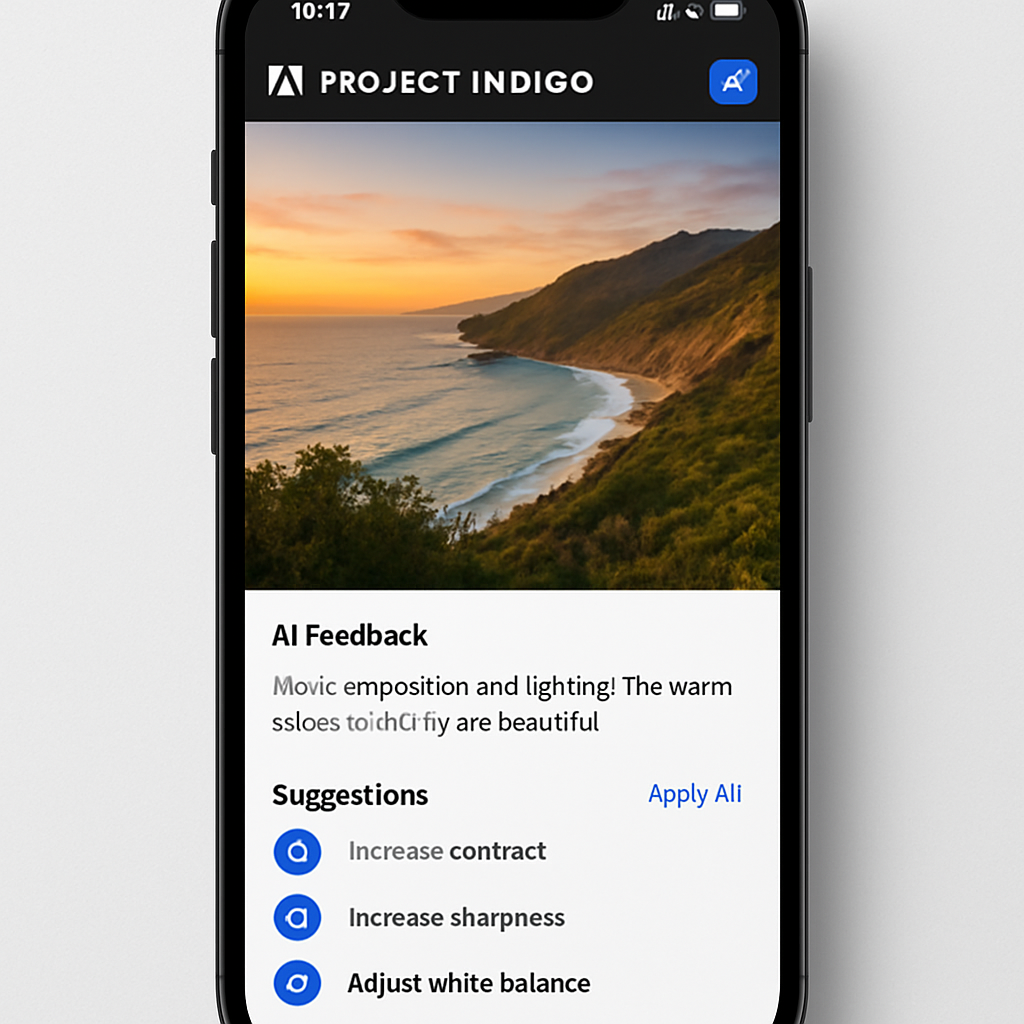
Adobe has unveiled a suite of AI-driven enhancements to its experimental iOS camera application, Project Indigo. Initially launched last year, Project Indigo offered professional controls, multi-frame super-resolution, and various capture modes. The latest update introduces features that utilize large language models (LLMs) to provide users with detailed critiques of their photographs and suggest edits to enhance image quality.
One of the standout additions is the photo critique function. This feature delivers a comprehensive analysis of an image, assessing elements such as framing, lighting, color balance, and emotional impact. By offering this level of feedback, Project Indigo aims to educate users on photography principles, potentially improving their skills over time.
Complementing the critique function are capture and edit suggestions. These provide real-time advice on how to reshoot a scene, recommending adjustments to framing, exposure, and object placement within the viewfinder. For example, the app might suggest removing a distracting object from the frame to achieve a cleaner composition. Additionally, it offers guidance on post-processing techniques using Adobe Lightroom controls to further refine the image.
Beyond critique and suggestions, Project Indigo introduces advanced object removal capabilities. Unlike traditional methods that require manual selection, this feature presents users with toggles to eliminate specific elements such as people in the background, trash cans, wires, poles, fences, vehicles, and other visual clutter. Users can also specify custom objects for removal. The results are notably impressive, with the app seamlessly erasing unwanted elements without leaving artifacts.
Another innovative feature is AI-generated depth of field. This allows users to simulate a blurred background, adding a professional touch to their photos by emphasizing the main subject and creating a pleasing aesthetic.
Project Indigo also experiments with style transfer functionalities, enabling users to transform their photos into various artistic styles, including watercolor, pen and ink, monochromatic, and backlit subject effects. While reminiscent of early style transfer applications, the advanced models employed by Adobe produce refined and polished outputs.
These developments underscore Adobe’s commitment to integrating AI into its suite of creative tools, aiming to enhance user experience and streamline the creative process. By providing intuitive, AI-powered features, Project Indigo not only simplifies complex editing tasks but also serves as an educational platform for photography enthusiasts. As AI continues to evolve, such integrations are likely to become standard, offering both novice and professional photographers powerful tools to elevate their work.