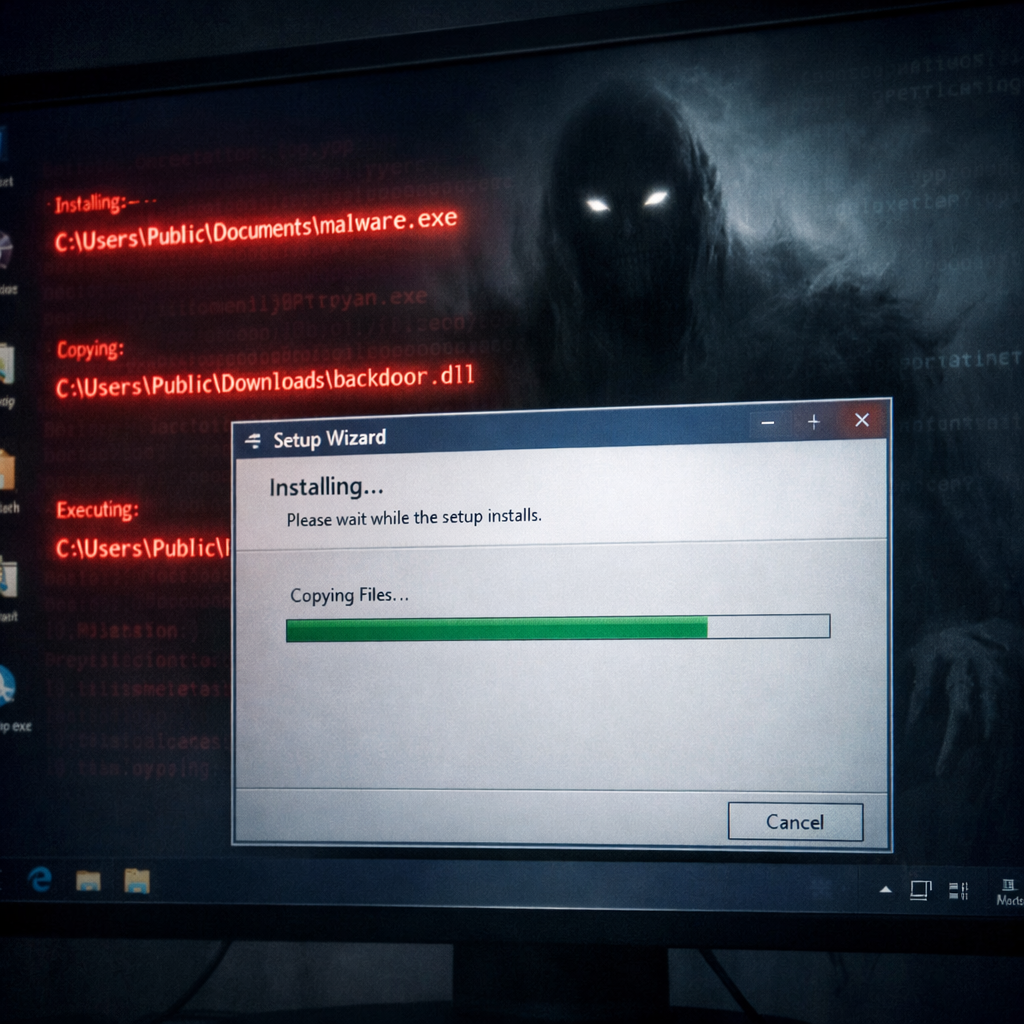
Windows users seeking legitimate software have fallen prey to Silver Fox, a threat actor group slipping malicious payloads into seemingly harmless installers. In mid-September 2026, someone searching for the oCam screen recorder downloaded what appeared to be the real app from a third-party portal. Hidden inside was a secondary installer that tried to silently introduce Gh0stRAT malware. Endpoint protection halted the suspicious activity within about 90 seconds. Meanwhile, lab analysts found that a version of the package carried Gh0stRAT capable of logging keystrokes, capturing screens, and accessing webcams and microphones.
Camouflage with Genuine Apps
Silver Fox’s tactic involves bundling legitimate applications with malware so users won’t notice anything amiss. The oCam example mirrors earlier incidents where fake versions of Microsoft Teams and Chrome were used to lure users. In the oCam case, after installing the real recorder, a second, malicious setup invoked PowerShell to try modifying Defender settings. That was stopped in its tracks by behavioral detection, and a malicious DLL was quarantined before it could load. The system showed no signs of data exfiltration or persistent infection.
Capabilities and Warning Signs
The variant of Gh0stRAT deployed in this campaign uses DLL sideloading to plant its payload while using innocuous processes. It includes plugins that appear as PNG files but enable screen and webcam capture, microphone access, keystroke logging, and remote execution. In some cases, the malware looked for specific antivirus tools and adjusted its behavior accordingly. The fake installer often placed files under public or temp directories to avoid immediate detection.
Indicators and Defense Measures
Experts provided a trove of indicators for detection: SHA-256 hashes for names like Ocam_setup.exe, dll1.dll, and staging domains under *.appdlhub.workers.dev. Malicious paths included temp folders and public documents directories. One red flag is installers that launch PowerShell, especially with Defender modifications or execution policy bypasses. Any unusual libraries in \Users\Public\Documents should be treated with suspicion. Defenders are urged to limit installations to approved sources and to audit Defender’s exclusion list and controls that block changes in protected folders.
Downloaders placing trust in search rankings, logos, or working apps may be blindsided. The presence of a genuine application doesn’t assure safety. Defender settings, Controlled Folder Access, and execution policies play a crucial role in catching malicious activities ahead of compromise.
What this teaches us is that social proof—like high rankings or trusted app behavior—is an unreliable shield against sophisticated malware. As Silver Fox continues hiding Gh0stRAT in plain sight, defenders must focus on the lowest levels: installer behavior, directory fingerprints, and reaction to unexpected library or process activity. Vigilance around software sources and installation chains may be the difference between security and breach.