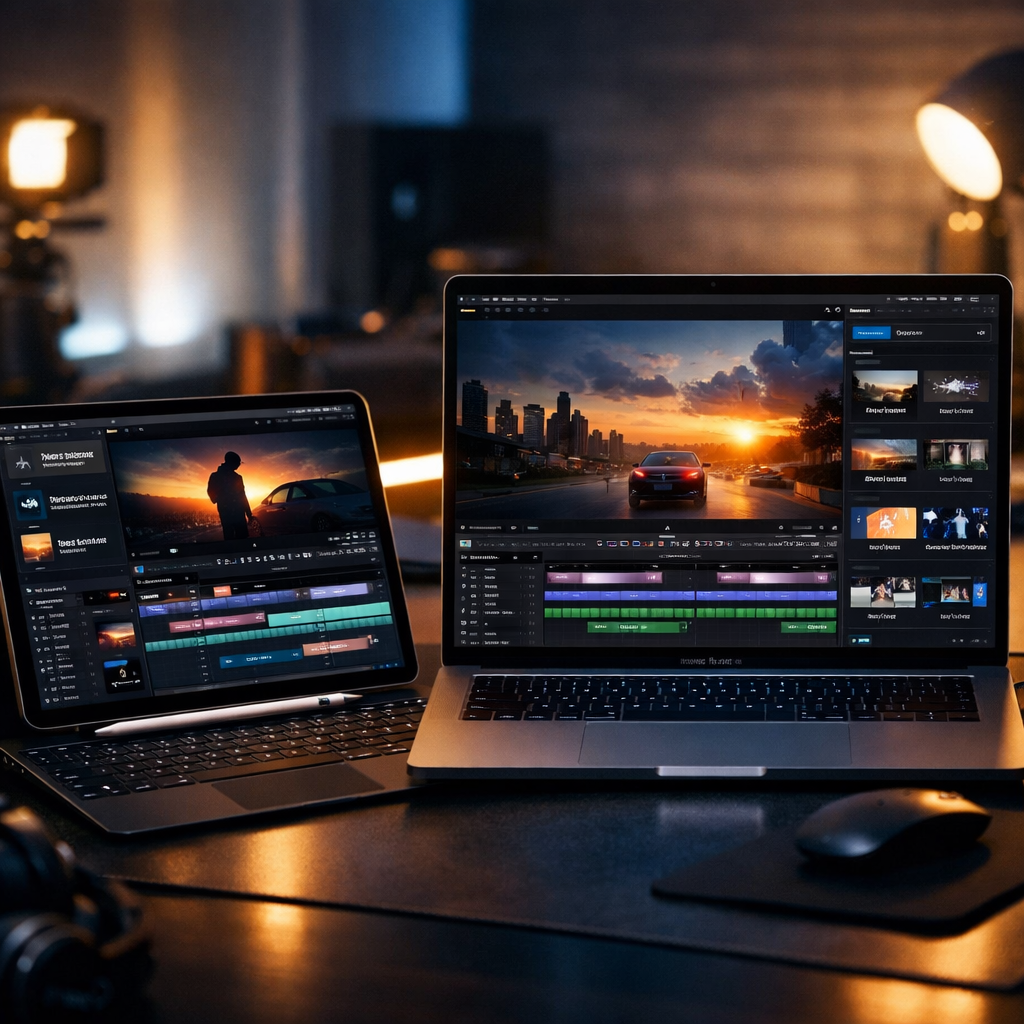
Apple has just released Final Cut Pro 13.0 for Mac and iPad, packing in a wave of refinements and fresh content aimed at both hobbyists and seasoned video creators. Arriving roughly a year after Final Cut Pro 12, this update marks one of the most substantial refreshes the app has seen in years.
Small upgrades, big impact
The latest version brings interface tweaks that feel intuitive. The preview window, for instance, now supports pinch-to-zoom gestures—on new Trackpad-equipped MacBooks and iPads—offering far more flexibility than the traditional fixed zoom levels. It’s a subtle change, but one that speeds up workflow noticeably.
Connected-clip editing has also been overhauled. Select a primary clip and all connected ones are highlighted. If you want to move just the main clip, a “Disconnect Connected Clips” option lets you do so without disturbing the rest—a relief for editors who’ve accidentally dragged a clip and ended up shifting more than intended.
On the creative front, several features long outsourced to plugins are now built in. Keyframe easing has been added so you can adjust animations—ease in or out, use Bezier curves—for smoother transitions. Motion blur, a cinematic effect often lacking in fast shutter phone footage, is now part of Final Cut Pro’s native toolset. Plus, transcription tools gain new languages and cross-language search support, making it easier to locate clips based on multi-lingual dialogue or captions.
Creator Studio steps it up
For those using Final Cut Pro through Creator Studio (Apple’s subscription tier), this launch delivers some premium perks. Chief among them is the MotionVFX library—previously a separate purchase costing anywhere from $29 to $69 monthly—now bundled into Creator Studio for $12.99 per month. Subscribers gain access to thousands of motion design elements, transitions, generators, 3D tracking, lens flare effects, puppet controls, and map highlights.
Another addition exclusive to this tier is the Content Hub. This new in-app resource pools royalty-free stock images, backgrounds, and videos. While currently the selection is limited—searching for “airport” footage yielded less than a dozen decent options—filters like resolution, frame rate, orientation, and codec help narrow results and preview content before importing.
Still images get a boost too. Final Cut Pro now links directly with Pixelmator Pro, letting creators send images back and forth between the two without leaving the timeline. A modified version replaces the original in the browser while preserving both in the asset library so edits are trackable and reversible.
Where it’s available and what’s missing
Final Cut Pro 13 is now live on both Mac and iPad. Nearly all its features are shared across platforms, although the full MotionVFX library is currently accessible only on Mac. Also absent (for now) are certain AI-powered tools like mCaptionsAI and mUpscalerAI, likely omitted due to their complexity and cost. Apple may bring them later under its evolving Apple Intelligence pricing strategy.
This update stands out not just for its polish, but for its strategic value. The combination of built-in cinematic tools, streamlined workflows, and expansive premium content—especially through Creator Studio—gives both casual creators and professionals a lot more for their dollar. MotionVFX integration in particular feels like a tipping point: for users who’ve been subscribing separately, upgrading to Creator Studio now makes strong financial sense.