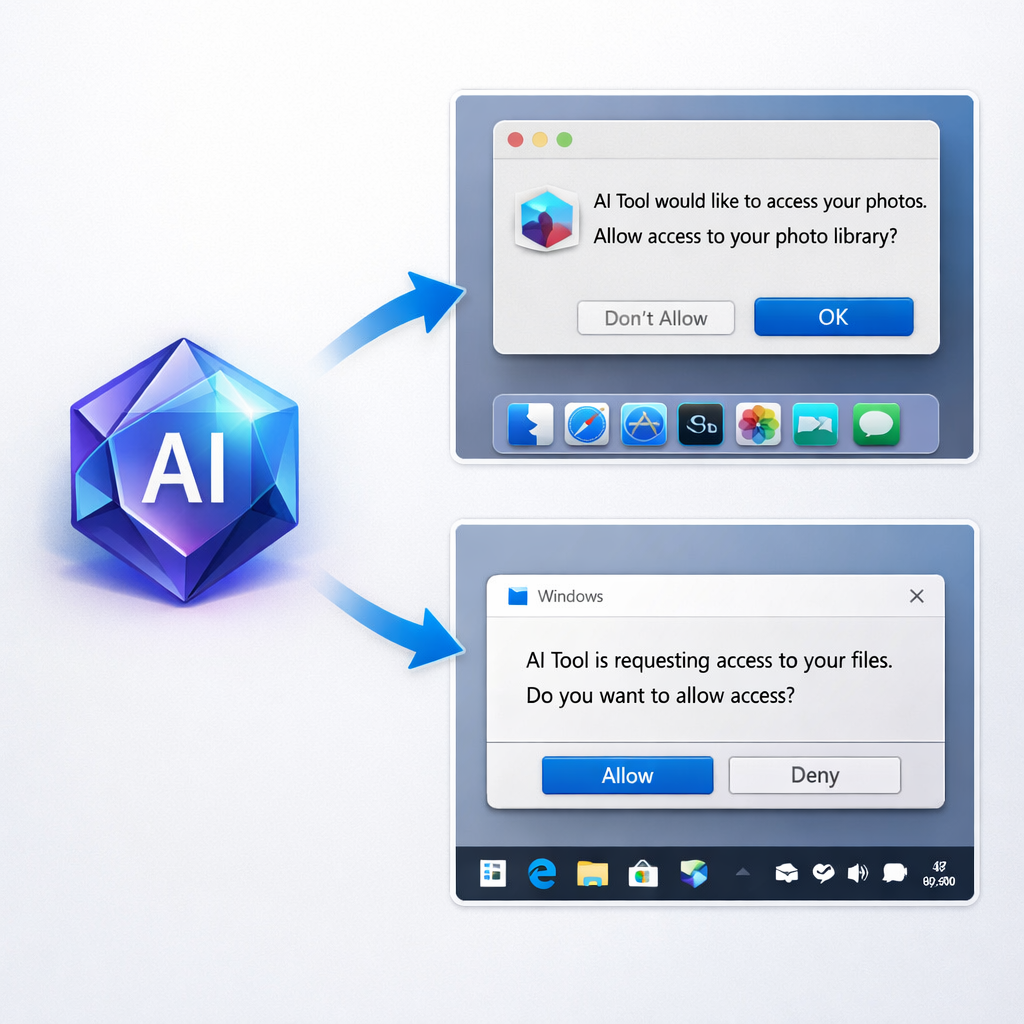
Anthropic has upgraded Claude with a feature that makes it possible to install its artifacts as standalone desktop applications on both macOS and Windows platforms. Previously, such creations lived solely within Claude’s browser environment. With this update, a new “Install as app” option appears under the Share menu when you generate an artifact, allowing it to launch in its own window and show up in the system’s Dock or taskbar.
New App Permissions & Behaviors
The new desktop apps operate in three tiers of permission: Default confines the app to browser-like limits; App grants capabilities like always-on-top windows, global keyboard shortcuts, and notifications; Full computer access allows reading, modifying, or deleting files and running other programs. These permissions must be explicitly chosen, though artifacts don’t need packaging or signing to become apps. Any change made to the underlying artifact invokes an automatic update of the app and prompts for permission review.
To help streamline operation, these artifact apps can be extended using connectors and given an item in the menu bar. While built to feel like native apps, they remain under Claude’s usage limits—any calls the artifact makes toward Claude decrement from quota. This feature is still in beta. Across all subscription tiers, it’s available in the Claude Desktop version, but enterprise customers need to manually enable it in their settings.
What This Means for Users and the AI Landscape
Treating Claude artifacts like desktop apps bridges the gap between web-based AI tools and local applications. For creators, this means smoother workflows: responding to changes in real time, managing permissions more precisely, and leveraging OS features previously inaccessible via browser. For enterprises, the manual enable option ensures oversight and control, especially where full access to files or system resources is involved.
This evolution is part of a broader trend toward more deeply integrated AI tools on personal computers. Just as web apps became native via frameworks like Electron, Claude’s artifacts-as-apps blur the lines further. The ability to push artifacts into dedicated windows and freely interact with OS-level features could shift how we think about AI tools’ place on the desktop.
Behind simple interface polish, though, lie important trade-offs: security risks for permissive artifacts, the possibility of higher usage costs as API or compute calls mount, and the need for users to deeply understand permissions. What to watch next: whether artifact apps can eventually install offline, support broader customization, or be packaged in standardized formats for enterprise deployment. This update marks a significant step in Claude’s maturity—and signals that AI desktop is now a serious frontier.