Claude, Anthropic’s AI assistant, is rolling out a feature that lets users transform AI outputs—called artifacts—into semi-independent Mac apps. Dubbed “Install as app,” the tool, now in beta for both macOS and Windows users, allows people to generate desktop apps from simple prompts. Those apps behave more like native software than just web-views inside Claude itself. But there’s a catch: they only work while you’re signed in and online.
What users can actually build
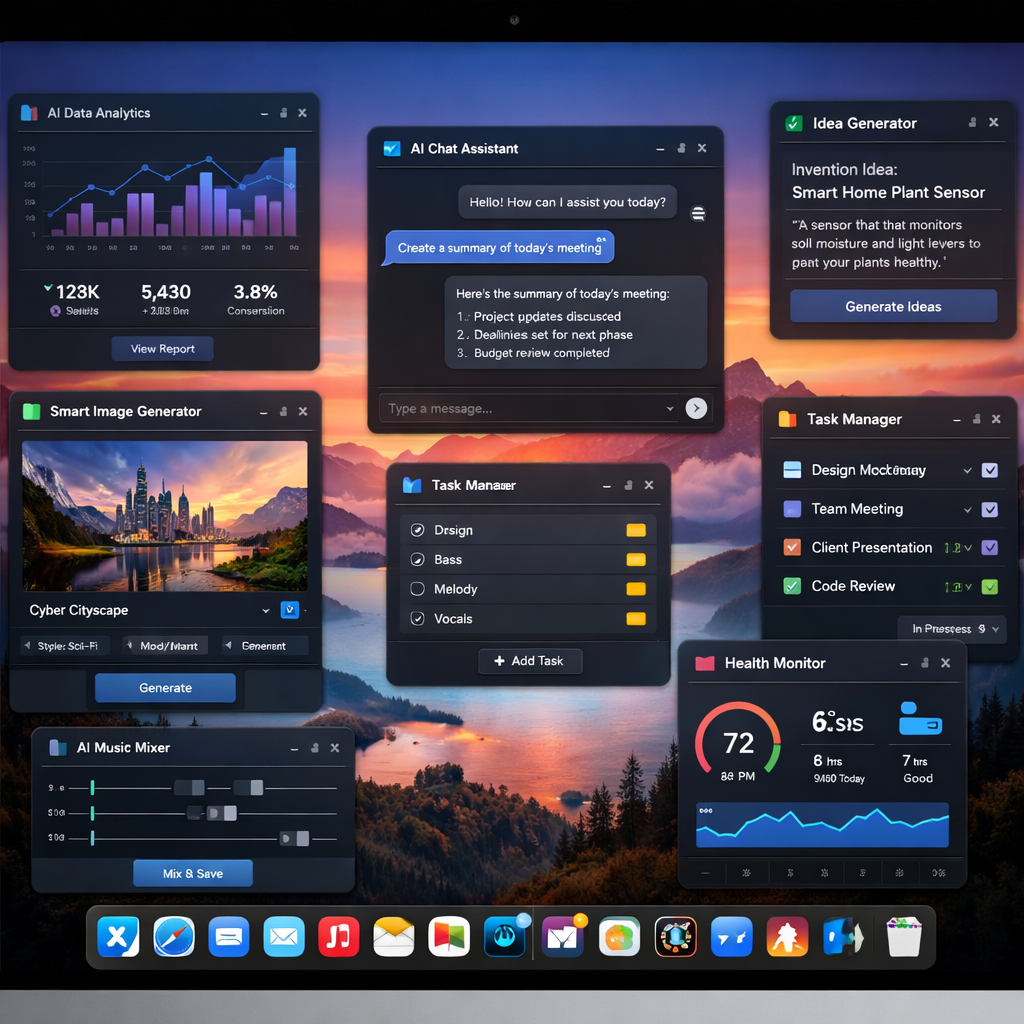
Artifacts were originally designed for static items like charts or webpages. Now, with this update, Claude can produce fully functional tools. Examples include a file manager, a layered image editor, a Terminal-style app, and even a dedicated Menu Bar utility. These apps get their own icons and open in standalone windows separate from Claude’s core desktop interface. They can also receive notifications, and operate with Menu Bar presence.
Permissions, limitations, and usage rules
Claude-created apps come with a tiered permission system. The default setting confines the app’s capabilities to what a standard web browser could do. A second “App permissions” mode lets the app ask for deeper integration—such as global shortcuts, notifications, or window positioning. For full computer access—reading, writing, or deleting files and running external programs—you’ll need to build the app yourself or be part of a Team or Enterprise account. Anthropic does not review these user-made apps before distribution.
Perhaps the biggest limitation: these apps depend entirely on being online and signed into Claude. If your Mac is offline—no Wi-Fi, no Internet—these apps won’t open even if they’ve already been installed and configured. That immediately excludes them from use cases where persistent offline functionality is required. Also, any requests apps make back to Claude count toward your Claude plan’s usage limits.
This new feature is in beta across all Claude subscription tiers. While the idea of generating custom tools from natural-language prompts is cool, for many users, sticking with established third-party apps—or building your own through Xcode with AI agents—will still make more sense.
In short: Claude’s desktop app generator opens up creative possibilities for rapidly prototyping useful tools that feel like native Mac apps. However, the reliance on cloud access and online sign-ins means those tools are still far from replacing full-featured apps designed for offline and high-security environments.
Why this matters:Over the past few years, several AI tools have offered UI design suggestions and coding helpers. Claude’s “Install as app” crosses a line into full app creation. It signals a shift away from just suggesting ideas toward executing them—right on the desktop. That has implications not just for productivity software, but for app distribution, permissions, and desktop app ecosystems.
What to watch:whether offline usability gets improved, whether Anthropic introduces app vetting, and how users balance convenience against potential security risks. If Claude’s apps become more self-contained and less dependent on cloud services, they could meaningfully challenge traditional app developers. Until then, this remains an interesting but limited experiment.