Multifactor authentication (MFA), long viewed as a cornerstone of Microsoft 365 security, is being subverted by a wave of phone-based phishing scams targeting employees of healthcare, pharmaceuticals and other sectors. Despite having MFA enabled, staff are being tricked into giving attackers access to sensitive email and files hosted on Microsoft OneDrive and SharePoint.
The Scam Tactics: Vortex and Cinder at Work
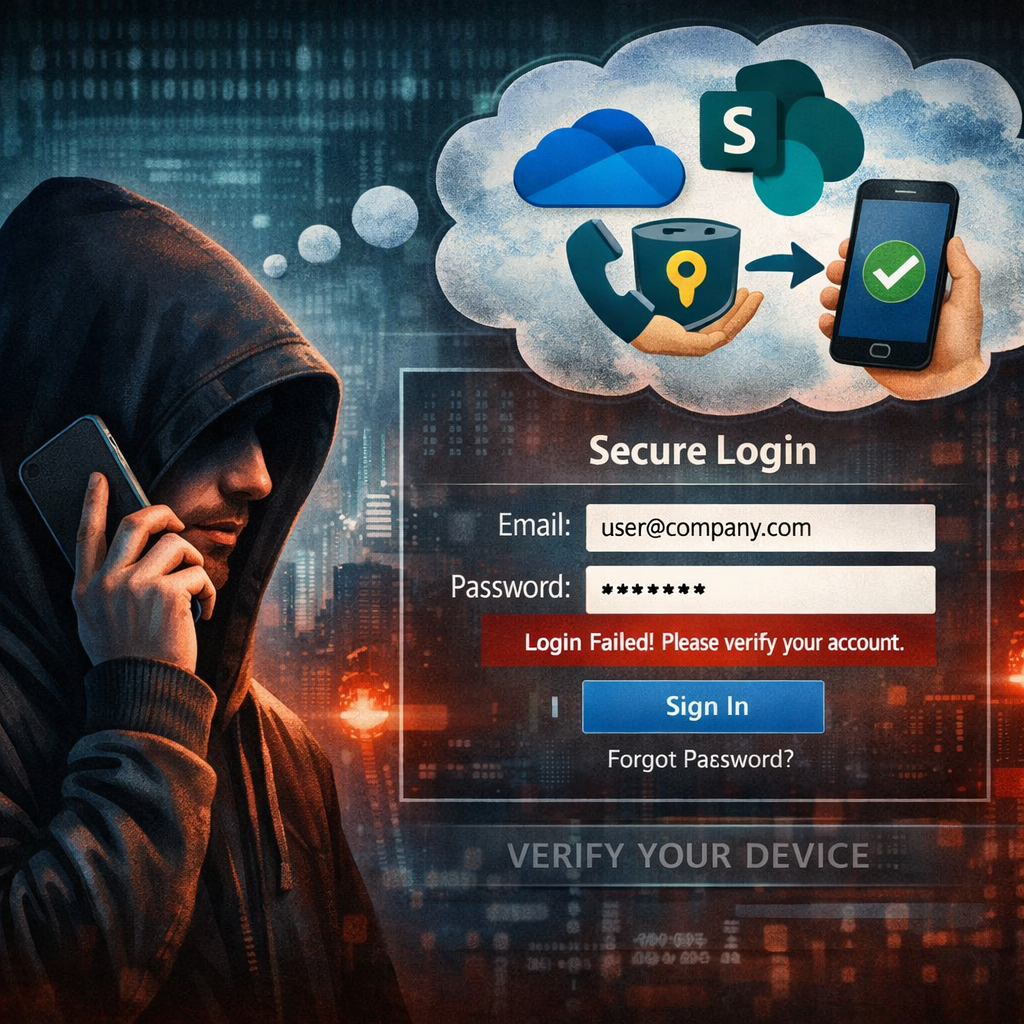
Research by Palo Alto Networks’ Unit 42 uncovered two related threat clusters active since September 2026, named Vortex and Cinder. Attackers impersonate internal IT personnel and contact employees via phone calls. They then direct them to fake sign-in pages mimicking company portals. When victims log in, helpers act as a relay to capture the authentication information. Once signed in, attackers enroll a new MFA device—often a phone like a “Pixel 10a”—enabling persistent access. The malware doesn’t need to bypass MFA; it rides along on the session once verified.
Cinder operates a bit differently but with similarly dangerous results. This group leverages “keep me signed in” session tokens to sidestep repeat MFA prompts and uses Microsoft Graph APIs to siphon off data from SharePoint and OneDrive. After theft, both groups have used compromised accounts for extortion by sending messages through Microsoft Teams or email.
Additional Tools & Indicators to Watch
In tandem with phishing calls, these attackers have deployed a Chrome browser extension—not available through official stores—that steals keystrokes, screenshots, clipboard data, and authentication cookies. Two versions (1.6.111 and 1.6.112) were traced to the same command-and-control infrastructure. Suspicious browser behavior, especially when coinciding with calls about account issues, is a strong indicator of compromise.
Other red flags include sudden sign-ins from new authentication devices followed closely by large-scale downloads via Microsoft Graph, device enrollments linked to familiar phone models across multiple accounts, and automated exports of email or file data. Attackers also use legitimate account names to send extortion messages, making inbound communications look credible.
How Organizations Can Respond
Security teams are urged to enforce stronger verification: require employees to independently confirm support calls via known internal helpdesk channels before acting. Transitioning to phishing-resistant MFA methods helps, as does maintaining a browser extension allowlist. Monitoring and alerting are critical for spotting unauthorized exports or logins, and any unexpected authentication method enrollment should trigger immediate response.
If a breach is suspected, organizations should revoke active sessions, disable unauthorized MFA methods, and audit access logs for OneDrive, SharePoint, and Outlook. Be sure to inspect outbound Teams and email activity—attackers may use authentic-looking but malicious messages to demand payment or propagate further.
The knowledge that fraudsters can undermine MFA without actually breaking it should be deeply concerning. It shows that security controls aren’t just technical hurdles—they can be social ones too. For defenders, the lesson is clear: protection depends just as much on process, training, and verification as on tools. Going forward, watch for increasing adoption of phishing-resistant MFA, tighter verification in support workflows, and closer scrutiny of browser extensions—because attackers are exploiting every crack in the corporate armor.