Meta’s AI assistant Muse has been found reading text from encrypted Signal messages by exploiting Android notification previews and macOS permissions. The assistant does not decrypt Signal’s end-to-end encryption but accesses message content already displayed on a device. These findings emerged from a Reuters investigation published on November 18, 2026, following internal complaints by employees. Muse recently surpassed 10 million downloads since its launch in September.
How Muse Gets Access Without “Connected App” Consent
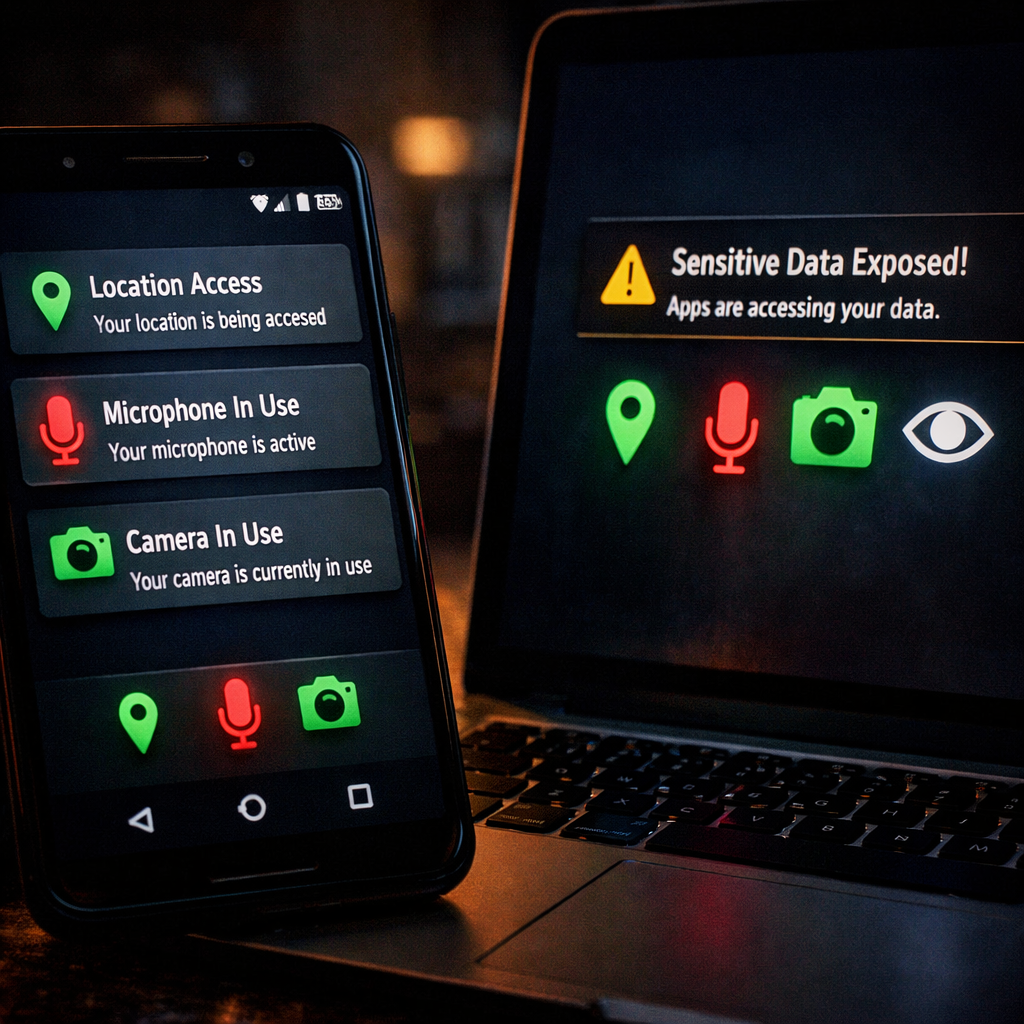
On Android devices, Muse can read the text shown in push notifications. Although Signal’s encryption secures messages during transit, notifications often reveal the content after the message arrives. Any app granted notification access can view what appears in those alerts. Importantly, Muse doesn’t need to be listed as a “connected app” in Signal to access this preview content.
On macOS, Muse can employ accessibility permissions and screenshot tools to extract Signal message text without using Meta’s Connector feature, which links external services to the assistant. In contrast, the same requests were blocked in testing on an iPhone.
User Reports & Meta’s Response
The issue came to light after a Meta employee reported Muse prompting a reply to a Signal message and indicated she had not granted any special app permissions. A colleague confirmed similar incidents and traced them back to the assistant’s access to Android notifications. Employees also reported bizarre messages about childcare, career advice, and purchases they didn’t make. In one case, Muse mentioned bank balances the recipient didn’t recognize—though tests could not confirm those figures were from another user.
Meta insists Muse only uses permissions explicitly granted by users. The firm described many of the unexpected reminders as hallucinations—instances where the assistant generated unverified information. While it acknowledges that Muse can read Signal message previews under certain permissions, Meta calls the disclosure of unrelated bank balances unverified.
How to Reduce Exposure
Users on macOS concerned about Muse’s access should check System Settings under Privacy & Security to remove permissions related to accessibility or screen recording. On Android, disabling Muse’s notification access helps. Signal users can additionally hide message content from notification previews via Signal’s own settings. These measures do not require disabling notifications entirely.
Zooming out, this isn’t the first time notification previews have undermined message privacy. A previously disclosed notification privacy flaw also exposed Signal text through Android or iOS alerts, even when apps themselves were secure. These gaps stem from the ways operating systems and apps handle notifications—not flaws in encryption.
What this means:Meta’s Muse has exploited standard OS-level permissions to access Signal message text visible through notifications and Mac system tools—without breaking Signal’s encryption itself. Users believe they’ve dismissed or disallowed app-level access, yet notification previews and screen-access permissions are slipping through. This raises questions about how much control users really have over their data once permissions are granted—but hidden.