Samsung has opened early access for its latest skin update—One UI 9.5 Beta—for the Galaxy S26 lineup, bringing a slew of camera upgrades, UI tweaks, and new privacy tools. Owners of the Galaxy S26, S26 Plus, and S26 Ultra in select countries can now enroll and start using the beta ahead of its full launch.
Which devices and regions qualify?
The One UI 9.5 Beta is exclusive to the Galaxy S26 trio for now. Folded devices like the Z Fold 8 or Fold 8 Ultra are notably absent from this first wave. Those eligible must reside in Germany, India, Korea, Poland, the United Kingdom, or the United States. Samsung plans to widen availability later, potentially adding more models and markets ahead of the stable release. The Galaxy S27 is expected to ship with One UI 9.5 out of the box.
What’s new in One UI 9.5?
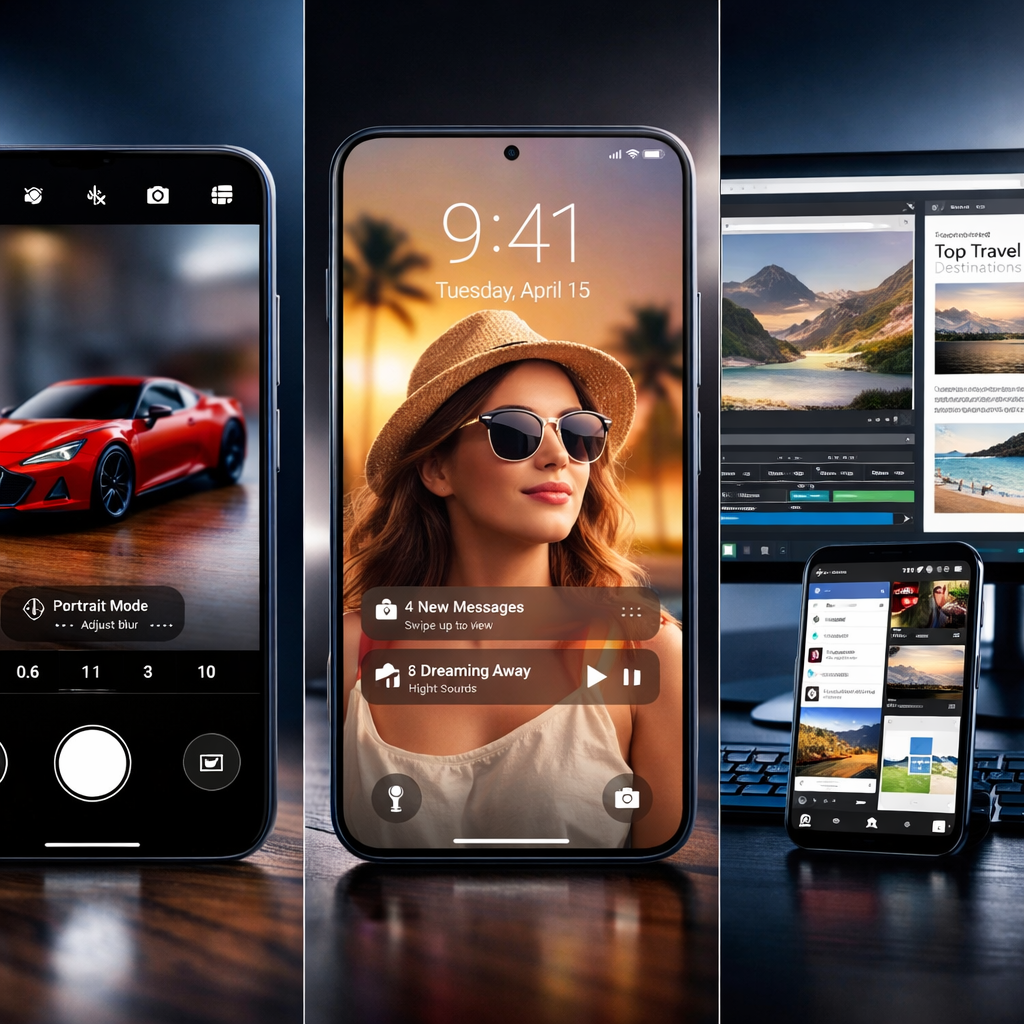
The update introduces upgraded camera and video tools. Among the highlights are an improved zoom interface and customizable presets in Pro and Pro Video modes. Sliders have been refined so you can tweak settings with more precision, and a new histogram and audio meter help monitor visual and sound inputs more closely.
Lock screen personalization has also been enhanced. Wallpapers can now feature live depth effects that respond to tilts, and clocks offer new timeout options—you can set how long a clock with seconds appears, with choices ranging from 10 seconds to 10 minutes. Sports fans will enjoy animated effects in the Now bar celebrating team victories.
Privacy and usability upgrades are broad. A new App Lock option lets you secure individual apps with biometrics or your screen lock; notifications and widgets are hidden unless the device is unlocked. Devices in the Ultra tier support an automatic privacy display that activates during secure-labeled actions. You can now use fingerprint and face recognition together if both are enrolled, and the registration process for both has received a cleaner redesign.
Samsung has also added document support to the My Files app—users can open .pptx and .docx files without third-party apps. Storage management gets smarter with better tools to delete files in the often confusing “Other” category. On DeX, windows can now maximize fully and take up the entire screen, app backgrounds are visible behind the taskbar, and new window snapping options let you split into two, three, or even four windows in multiple orientations.
Health and wellness tools add global features: sleep coaching kicks in after just three days of data collection, and meal tracking gets easier with photo-based logging of nutrition details. A new medications tracker helps remind users about daily doses. Accessibility improvements include floating shortcuts for easier reach, better control over hearing aid volume, and selective silencing of unwanted sounds. Finally, you can now download classic Over the Horizon ringtones and other past Samsung sounds to use directly with alarms and notifications.
How to join the beta
To enroll, users must rejoin the beta program even if they previously participated in One UI 9. Once enrolled, the update arrives via OTA (over the air). The steps are as follows:
- Open the Samsung Members app on your Galaxy S26, S26 Plus, or S26 Ultra.
- Find the Beta program card and select it.
- Choose One UI 9.5 Beta and tap to join.
- Either tap “Check for software update” from that screen or head to Settings to trigger the update.
- If the update appears, install it.
Because this is beta software, issues are possible—bugs, performance hiccups, and instability. If things go badly, users can roll back to a stable build.
Full changelog highlights:
- New camera control layouts; simplified shutter area; customizable sliders and presets; improved histogram and audio meter.
- Lock screen supports depth live effects; clock timeout options; sports animations in Now bar.
- App Lock for individual apps; automatic privacy mode; combined fingerprint + face verification; redesigned bio registration flow.
- My Files: open PowerPoint/Word files; clean “Other” storage. DeX: fullscreen windows; enhanced snap abilities.
- Health: quicker sleep coaching; photo meal logging; global meds tracker. Accessibility: floating shortcuts; better hearing aid and notification control.
- Downloadable classic ringtones; removal of certain Now brief features like Audio Brief and Moments.
If you’ve got a supported device in the approved region, now is the time to try One UI 9.5. Expect early bugs and unfinished features, but also a strong preview of Samsung’s next direction.
Why this matters: Samsung’s mid-cycle updates—like this jump to One UI 9.5—typically serve as a testing ground for features that roll into major OS releases. This beta reveals the company’s priorities: offering granular camera tools, boosting privacy controls, and refining DeX into a more desktop-like environment. That suggests users should keep an eye on how smooth this rollout becomes and whether key features make it to the stable version without significant compromises.