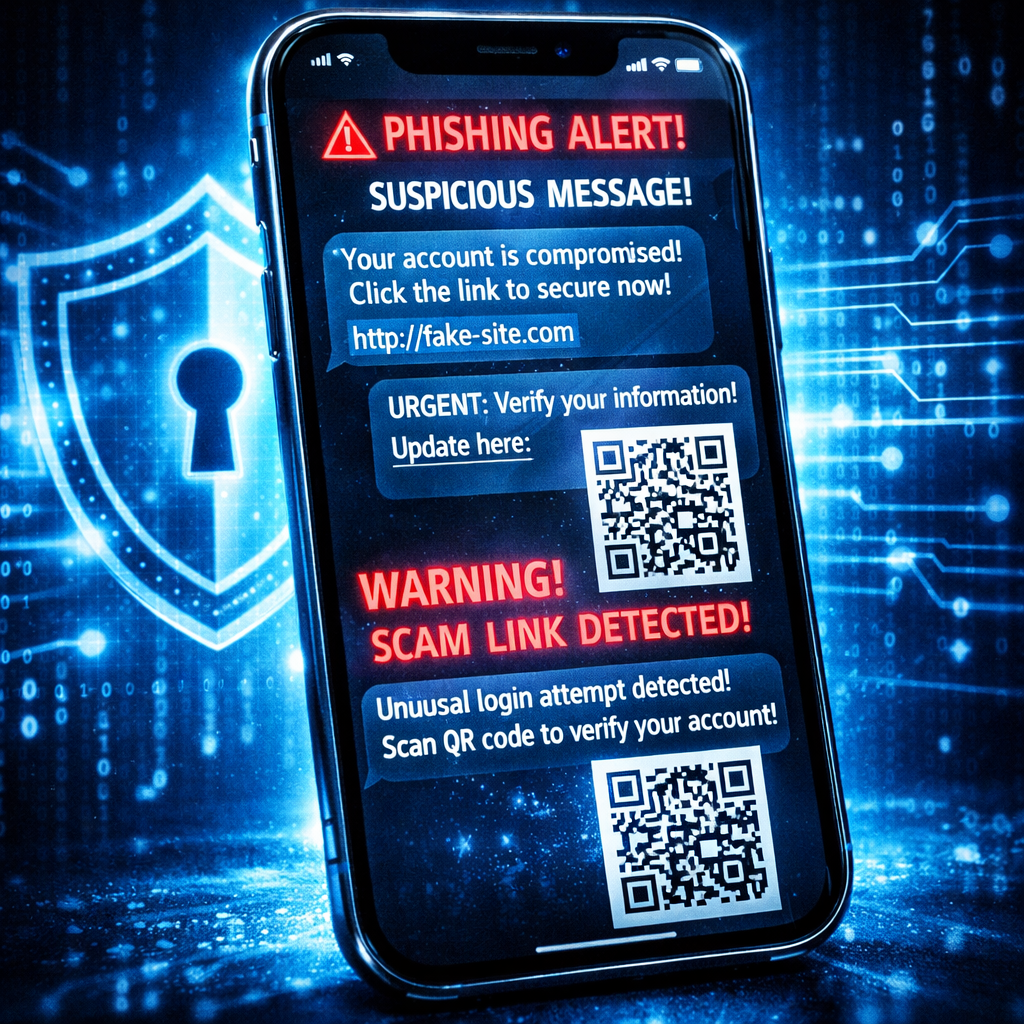
MacPaw’s Moonlock security tool is now available on iPhone, offering users a way to detect phishing scams, check security settings, and receive alerts — all without relying on antivirus software. The launch brings features like content scanning, SMS filtering, breach monitoring, and a device security score to iPhones running iOS 26 or later.
Key Features Unpacked
One of the centerpieces is the “Scam Detect” function, which analyzes content users paste, scan, or share via the iOS share sheet. It doesn’t simply label suspicious material but guides users through why something might be unsafe — for example, identifying mismatches between who a link claims to be from versus the actual sender.
There’s also a QR code inspection tool letting users preview destinations before opening codes that may be masking malicious sites. An automatic “Safe SMS” feature filters messages from unknown senders into the Junk folder, showing explanations for each flagged text. Existing threads or previous messages are not affected, and none of the filtered content gets deleted — just set aside.
Moonlock’s “Email Breach History” lets you check up to five email addresses against known data leaks, revealing when and what kind of data was exposed. Meanwhile, a “Security Score” rates device safety out of 100, assessing things like Wi-Fi security, passcode strength, iOS updates, and signs of jailbreaking — along with recommendations to improve weak spots.
What This Means Compared to Moonlock on Mac, Apple’s Built-In Tools, and Privacy Trade-Offs
The iPhone version doesn’t carry over full macOS Moonlock capabilities like real-time malware protection, scheduled scans, network monitoring, or a built-in VPN. Those features made sense on Mac, but Apple’s restrictions for iOS prevent third-party apps from scanning other apps’ files, so Moonlock zeroes in on scams and device configuration instead.
Some features overlap with what iOS already provides: Apple offers unknown sender message filtering and spam detection through extensions, as well as breach warnings via the Passwords app. Where Moonlock differs is in combining these tools in one place and adding content scrutiny via Scam Detect and breach checks even for email addresses not stored in Passwords.
However, there’s a privacy trade-off. Moonlock’s Safe SMS examines texts locally first; if its models are uncertain, messages may be routed to MacPaw’s servers and then to OpenAI for deeper analysis. Content submitted for Scam Detect similarly goes through OpenAI. According to MacPaw, SMS content isn’t stored by Moonlock, though OpenAI may retain submitted data up to 30 days for abuse monitoring, without using it to train its models.
Availability and Pricing
Moonlock for iPhone launched November 18, 2026, via the App Store and Setapp. A seven-day free trial is included. Subscription plans run about $9.99 per month or $49.99 annually. If you already have Moonlock through Setapp, you get access on Mac and iPhone with the same subscription and no extra account setup.
This expansion matters because phishing remains one of the most common vectors for cybercrime. Tools that help users understand risks, rather than simply alerting them, can build better habits and decision-making. Still, without independent benchmarks or false positive data, it’s tough to know how effective Moonlock will be in practice. What to watch for: how many real-world catches it makes, whether privacy safeguards hold up, and how it competes with built-in features in iOS.