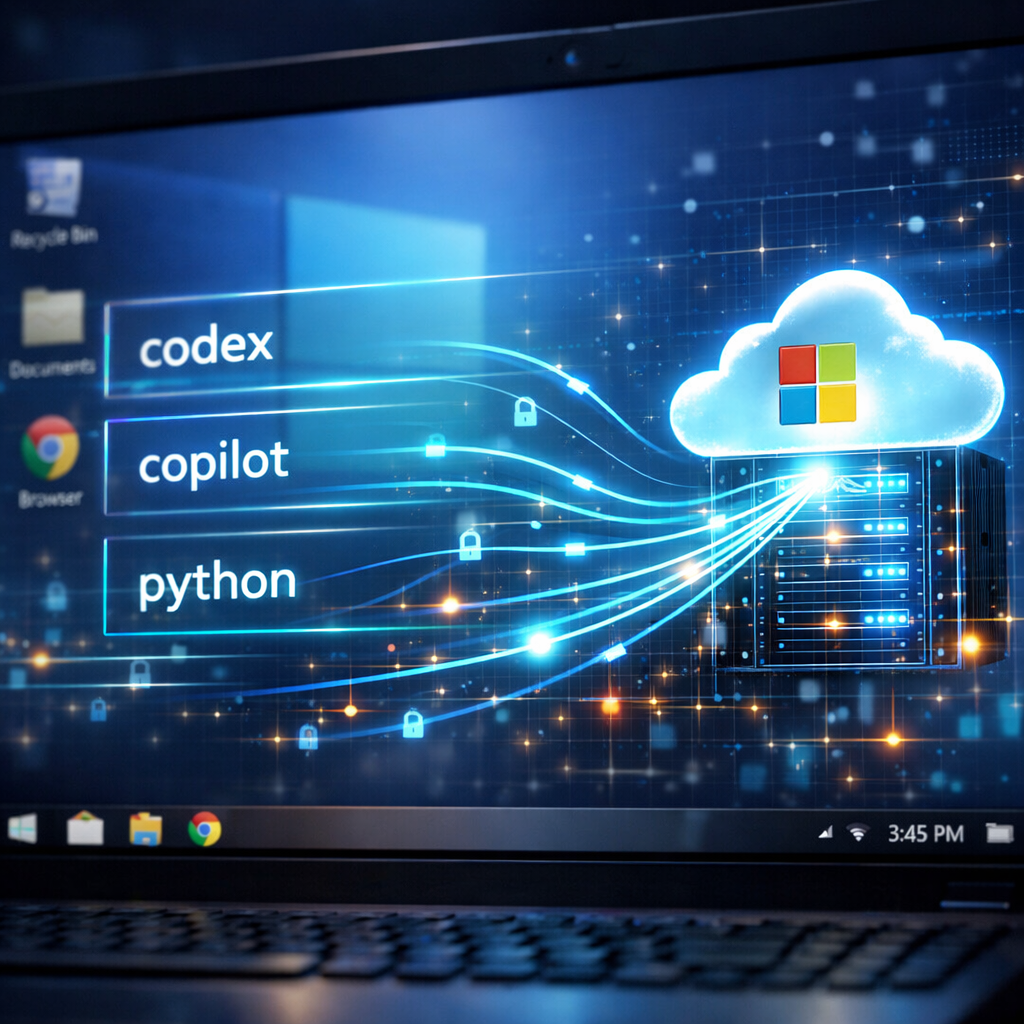
Windows 11 includes a hidden telemetry feature that logs which AI-based coding agents and developer tools are run, then reports that information back to Microsoft—if users haven’t disabled optional diagnostic data. The component in question is tied to a DLL called MissionControlAggregator.dll, which stores names like codex.exe, claude.exe, copilot.exe, cursor.exe as well as familiar dev tools like python.exe, dotnet.exe, gcc.exe, and code.exe.
How it works: agents, telemetry & reporting
Security researcher Xusheng Li first reported the discovery on November 16, 2026 after probing for undocumented features in Windows system files. Within MissionControlAggregator.dll, Li found that a feature flag named CLICodingAgentUsage activates checks for runs of these executable names. Windows doesn’t continuously scan what’s running; instead it responds to existing system events like KernelProcess.AppStateChangeSummary and Win32kTraceLogging.AppInteractivitySummary, along with detection of WSL launches. Any matching agent name sets a flag in local state. Later, the Windows telemetry service uploads a report called Segments.SubCohorts, which includes yes/no flags—not usage time, active window time, or prompt content—for each agent detected.
Enabled by default?
To test the functionality, Li ran Windows 11 ARM64 build 26200.9974, where optional diagnostics were on and the telemetry service “DiagTrack” was active. He renamed cmd.exe to codex.exe, and that alone triggered the “Codex” flag; changing it to gcc.exe raised a separate flag. These findings showed that the detection works even for renamed files, purely based on their name. Li also observed the report in DiagTrack’s upload queue, but marked as optional data—indicating Microsoft treats this not as mandatory telemetry.
Turning off optional diagnostic data—found under Settings → Privacy & security → Diagnostics & feedback—prevents this data from being collected. Microsoft’s privacy documentation states that devices still work correctly with only required data turned on, and that optional data can include device activity. In environments managed by IT, diagnostic settings may be enforced and users may not be able to disable optional data.
Privacy risks & broader implications
While the system doesn’t log prompts, runtime behavior, or window focus, simply knowing which AI agents are installed or used may have privacy or security consequences. Development tools—especially AI-powered ones—can store sensitive data, credentials, or token caches. A device’s use of certain agents could signal where valuable assets are located.
Microsoft has not yet provided a public explanation for why this data collection was implemented. One speculation is it may support development and planning as Windows enhances its own AI and agent features. Until Microsoft weighs in, developers are advised to audit their system’s diagnostics settings and only enable telemetry levels they’re comfortable sharing.
What this means: This discovery underscores a slippery slope in how modern OS telemetry can gather intimate details of development environments, even when users believe sensitive information is guarded. The trade-off between product intelligence and privacy is growing sharper. Users and IT teams should push for clearer disclosures and finer controls over diagnostic data—because what gets collected today may inform surprise use cases tomorrow.