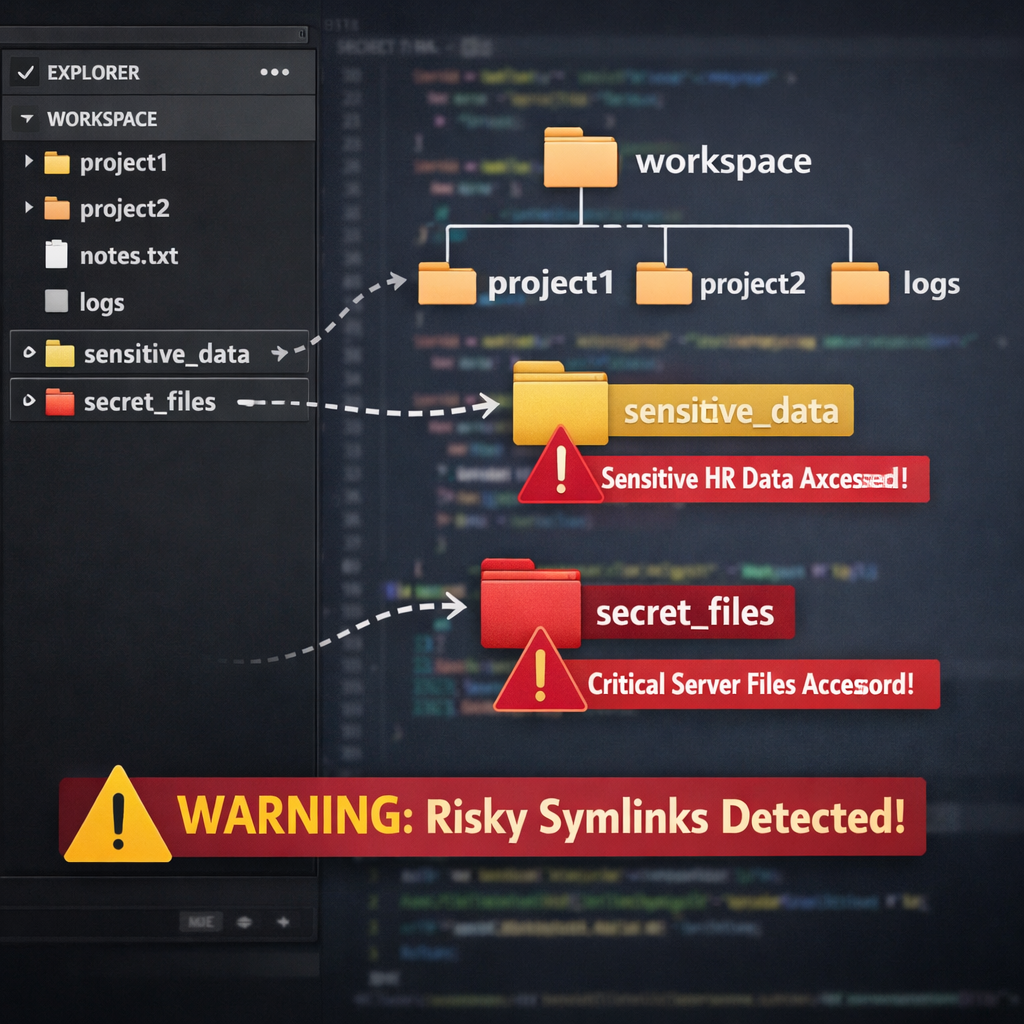
Security researchers have uncovered a concerning weakness in the Claude Code extension for Visual Studio Code: it can display permission prompts that misrepresent where files actually live. In one example, a developer is asked to grant write access to what appears to be a safe path inside the project workspace—but behind the scenes, symlinks divert that path to locations outside the trusted workspace. Anthropic, the company behind Claude Code, has reviewed the issue but does not currently consider it a security bug.
How the Vulnerability Works
The problem involves symlinks—shortcut pointers that can refer to files or folders outside the workspace. In tests by the firm Ultrastrike, a folder in the workspace called “./helpdocs” was actually a symlink leading elsewhere. When Claude Code’s AI agent requested to write a file named test.txt, the permission dialog only revealed the visible (workspace) path. Users had no indication that the destination was outside the workspace.
This issue isn’t brand new: back in May 2026, researchers from Adversa AI flagged a similar display flaw in Claude Code’s command-line tool. That tool would show a prompt with a path like ./link/passwd even when it mapped to something like /etc/passwd. Anthropic quietly patched the command-line behavior—but the VS Code extension, as of version 2.1.322, has not received the same fix.
The Stakes & Anthropic’s Position
With more than 29 million installs, the extension is widely used among developers—and that amplifies the risk. A compromised or malicious agent could exploit this discrepancy to trick users into giving write or read permissions to sensitive data, such as SSH keys in ~/.ssh/, by hiding the true file destinations. Because the prompts omit any warning about links to external paths, users lack full visibility into what they are approving.
Anthropic responded through its HackerOne program by marking the report “informative.” The company argues that since the user must approve actions, and symlinks are outside its stated threat model, this behavior is acceptable. Ultrastrike, however, notes that the public documentation does not specify an exception for symlinks. The trust model—where everything inside a declared workspace, including symlinks, is implicitly trusted—raises questions. If a workspace is trusted, why is a permission prompt needed at all? And if the prompt is a key boundary, it should reveal accurate information.
What Developers Can Do Now
No patch has yet been released for the VS Code extension. Researchers advise manually verifying paths before approval: copy the path shown in the permission dialog, run realpath <displayed-path> in a terminal to see where it truly leads. If the resolved location lies outside the workspace, the request should be denied. Also, review repositories after each sync for unexpected symlinks, especially in teams where code merges or pulls could introduce them. Beware as well of imitations—recently, a malicious apearing extension using Claude Code branding was spotted.
Affected Version: VS Code extension 2.1.322 remains vulnerable. Example indicators include symlinks like ./helpdocs or ./link pointing outside the workspace and exposing paths such as ~/.ssh/. Tools like realpath can help verify true file locations.
Why This Matters and What to Watch
This flaw reflects a broader concern about weak guardrails in AI-assisted development tools. As coding agents gain popularity, reliable permission systems are essential. Misleading prompts can erode trust and open paths for data exposure—whether through supply chain attacks, malicious agents, or simple misconfigurations. Until the extension is updated, vigilance at the file-system level and transparency in permission dialogs will be key for developers.