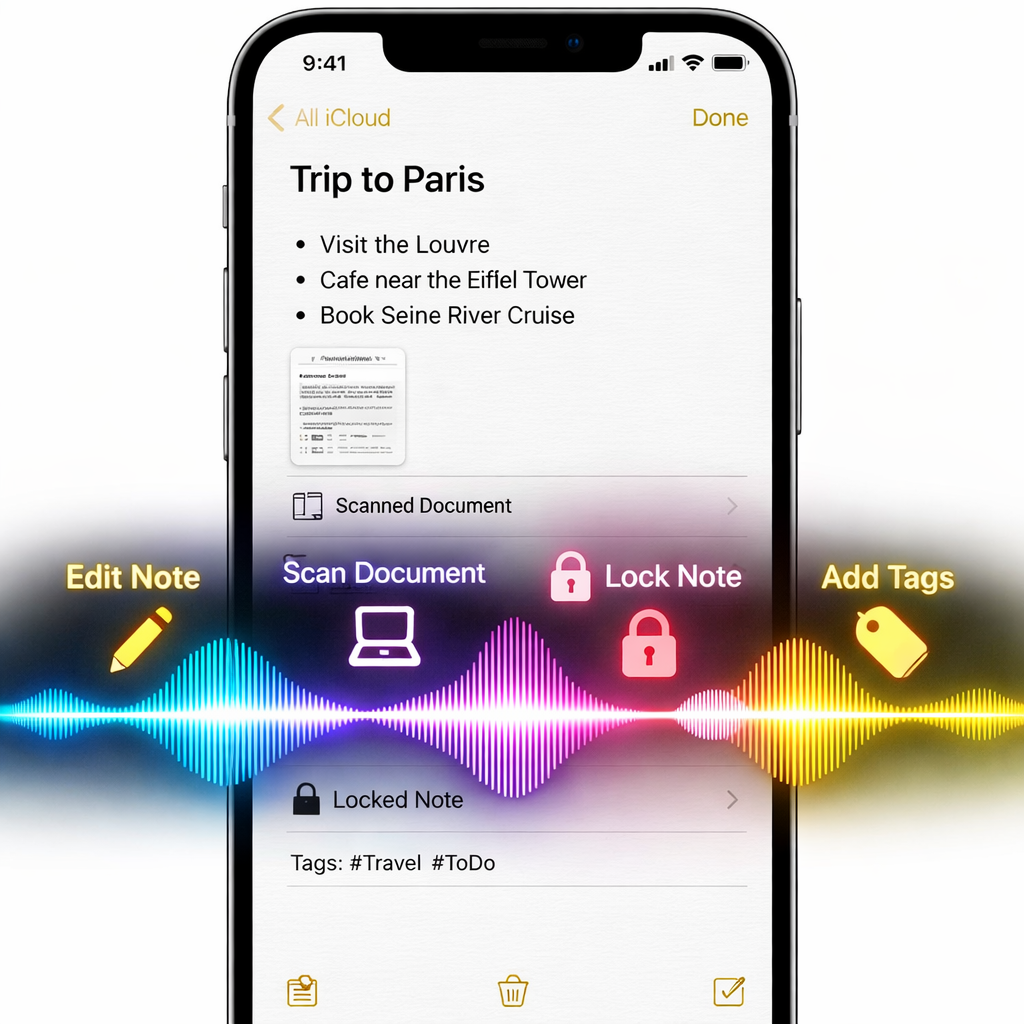
With the rollout of iOS 27.3, Apple Notes has just gained a major boost via Siri AI. The update adds a wide range of voice- and assistant-driven tasks for notes, tags, folders—even document scanning and audio recording—all now under Siri’s command.
What’s New in Notes with Siri AI
Previously, Siri could handle basic note-taking actions like opening the app or searching for notes. With iOS 27.3, however, its abilities have been greatly expanded. Users can now create, update, and delete notes, folders, and tags entirely via Siri. They can lock or unlock notes, insert, format or highlight text, replace content, manage checklists, and even add or remove links and tags—all hands-free.
Other additions include the ability to scan physical documents directly into notes, start or stop audio recordings, and move specific content around—like placing a link from a webpage into a note exactly where desired.
Why It Matters—and What Comes Next
For anyone who relies heavily on Notes—managing projects, storing research, or simply keeping daily tasks in order—these improvements mark a big leap. Having nearly full control over your notes without touching your device can make workflows faster, more accessible, and more seamless, especially for multitasking or accessibility purposes.
Looking ahead, Apple is preparing to open up similarly powerful controls to third-party note apps once “app skills” arrive next year. For now, Notes has a unique advantage among built-in apps in how deeply it’s integrated with Siri AI’s new feature set.
Apple’s move here underscores a broader trend: voice assistants evolving from simple helpers into full work companions. By giving Siri the ability to manipulate content granularly—not just trigger pre-set actions—Apple is pushing toward a future where speaking true commands replaces tapping through menus. What to watch next: how well the voice controls handle complexity (errors, nested content, large documents), how reliable they are in noisy or shared environments, and how third-party apps will adapt when they gain similar capabilities.