Google is rolling out its November Feature Drop for Pixel Watch users, introducing notable new tools like phone-to-watch unlock, personalized widgets, notification summaries, and updated workout tracking. Several features are available now while others are headed to users in the coming weeks.
What’s Available Now
Pixel Watch 3 and newer devices, running Wear OS 7 or higher, are getting real-time guided workouts today. These include step-by-step instructions, as well as the ability to log reps, track weight, and monitor key workout metrics. To use this functionality, ensure your watch has Google Health version 4.12+ and your paired Android phone is running version 5.12+.
Upcoming Features Through Wear OS 7.1
Over the next few weeks, additional features will arrive with the Wear OS 7.1 update. One major change is enhanced notification handling: users who own a Pixel 9 (excluding Pixel A-series) or newer will see extended notification clusters and group chats condensed into readable overviews on their Pixel Watch 3 and up.
Also in the queue is “Create My Widget,” which lets Pixel Watch 4 and newer users tailor their watch faces with custom information displays. Another feature, evolving from Manual Call Screen, is now dubbed Gemini Call Screen—used on Pixel Watch 5—to filter incoming calls on demand and provide informative summaries in US English.
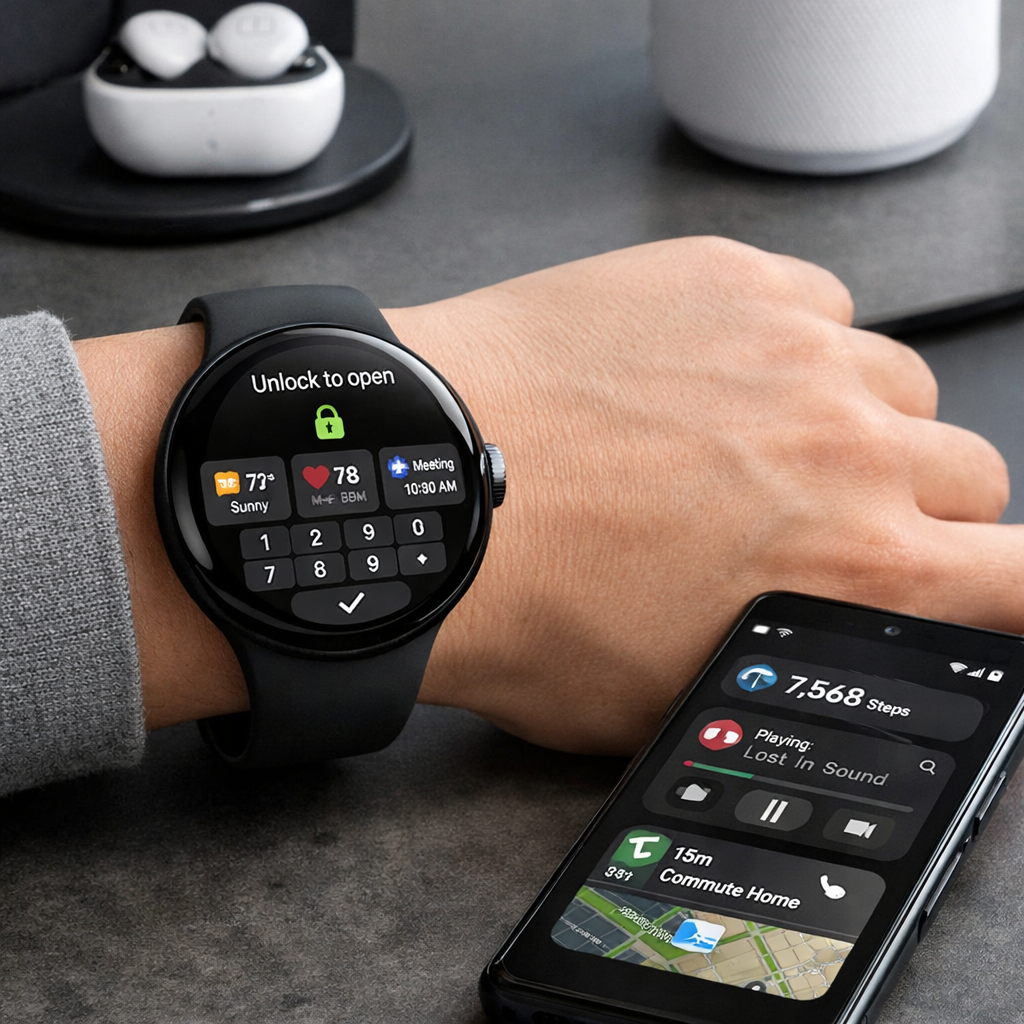
Perhaps the most convenient addition is phone-to-watch unlocking. After unlocking the paired phone, a prompt will appear allowing the watch to be unlocked without entering a PIN or pattern—eligible on Pixel Watch 3 and newer. For security, the watch will need to be on your wrist, and Ultra-Wideband (UWB) will play a supporting role in verifying the unlock.
These updates reflect Google’s continued push to enhance Wear OS and make Pixel Watches more seamless companions to Android phones, especially newer Pixels. The November Drop is less about flashy hardware and more about smoothing out daily interactions and reducing friction.
What it means: These enhancements address longtime usability gaps—unlocking without a PIN, smarter notifications, custom widgets. Watch how well these land in real usage, especially with battery life and security. With Wear OS evolving fast, the November Drop could represent not just polish, but proof that Google sees the smartwatch experience as central.