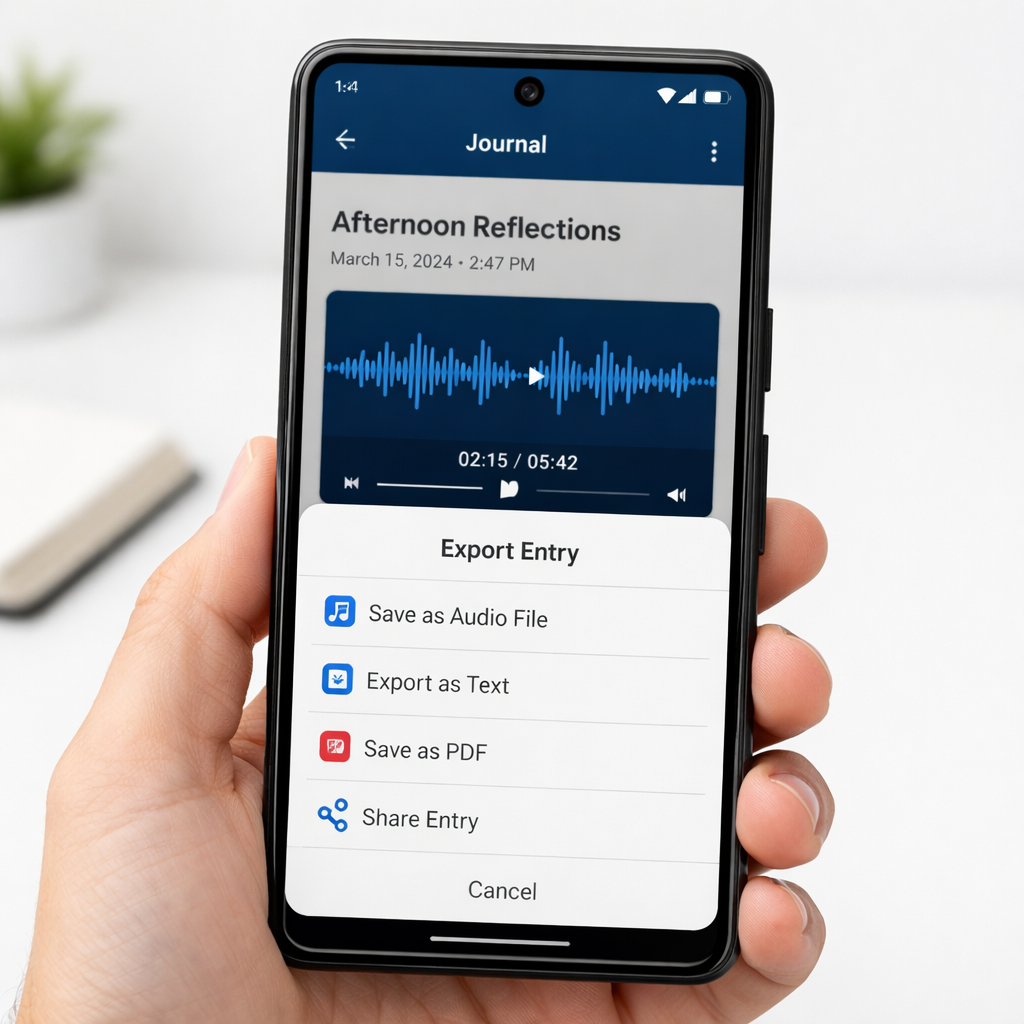
Google is rolling out major enhancements to Pixel Journal, introducing Recorder audio support and a comprehensive export option in its latest update. The new features—rolling out with version 2026.10.27.x—add voice recordings directly into journal entries and enable users to export their journal content in bulk. Though the audio functionality is not fully live yet, the export tool is already accessible for many users.
Audio Entry Integration
With the newest update, a “Record new audio” option has appeared in Pixel Journal’s “Add item” menu. This joins existing entry types like “Take photo/video,” “Add photo,” “Health Connect activity,” and “Location & map.” While users can now see the audio option, the feature depends on updates to both Pixel Journal and the companion Pixel Recorder app—currently, the Recorder app’s update needed to make the function usable hasn’t rolled out broadly yet.
When functional, the audio integration will let users record voice entries directly within their journals. Early signs suggest that Google is incorporating automatic transcription for those recordings, aligning with similar features in voice journaling apps. That said, full deployment is still pending.
Journal Export Tools
Alongside audio, the update adds a new “Export your journal” setting. Activating this will package all journal entries—including images—into a ZIP archive. Within that, textual content is saved as HTML files, making entries easily viewable and portable outside the app. This addresses a major gap for users who want ownership of their journal data or to migrate it elsewhere.
This update, version 2026.10.27.x, is currently rolling out via Google Play. It follows the app’s previous significant update around August, which laid groundwork for changes like these by improving overall performance and syncing behavior.
Why this matters: Pixel Journal is Google’s built-in journaling app, allowing Pixel users to record thoughts, memories, locations, photos, and more. Until now, its ability to include voice-only entries and to export the entire journal has been limited. These new features catch it up to many third-party competitors that already offer comprehensive export tools and multimodal journaling.
Analytical Take: The addition of audio recording and export signals Google’s intention to make Pixel Journal more versatile and user-controlled. These updates enhance content portability and align with broader trends toward privacy, data ownership, and multimodal input. Going forward, key things to watch are how accurate the transcription feature turns out to be, when Recorder’s supporting app fully enables audio entries, and whether Google expands export options (like richer file formats or selective export). These developments could position Pixel Journal as a go-to journaling tool for users seeking depth and control in their note-taking and memory tracking.