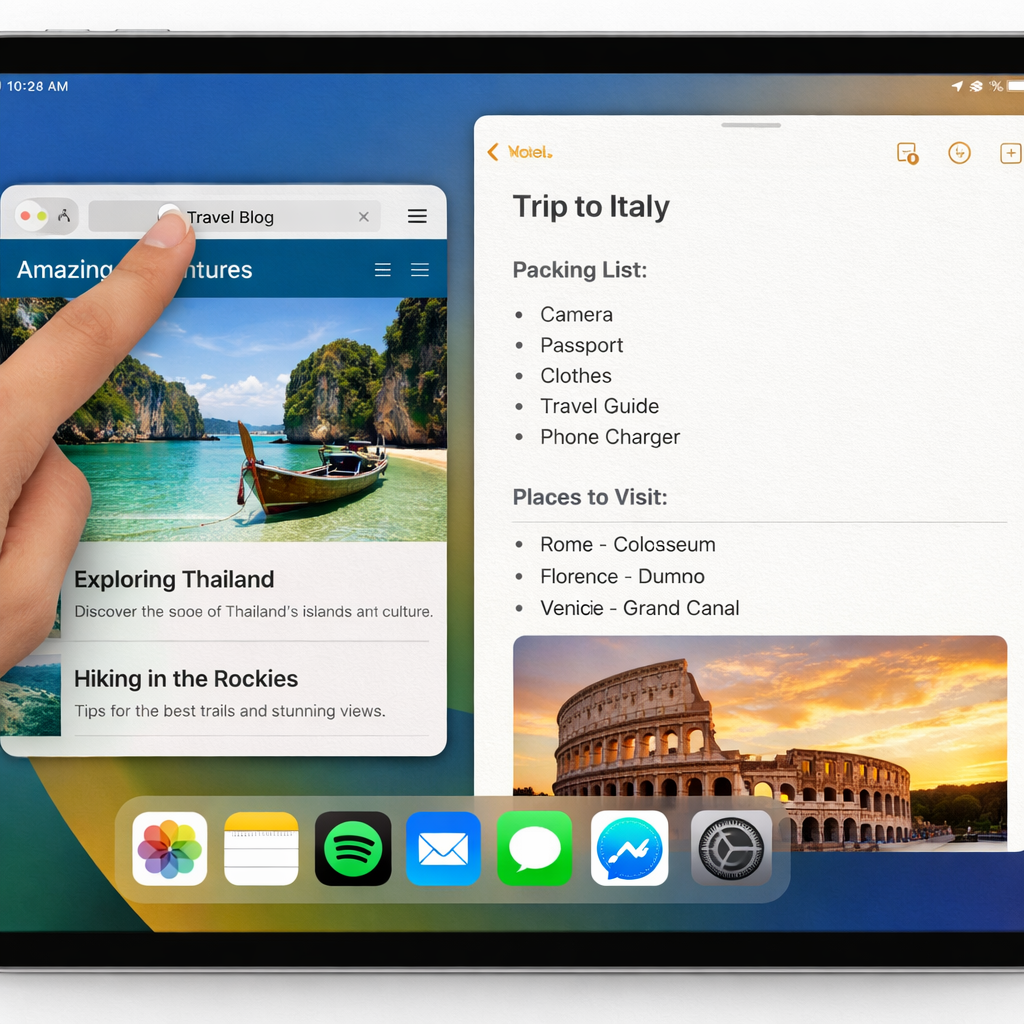
Apple is rolling out a handy new feature in the iPadOS 27.3 beta: a toggle that lets you double-tap the top of any app window to expand it full-screen, and then double-tap again to return it to its previous size. It’s designed to smooth out some of the friction with the iPad’s window controls—especially when relying on touch input.
What’s New in Window Management
For those using iPadOS 27, navigating windows can be awkward. The traffic light controls (the red, yellow, green buttons on macOS-style windows) shift location or even vanish depending on how the window is sized. That can make resizing with your finger frustrating.
The new setting, found under Settings → Multitasking & Gestures, shows up if you already have “Windowed Apps” enabled. Below that option now lives “Double-tap Top of Window to Zoom.” When enabled, a double-tap (or double-click with the trackpad) on the title-bar area of a window sends it full-screen; repeat to restore the prior size.
Touch or Keyboard: Your Choice
This tweak is especially useful for touch-first users who don’t reach for keyboard shortcuts. For people who keep windows in specific custom layouts but occasionally want to go full-screen, this adds a quick gesture alternative. It removes the need to hunt for hidden controls or memorize keyboard combos.
The setting is optional, so users who prefer traditional behavior can leave it off. It’s intended to clean up common pain points during multitasking, without forcing big workflow changes.
iPadOS 27.3 is currently in beta. The double-tap zoom feature looks like a meaningful step toward making multitasking feel more intuitive and less cluttered.
Why it matters: This kind of refinement reflects a larger push to polish multitasking on iPad, especially as these devices are increasingly used like laptops. Users juggling multiple apps and windows will likely appreciate the convenience and agility this setting delivers. With iPadOS 27.3, Apple isn’t reinventing the wheel—but smoothing its edges.