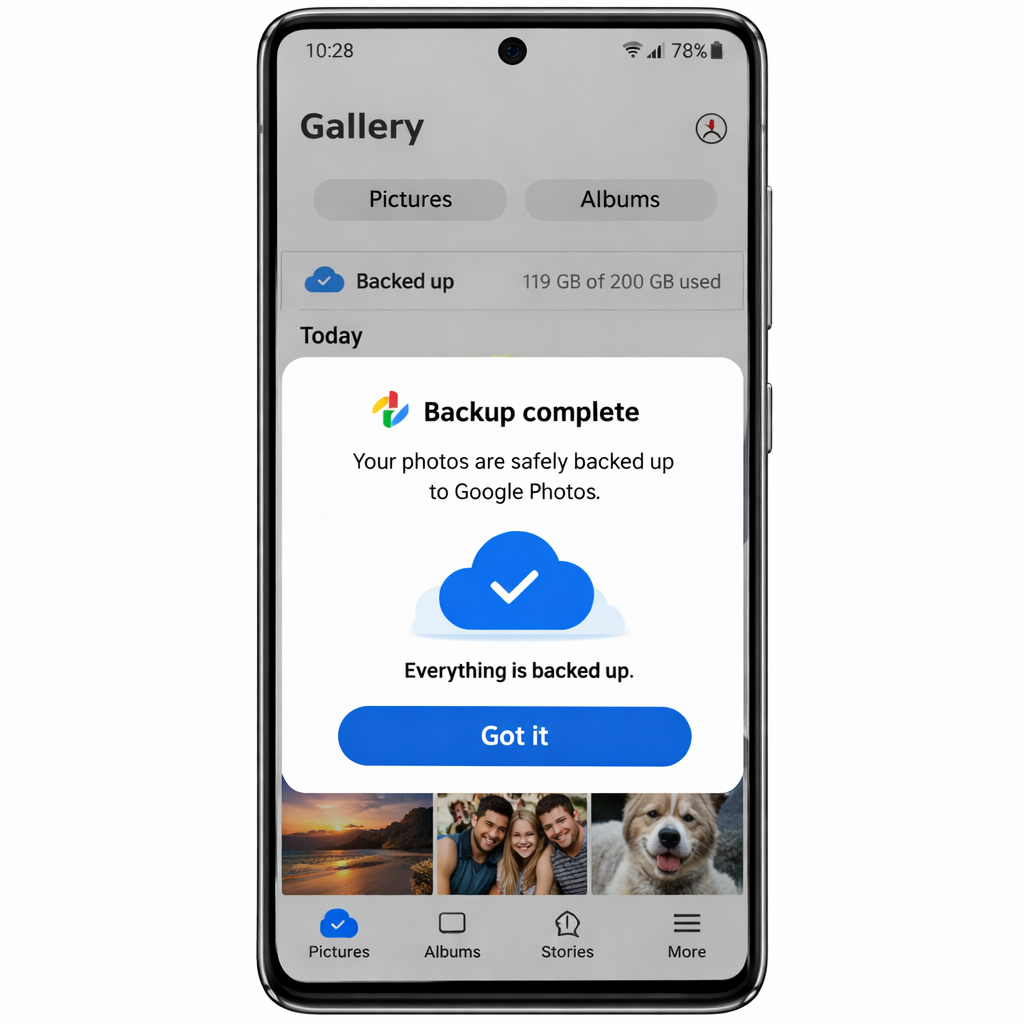
Samsung has officially launched a long-awaited integration: Google Photos backup within the Samsung Gallery app. The “Gallery Sync” feature allows Galaxy users to back up their photos and videos using their Google account, tapping into either the free 15 GB of space in Google Photos or any additional storage through Google One. Previously, Samsung Gallery relied on Microsoft OneDrive; now Google’s service takes center stage for much of its user base.
The update rolled out experimentally in September but is now broadly available across devices. Among those already seeing the feature in action are owners of the Galaxy Z Fold 8. Users receive a prompt in their Gallery app once it reaches their phone, enabling sync and backup of media. There’s also a manual path: in the Gallery app’s Settings menu under “Sync photos and videos.”
One UI 9 Requirement: Early Access, Limited Reach
This Google Photos backup is not yet universal—your Galaxy needs to be running One UI 9 based on Android 17 to enable it. Samsung confirms more devices will receive support in phases as updates roll out. Until then, users on older software versions won’t have access.
Once media is backed up, Samsung Gallery adds a “free up space” option. That lets users delete local copies of photos and videos to reclaim storage. The backup feature does not merge your full Google Photos library into Samsung Gallery; it only shows items that were uploaded via Gallery Sync.
What’s Changed from OneDrive—and What to Expect
Before this shift, Samsung tied the Gallery app to OneDrive for cloud backups. With Google Photos now integrated, users must sign in with a Google account to use the new system. Media synced from previous Galaxy devices will appear, but broader access to your complete Google Photos content is not yet supported.
Samsung’s rollout strategy prioritizes devices already upgraded to One UI 9. For many Galaxy owners, that update is still in progress. Samsung promises to expand the rollout in phases so more models will gain the feature in the future.
Overall, this change reflects Samsung’s push to streamline photo backup options for Android users. By pairing its native Gallery with Google’s cloud service, Samsung simplifies how people protect their memories—so long as their device meets the software requirements.
What this means going forward: Users should ensure their device is updated to One UI 9 to gain access. Watch for Samsung’s phased rollout rounds—you’ll want to keep your Gallery app updated and monitor for settings changes. The introduction of Google Photos backup here may also signal a gradual shift away from Microsoft’s OneDrive in Samsung’s cloud strategy.