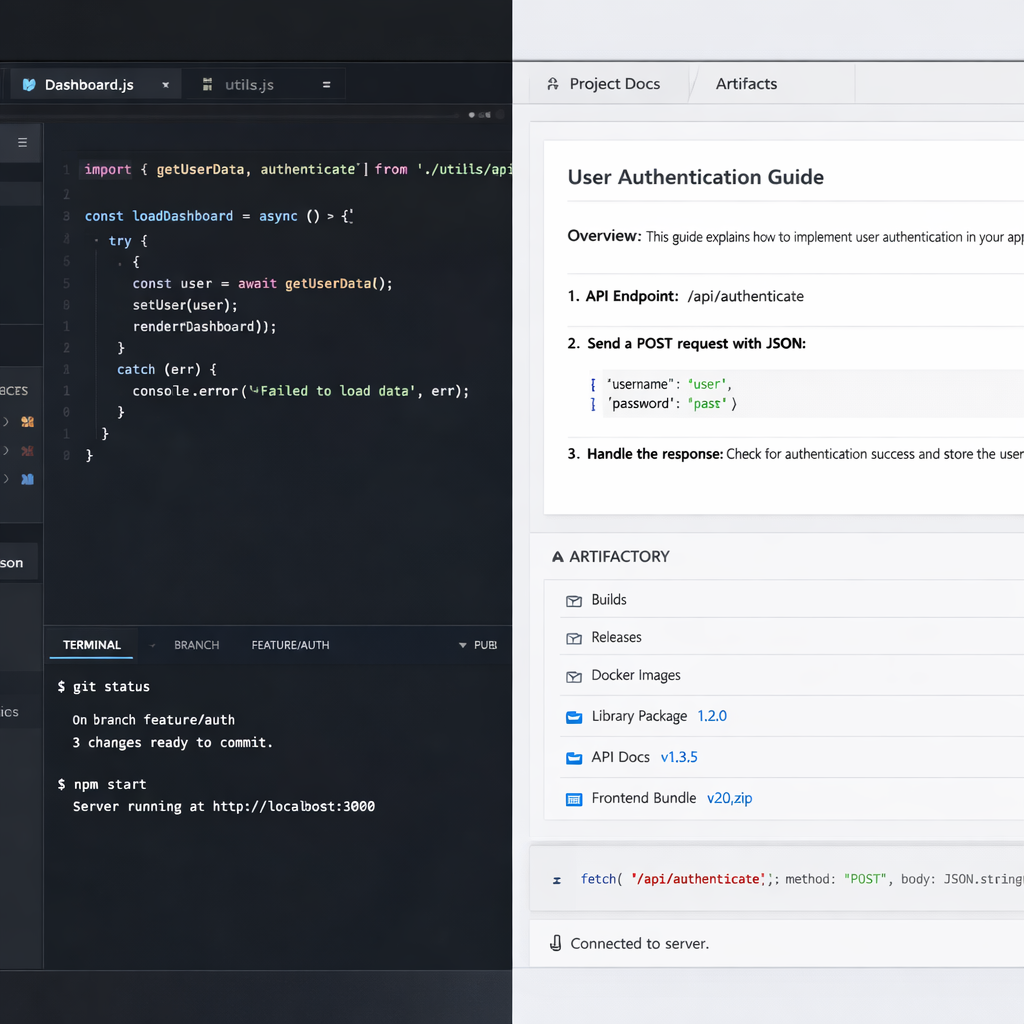
Google is expanding Antigravity—a tool originally built for software engineers—so it better serves employees across different disciplines. The company is rolling out a “Knowledge Work” UI that streamlines the experience for roles like marketing, legal, finance, design, research, sales, product, and operations. The core Antigravity engine—models, agents, plugins, etc.—remains the same, but the interface shifts away from development-heavy features. Users can toggle in Settings → General → Interface Layout, and newcomers will see a new onboarding flow when they launch the revised mode.
At its heart, Antigravity has always centered on coding: Git integration, toggling between worktrees, showing branch pickers, and GitHub controls. With Knowledge Work enabled, all that is pared back. Projects and folders run within a simpler folder-based structure; branching and Git-related prompts and IDE launches are clipped out. “Fork conversation in this folder” replaces traditional forks that target new worktrees, among other changes. The goal is to keep the experience lighter and less technical for people whose work doesn’t revolve around writing software.
Streamlined interface for focus and clarity
The messaging and approvals structure shifts significantly. In the Software Engineering mode, one sees embedded code diffs, line counts, subagent cards, and developer-focused permission tools. Knowledge Work instead features a live progress line during operations, simplified permissions expressed in plain language, and an emphasis on responses and deliverables rather than internal developer mechanics.
Side panels and overview areas also change. Review, Terminal, and other deep-dev tools are hidden unless needed; folders are simply labeled “Folders” rather than “Files”. The Overview section prioritizes Documents, Artifacts, Links, Uploads, and Background Tasks—elements more aligned with non-coders. Advanced settings and detailed rules are tucked into menus, rather than displayed up front. The customizations tab restricts visible options to Plugins only, while other elements stay enabled in the background.
This shift wasn’t prompted by guesswork. Google says that more than just engineers are using Antigravity: employees across multiple departments rely on it weekly for research, presentation drafting, data analysis, workflow automation, and other knowledge-based tasks. This led to the realization that a one-size-fits-all UI, weighted toward code-centric work, isn’t ideal for diverse work types.
While the changes are largely cosmetic—interface layout, wording, visibility—underneath it’s the same Antigravity backbone. All advanced capabilities like frontier models, custom agents, rules, and plugin support stay in place. The goal isn’t to simplify functionality so much as reduce friction for non-technical workstreams.
What this means is Antigravity is maturing: from its coding roots into a cross-disciplinary platform. As more companies experiment with agents and AI tools, balancing power with usability is becoming essential. With this Knowledge Work mode, Antigravity is making strides toward accessibility without losing depth. Still, how it performs in real-world tasks—speed, support, adaptability—will be what matters most in practice.