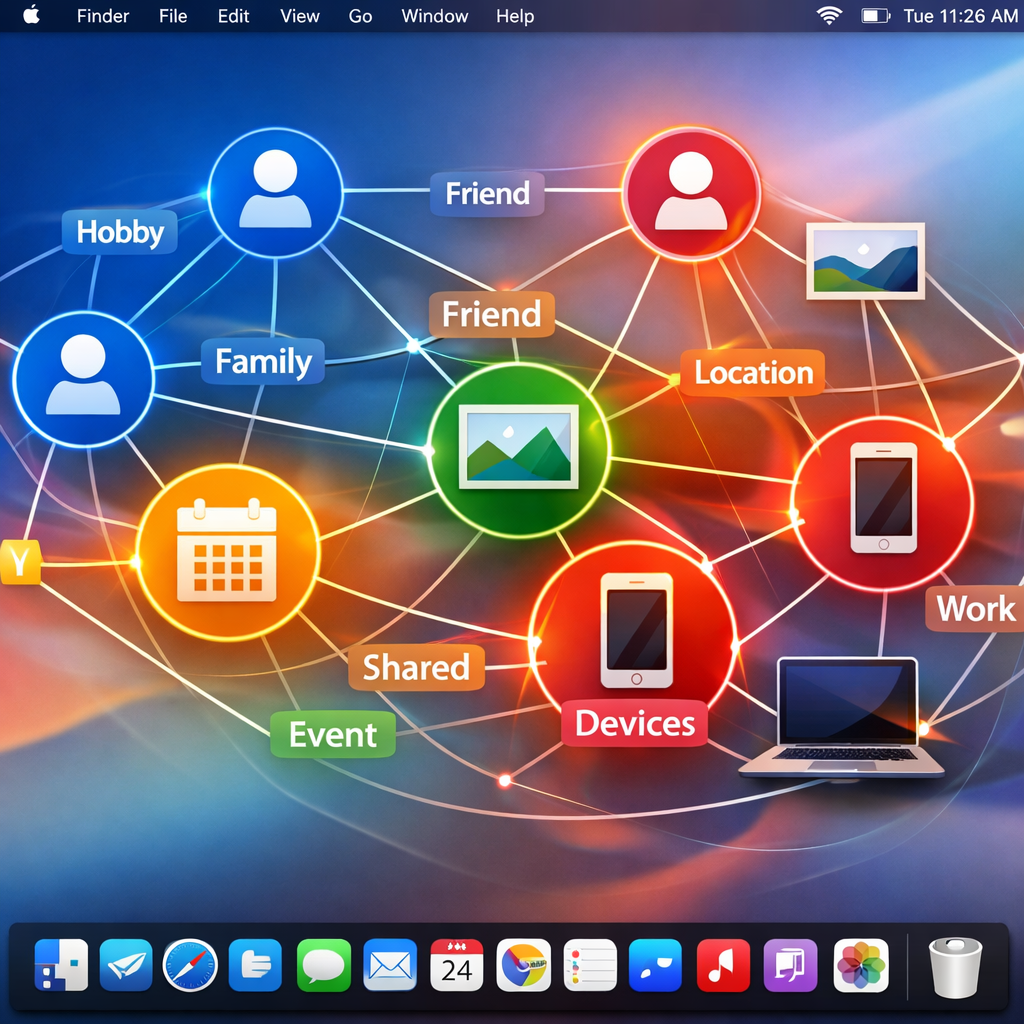
macOS has quietly been assembling a sophisticated “Personal Knowledge Graph” since version 13 (launched in 2022), using two system daemons—knowledgeconstructiond and intelligenceplatformd—to map out your life from data already on your Mac. This internal graph underpins features like contextual Siri responses, but its detailed structure and what it learns about you have only now come into clearer view through an independent analysis by security researchers.
What data powers the graph, and how it’s stored
The system collects information from diverse sources including Contacts, Calendar events, Face data from Photos, Messages, Mail, Health app emergency contacts, Family Sharing, and device usage signals like location, Wi-Fi, Bluetooth, screen lock, ambient light, battery status, and Screen Time usage. These signals feed two background processes which jointly build and maintain the graph.
All this is stored locally within a folder named “~/Library/IntelligencePlatform” as 51 plaintext SQLite databases. The most important file, graph.db, is structured as a triple store—each entry consisting of a subject, predicate and object—and combines 181 different entity classes (e.g. people, apps, events) with 278 predicates (relationship types) about how those entities are linked. Each piece of data comes with metadata: confidence scores, sources, and timestamps. The database is protected by Full Disk Access under macOS privacy controls.
Inferred relationships & deletion behavior
A pair of machine-learning classifiers (named EntityTagging_Family and EntityTagging_FamilyAndFriends) operate locally using 144 mostly behavioral features to guess whether two people are family. These features may include how often they appear together in your photos, who messages whom, when those interactions happen (e.g. certain times of day or days of the week). The system updates family relationship scores daily in a separate database called entityTagging.db.
Deleting a contact does not instantly remove all traces. When a contact card is erased, the live graph stops re-deriving that person in future graph updates, but historical rows remain in a table called expired_stable_graph for around 48 hours. Confidence scores or relationship tags derived from deleted information may still persist temporarily.
What Apple has (and hasn’t) said publicly
Official Apple documentation offers only a minimalist description. The knowledgeconstructiond man page describes it as “a daemon that analyzes content on the device to build a general purpose knowledge graph,” with little behind what data it uses or how inferences are made. A paper from Apple in 2023 addresses certain techniques in graph construction, but does not explain how the entire system operates or what signals are involved in depth.
The research focused on macOS 26.6.2, and it’s unclear whether behavior, stored data sources or classifier accuracy varies across macOS versions or models. Also opaque: what features use the graph, what can access it, how much data leaves the device (if any), and how well inferred relationships match reality.
In practices that involve Apple Intelligence or conversational Siri prompts—asking “Who’s my mother?” or “Where is the daycare?”—this graph allows the system to supply answers that go beyond what’s explicitly stored, because it builds a contexted map tying together people, places and events. While that enables more natural assistance, it also raises serious questions about privacy. Apple does not appear to share this database externally, but many types of personal information end up inside it, including data about people in your life who didn’t explicitly opt-in.
Researchers have released a dashboard tool called iKnow that runs locally, allowing Mac users to inspect what’s stored in their own Knowledge Graph without altering the files. Accessing it requires Terminal, Python 3, and Full Disk Access permission.
What this means: Apple’s Personal Knowledge Graph is a powerful system, combining multiple on-device signals to infer your relationships and behavior for newer features like Siri’s personal context. It remains private in that data is stored locally, not in the cloud—which is better for privacy than many AI systems that send everything off-device. But it also skirts the edges of what users expect: it infers relationships, tracks who you know and when, and holds deleted data for a short time.
Going forward, what to watch: whether Apple ever provides user controls over what’s included in the graph; disclosures about classifier accuracy especially for sensitive inferences like family or caregiving; whether settings like privacy-focused system modes can disable or limit this; and whether similar systems appear or evolve on iOS and beyond. Transparency here isn’t just helpful—it’s essential if features that rely on this graph are going to earn users’ trust.