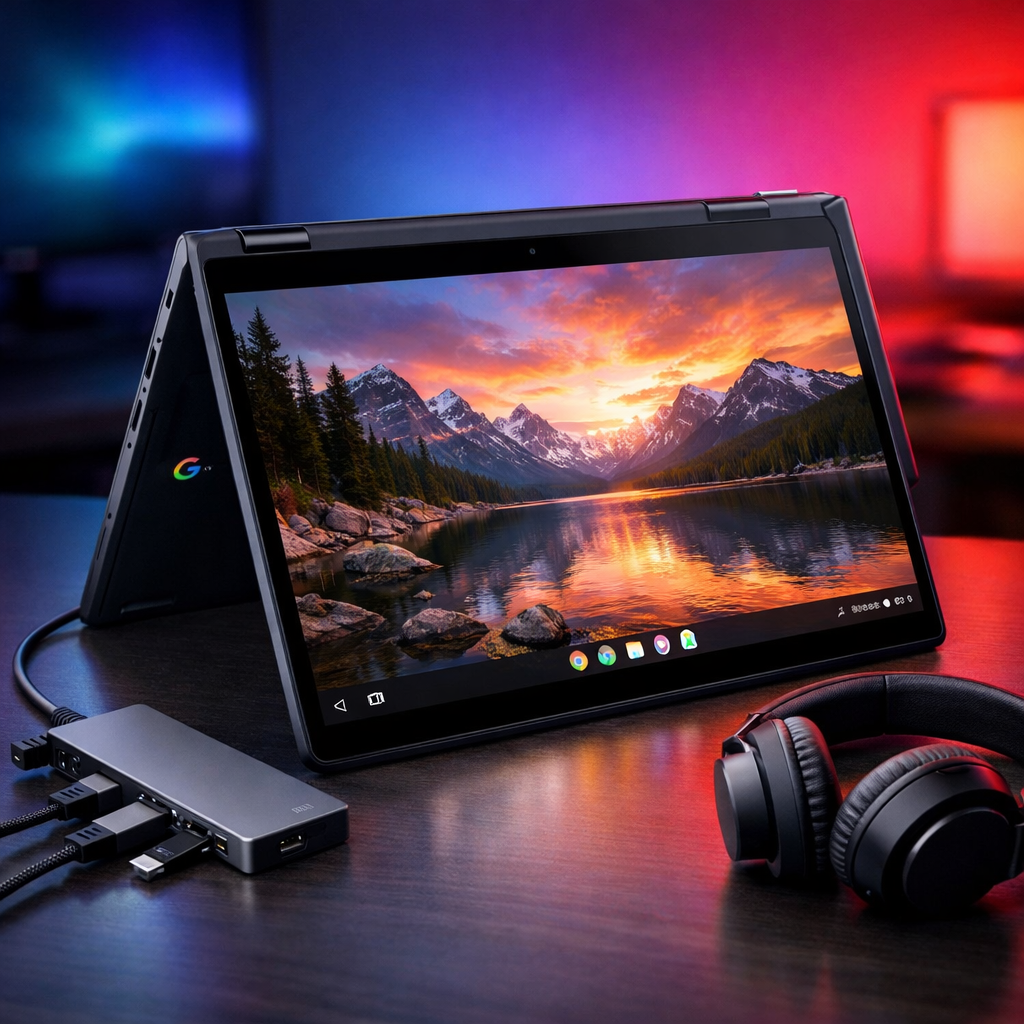
Google has begun rolling out its November software update for Googlebook devices, delivering 31 fixes across seven key areas. Released roughly a month after Googlebook’s launch, this update includes security patches, firmware tweaks, and device-specific enhancements, with HP and Dell models seeing the largest number of individual fixes. The goal: smoother performance, better video behavior, and a more reliable user experience overall.
What’s Changing
Security & Input Improvements: The update delivers the latest security patches to every Googlebook. On the input front, it resolves inconsistent keystroke recognition when entering a password or PIN right after waking from sleep or opening the lid. Users copying files in the Files app will no longer see redundant notifications, and certain crashes in the Wallpaper & Style app during wallpaper browsing have been patched. Also, “Built-in Keyboard” is now clearly labeled in settings, and showing up correctly in the physical keyboard section.
Display, Graphics & Video Fixes: One of the update’s main priorities is restoring display integrity. It addresses problems with external monitors—such as desktop wallpaper covering up-app icons or taskbar, black screens when streaming DRM-protected video, and a dimming backlight during HDR/HLG 60 fps playback indoors. Also resolved are display driver crashes tied to disconnecting hubs or DisplayPort daisy-chains, along with stability improvements for video conferencing tools using virtual backgrounds, avatars, or filters.
Bluetooth & Audio Enhancements: Bluetooth mice now reliably reconnect after restarts. USB audio interfaces that previously suffered from buffering issues—like certain microphones—are now fixed. Audio-video synchronization is improved when using Bluetooth headphones or earbuds. And importantly, hearing aids via Bluetooth Low Energy (ASHA profiles) can now be selected as audio outputs instead of being relegated to the laptop’s speakers.
Performance & System Reliability: The update strengthens browser memory handling under heavy tab loads, WLAN systems behind the scenes, and memory handling for on-device AI on 16GB models. It fixes a firmware issue that caused some units to revert to factory boot firmware, triggering unexpected reboots under normal use. Updates to both the Linux 6.18 and 6.12 kernels address kernel stability, USB-C DisplayPort behavior, HDCP for multi-stream setups, watchdog crashes, and integration with Android 16’s security umbrella.
Linux Terminal (Beta) Refinements: Users of the Linux Terminal now benefit from more resilient connections when the laptop leaves sleep mode or users switch between tabs. Forwarded TCP ports—including port 2222—stay alive through rapid updates. Erroneous behavior like inactive tab clicks randomly closing them has been corrected. Also, system updates no longer reset custom Linux VM configurations or erase SSH server settings. To bolster privacy, keystrokes and terminal output are no longer being logged into system diagnostics.
Update Reliability: A rare but serious fix resolves a boot-slot priority issue: previously, interrupted updates could land a device in an endless reboot loop. With this patched, Googlebooks are now more resilient against failed or incomplete firmware updates.
Devices Most Affected
The HP Googlebook 14 and Dell XPS Googlebook 13 receive the most targeted fixes—especially in display, audio, kernel, and firmware areas. Acer Googlebook 14, ASUS Googlebook 14, and Lenovo Googlebook 15 also get important stability and performance upgrades, especially relating to memory management and Linux kernel bugs.
On the whole, this update scratches many of the itches early users likely encountered: lagging responsiveness, video glitches, audio syncing issues, and reliability during mode changes (like folding or tent configurations).
What to Watch: Users should reboot after installing to ensure firmware and kernel upgrades take hold. If problems persist—especially with custom Linux configurations or ASHA hearing aids—it’s worth reaching out for support, as this release demonstrates Google is closely listening to feedback.