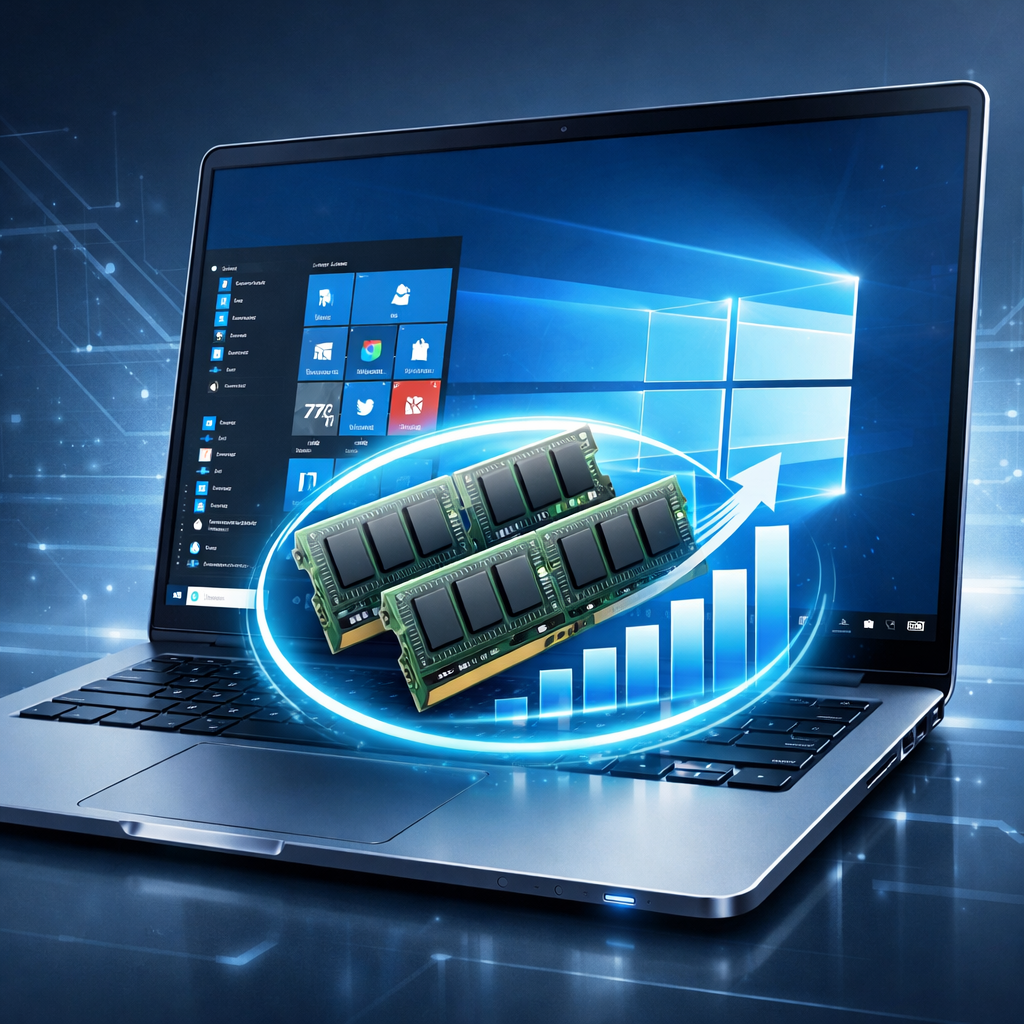
Windows machines with 8 GB of RAM have long felt sluggish under today’s software demands—but that may finally be changing. Microsoft has rolled out a series of updates designed to make 8 GB systems feel significantly more responsive, particularly in multitasking and everyday use.
What’s improved
In recent lab tests, Microsoft found that under this batch of fixes, PCs with 8 GB RAM are now about 20 percent more responsive overall, and handle multitasking workload roughly 40 percent faster. These improvements stem from optimizations in how memory is used, reduced growth of resource-hungry background tasks, and smarter scheduling of UI-related operations.
Specific changes include keeping up to 2 GB of extra active data in memory so the system avoids repeatedly reloading content, speeding up everyday tasks such as opening the Start menu, launching File Explorer or Snipping Tool, and making links clicked in Start open in Edge 33 percent faster than before.
Memory use cut, features tuned
Microsoft Teams now has an “Efficiency Mode” that lowers its memory footprint. Microsoft 365 apps have been slimmed down too—some seeing up to a 360 MB drop in RAM use. Widgets, previously loaded at startup, now load only when needed, saving another 200 MB or so.
The work isn’t done: Microsoft says it’s still pushing improvements in memory compression and collaborating with third-party app developers to make their software more RAM-friendly.
Why now matters
The timing for these enhancements couldn’t be better. The industry faces what some are calling “RAMageddon”—a rising tide of memory demands just as hardware costs stay high and many budget PCs are stuck at 8 GB. That discrepancy is expected to get worse through 2027 and to linger into 2030 unless addressed.
The surge of lower-cost Windows laptops entering the market—in part to compete with Apple’s MacBook Neo—has made this effort especially important. For many users who can’t or won’t spend more for hefty RAM, these software tweaks are the difference between frustration and usable performance.
For anyone who has struggled with sluggish behavior on 8 GB hardware (all of us), these improvements aren’t just technical; they’re a quality-of-life upgrade.
What to watch: Keep an eye on how quickly these updates reach everyday devices—whether OEM builds, Windows Update, or in service packs. Also worth monitoring is how major apps adapt: their memory usage changes will help determine how far these gains carry into real-world use.