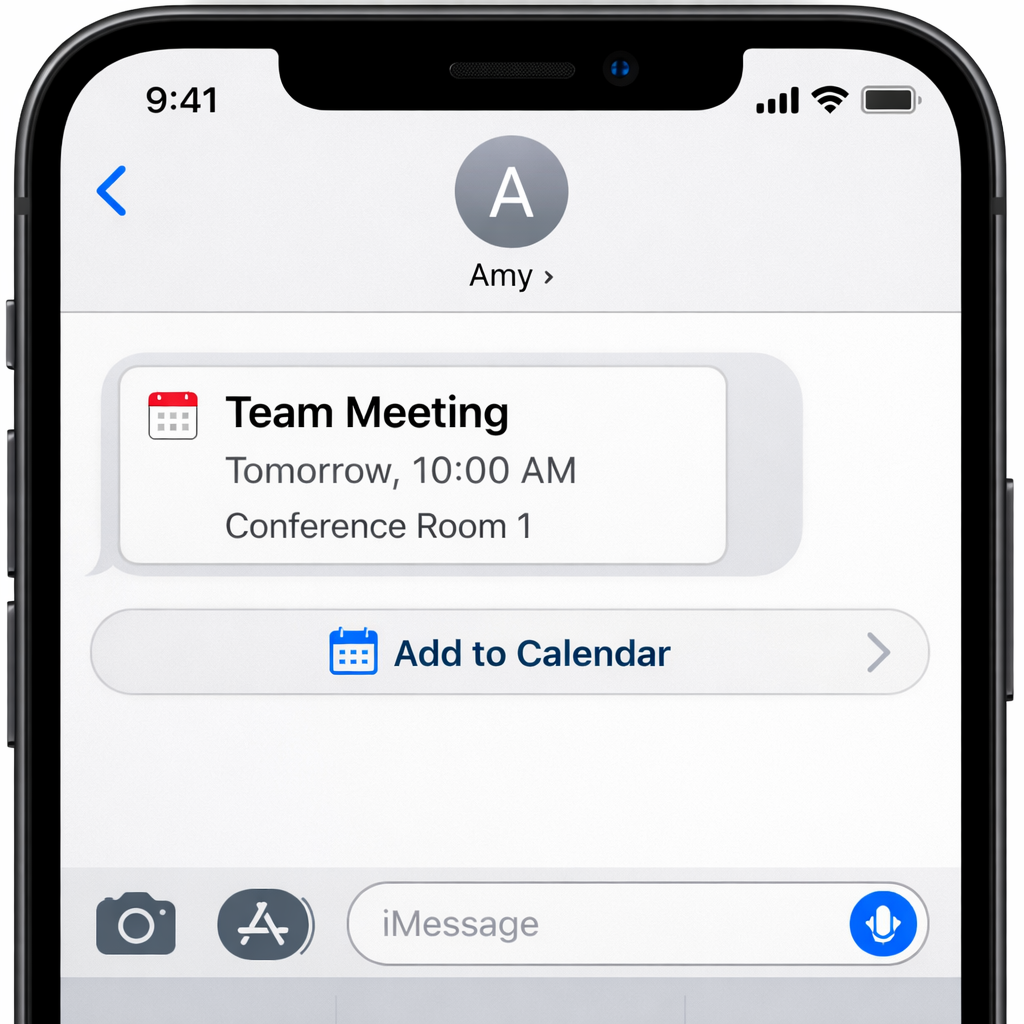
With the arrival of iOS 27.2, Apple has introduced a smart enhancement to the Messages app: a feature called “Suggested Actions.” When a message includes something actionable—like scheduling an event, saving a task, or tracking a flight—Messages will now show an option to convert that message into an action with a single tap. The suggestions sit discreetly beneath messages so they enhance usability without disrupting the visual flow.
Tailor Suggested Actions to Your Needs
Recognizing that not everyone wants every type of suggestion, Apple has built in granular controls. Under Settings → Apps → Messages → Suggested Actions, users can toggle off or on five specific categories of suggestions. By default all five are enabled. The categories are:
- Add to Calendar
- Add to Reminders
- Add to Notes
- Show in Maps
- Flights and Packages
If you prefer some automation and discovery, you’ll leave them all on. If you’d rather limit clutter or only use certain actions, you can reduce what the system surfaces.
AI Power and Requirements
The Suggested Actions feature is powered by Apple Intelligence. That means it only works on what Apple terms “AI-compatible” iPhones—devices that support the underlying intelligence features. If you have one of those phones and are running iOS 27.2, you can use the feature. If not, these smart suggestions won’t appear.
This update represents one of Apple’s steps toward making Messages not just a chat tool, but an assistant for catching and acting on things you’d otherwise forget. The ability to toggle individual suggestion types shows Apple listening to feedback for balance between automation and intrusion.
What to watch: whether Suggested Actions prove handy in real-world usage or become background noise. Also, how users with older iPhones respond—if the exclusion of non-AI-capable devices nudges many toward upgrading. Lastly, how this feature fits with competing platforms’ smart messaging tools.