Apple’s newly announced 14-inch and 16-inch MacBook Pro models introduce built-in touchscreens, but macOS isn’t transforming into iPadOS overnight. The changes rolling out with macOS 27 and its beta builds enhance touch support—yet barely tweak the desktop experience beyond what Mac users are already accustomed to.
Not just Sidecar anymore: What’s actually changing
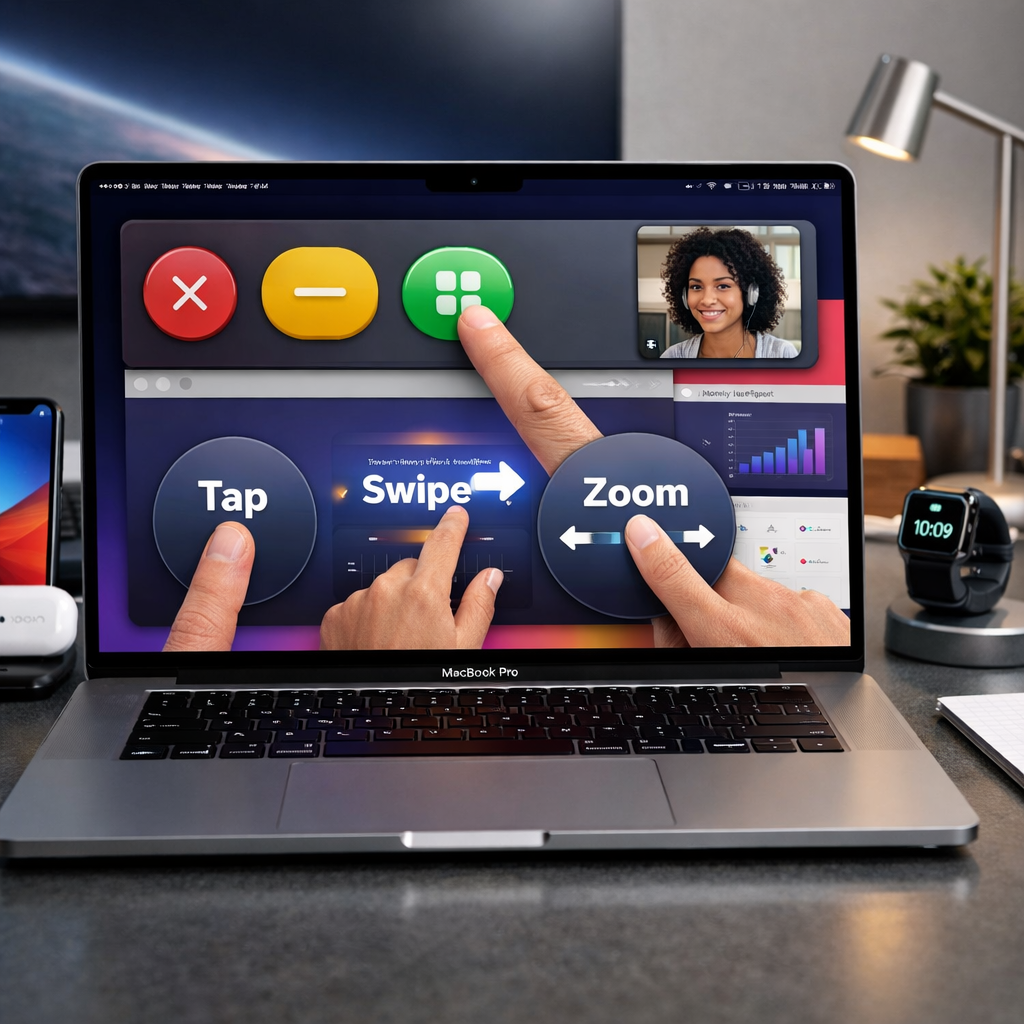
The new PROLED XDR MacBook Pros, launching with prices starting at $2,899 (14-inch) and $3,399 (16-inch), will ship with macOS 27 and will be available beginning November 6. Although Apple added touch interaction, the overall desktop layout remains intact—keyboard, trackpad, and menus are still central to navigation. What’s different: buttons and menus now respond to finger input in limited ways. For example, the red, yellow, and green traffic light window controls grow larger under touch for easier tapping. Similar adjustments appear elsewhere, though some responses have noticeable delays.
Basic gestures—scrolling, pinching, dragging—work as expected. Users can double-tap a window to maximize it, flick windows into tiles, and swipe through slides in presentations. But these don’t change how macOS fundamentally behaves; they’re add-ons rather than core redesigns.
Beyond gestures: Early touch optimizations in macOS 27.2
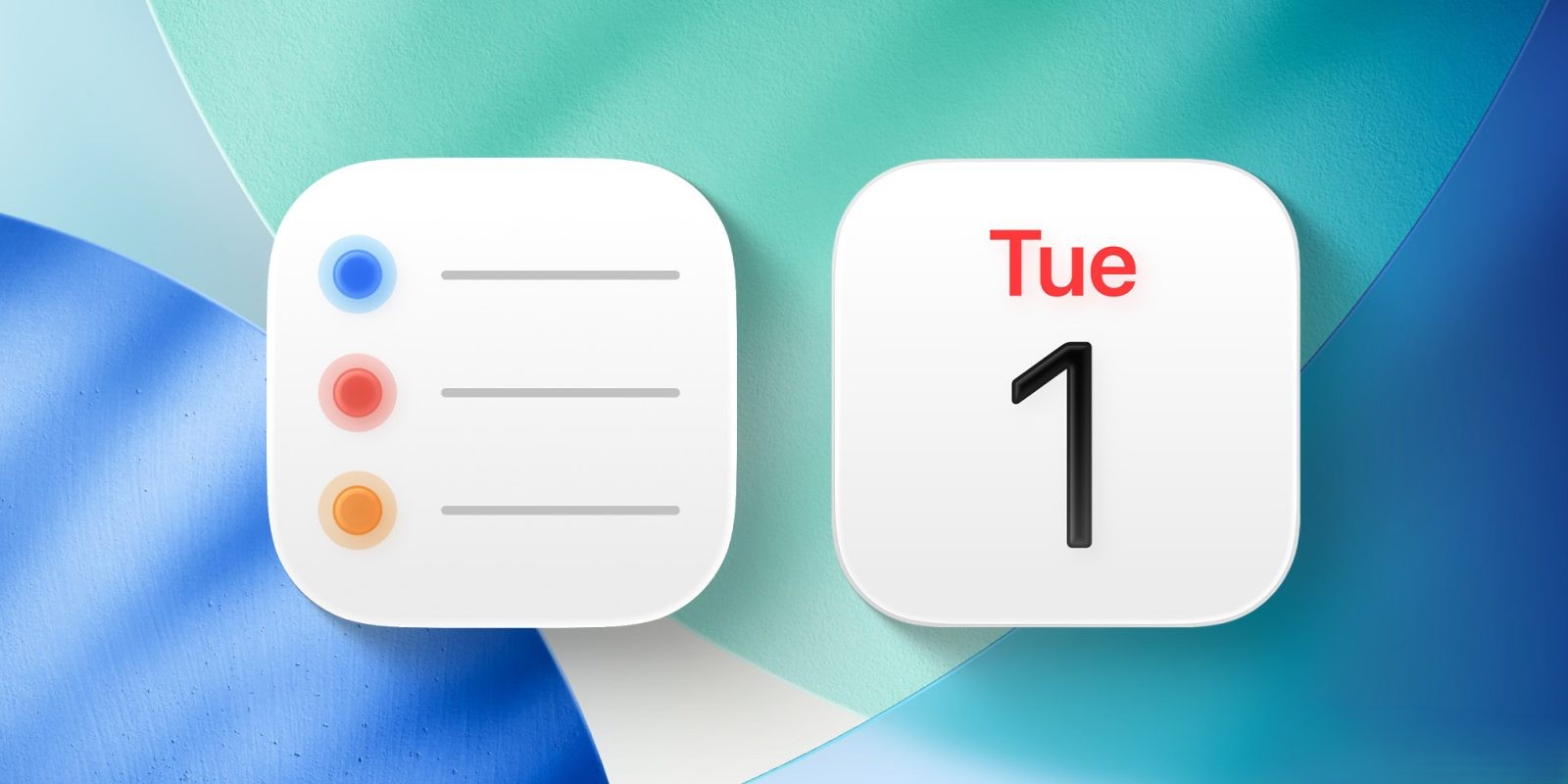
The beta version of macOS 27.2 introduces more touch-aware tweaks. In Safari, dragging tabs causes them to lift and enlarge; a press-and-hold action on a tab brings up a slimmed-down context menu that omits options like “Ask Siri.” Finder’s tags menu gets more spacing when using touch. Calendar events gain circular handles for resizing when dragged with fingers—making manipulation easier without permanently changing how these controls look with a mouse or trackpad.
Apps will vary widely in their touch friendliness. Some benefit immediately from macOS converting finger taps into clicks—but precision remains limited. Apple has also provided new gesture APIs to developers who want custom touch interactions. In Apple’s own apps like Logic Pro, users will get multitouch keyboards and on-screen pads. Final Cut Pro users will be able to pinch to zoom, move clips with touch, and mark ranges. Pixelmator Pro will support direct interaction for drawing and selection. Creators can expect updates arriving around November. Major third-party apps like Microsoft Word, Excel, PowerPoint, Adobe Lightroom, DaVinci Resolve, and Blender are also prepping touch-friendly updates for later in 2026.
Another notable inclusion is Dynamic Island on the new MacBook Pro. It offers a touch-enabled zone for Live Activities, music controls, AirDrop prompts, and even Spotlight and Siri AI—though those will depend on region and whether the AI features are fully enabled (Spotlight, for example, only shifts there when Siri AI is available and turned on).
What this setup means—and where it might fall short
The MacBook Pro’s touchscreen features enhance choice: users gain touch input, but not at the expense of the desktop norms Mac has embodied for years. These aren’t wholesale changes to the Mac experience, but gradual feature additions to accommodate fingers. The risk is fragmentation; touch represents a promising extension, but it’s still optional, partial, and not uniformly implemented. Which apps will embrace the full suite of touch enhancements—gestures, larger targets, context-aware menus—and which will settle for basic tap support is still unfolding.
The big question when these new MacBooks ship on November 6: will the most essential, widely used apps feel polished with touch? The buttons that expand, the handle in Calendar, the padding in menus—those details matter a lot in everyday user satisfaction.
Analytical angle: Apple appears to be taking the careful route: enabling touch, but avoiding a full face-lift of macOS. This approach minimizes disruption for long-time Mac users and protects the overall coherence of the desktop UI. But it also grants limited immediacy: users won’t get an iPad-like fluidity when navigating macOS with fingers, at least not yet. What to focus on going forward are the contours of developer adoption—how many apps implement these larger tap zones, optimized gestures, and responsive layout tweaks. That will determine whether this shift feels incremental or genuinely transformative.