LineageOS version 24 has arrived—bringing Android 17 out of the shadows and delivering an upgrade that more users will actually want to try. The latest release doesn’t just update under the hood; it revamps how you install it, what it looks like, and how it feels to use—offering new tools, refined design, and smarter control over apps and privacy.
Simplified Setup and Flashing Process
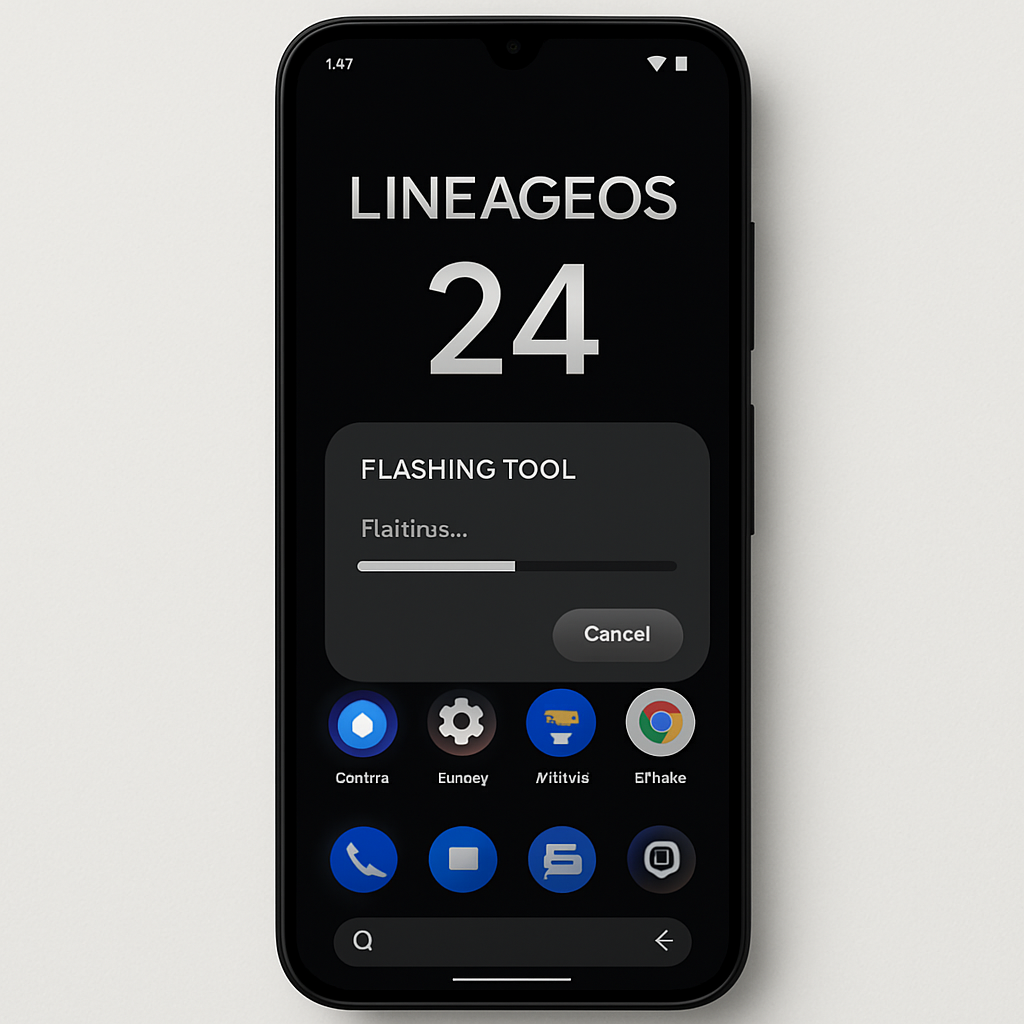
The standout improvement in LineageOS 24 is its new online flash tool. Users can now initiate the ROM installation directly through a browser window—a shift from the more involved processes of the past. While traditional flashing steps remain, this web-based method drops many of the technical hurdles that once restricted LineageOS to power users. With downloadable firmware, proper file sequencing, and early preparation like backups, even a less technical user can get Android 17 rolling in minutes. This approach significantly lowers the entry barrier for breathing new life into older devices.
Updates in Style, Tools, and Control
On the appearance front, LineageOS 24 borrows heavily from the latest Android updates—especially QPR1’s Material 3 Expressive redesign. Expect app bubbles that act like floating chat icons, widget styling options for icons, more dynamic theming with the Expanded Dark theme, and smoother Quick Settings animations. Some limitations remain—lockscreen layouts are more restrained than theme fans might hope, and customization is strongest using the default launcher.
The built-in apps and system tools have also seen meaningful tweaks. The theme picker during setup feels more polished. The system update interface shows pertinent info more clearly, and the updated gallery app—Canvas—adds improved crop, rotate, and markup tools, though it remains fairly minimalist. The Jelly browser pushes forward with support for lightweight “PWA-lite” versions of apps like Instagram and Spotify. Lastly, the screen recording UI now supports HEVC encoding directly, so users can preserve quality with less file size.
Philosophy & Real-World Appeal
For years, enthusiasts have turned to LineageOS to extend the life of smartphones past their official support window. LineageOS 24 makes that mission more compelling. It preserves the option to omit Google services entirely, if you choose, though features tied to Google—like advanced notifications or search—won’t work without them. The update still delivers security updates, performance gains, and design polish even without those extras.
The changes arrive at an important time. With flagship phone prices climbing fast, choosing custom ROMs like Lineage becomes not just geeky hobbyism but sensible tech stewardship. Older phones that might otherwise be discarded gain renewed relevance. LineageOS 24 offers enough value to make switching to—or just installing—custom ROMs something many more people will feel comfortable doing.
What Could Be Better
While the improvements are broad, they’re not perfect. Customization options still stop short in places—lockscreen clocks still offer only a single style, and some UI elements misbehave if gesture bars are hidden. The default apps like Canvas offer just the basics, so users seeking broader photo-editing power might still look elsewhere. And while the flashing process is easier, it still requires manual steps and caution.
LineageOS 24 isn’t just a maintenance update—it’s a turning point. It shows a project that’s not only keeping pace with Android itself but becoming easier to try and more polished in everyday use. For anyone holding onto a still-good Android device, an unsupported phone, or anyone curious about ditching big-tech dependencies, LineageOS 24 is the strongest moment yet to make the switch. Going forward, usability and community momentum will decide whether this reboot delivers long-term growth and staying power.