Google has rolled out a suite of upgrades to Chrome’s Safe Browsing Enhanced Protection mode that it says will make users up to ten times safer than the standard protection level against phishing, social engineering, notification abuse, and related scams. The updates focus on more aggressive threat detection, clearer warnings, and better tools to counter new scam tactics.
What’s New in Safe Browsing Enhanced Protection
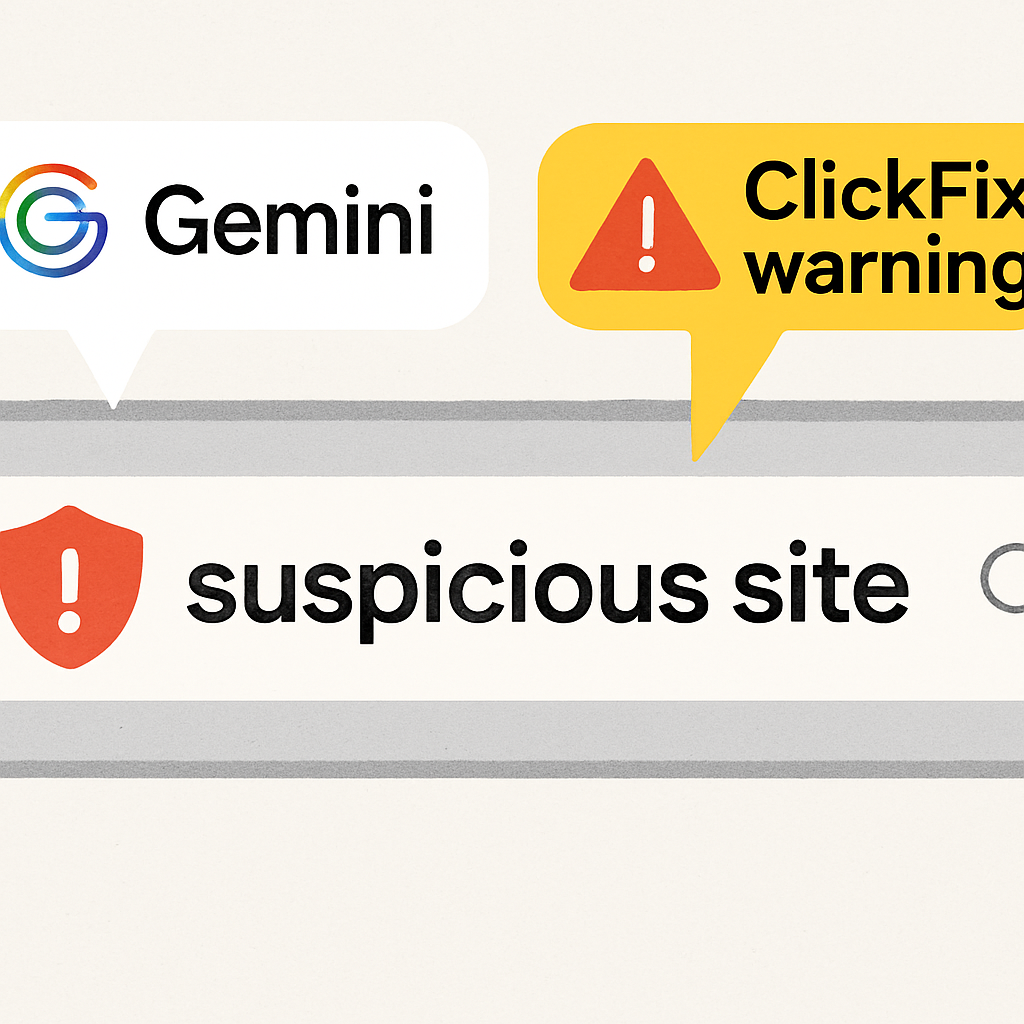
One of the most noticeable changes is the introduction of “suspicious site” warnings right in the address bar when Chrome detects pages that resemble known malicious sites. These deceptive pages are analyzed and split into two levels: “Suspicious sites,” which trigger a shield icon in the Omnibox with dialogs giving options to “Mark as safe” or “Go back to safety,” and “Dangerous sites,” which produce full-page red interstitial warnings for high-confidence threats.
To better catch scams, Google is now using Gemini models in the cloud jointly with on-device analysis. This expanded system scrutinizes page content, looking at signs like branding, the page’s intent, and a scam-likelihood score. These new protections are aimed at flagging fake antivirus pop-ups and fraudulent browser-update scams more reliably. Google says these evaluations are never stored or used to train models—they’re processed ephemerally. Enhanced Protection also combines domain reputation and other security signals to improve detection.
Defending Against Emerging Scams Like ClickFix
An emerging threat addressed by the update is “ClickFix” social engineering. In this scam, users are tricked into manually executing dangerous commands by copying and running code—often after being convinced there’s a system issue. Because these scripts can use legitimate system utilities, they can evade traditional browser-based protections. The new Enhanced Protection now watches for instances where users copy suspicious commands; it strips personally identifying information from the clipboard before analyzing the content. If the command gets flagged as dangerous, a warning appears in Chrome. Google emphasizes this system aims to be precise so developers and legitimate users aren’t unduly impacted.
Google also reminded users that Enhanced Protection debuted in 2020 and had reached over one billion users by 2025. Users interested in turning it on can do so in Chrome via Settings → Privacy and security → Security.
Why This Matters: With online threats like phishing, fake system alerts, and command-based scams growing more sophisticated, Chrome’s new protections show a shift toward proactive defenses. The elevated threat detection, address-bar alerts, and careful clipboard scrutiny help fill gaps where old safeguards fell short—especially against social engineering and post-click attacks. Stay alert to how these features behave (especially the “suspicious site” vs “dangerous site” distinctions), and watch for how Google balances security with preventing false positives for developers.