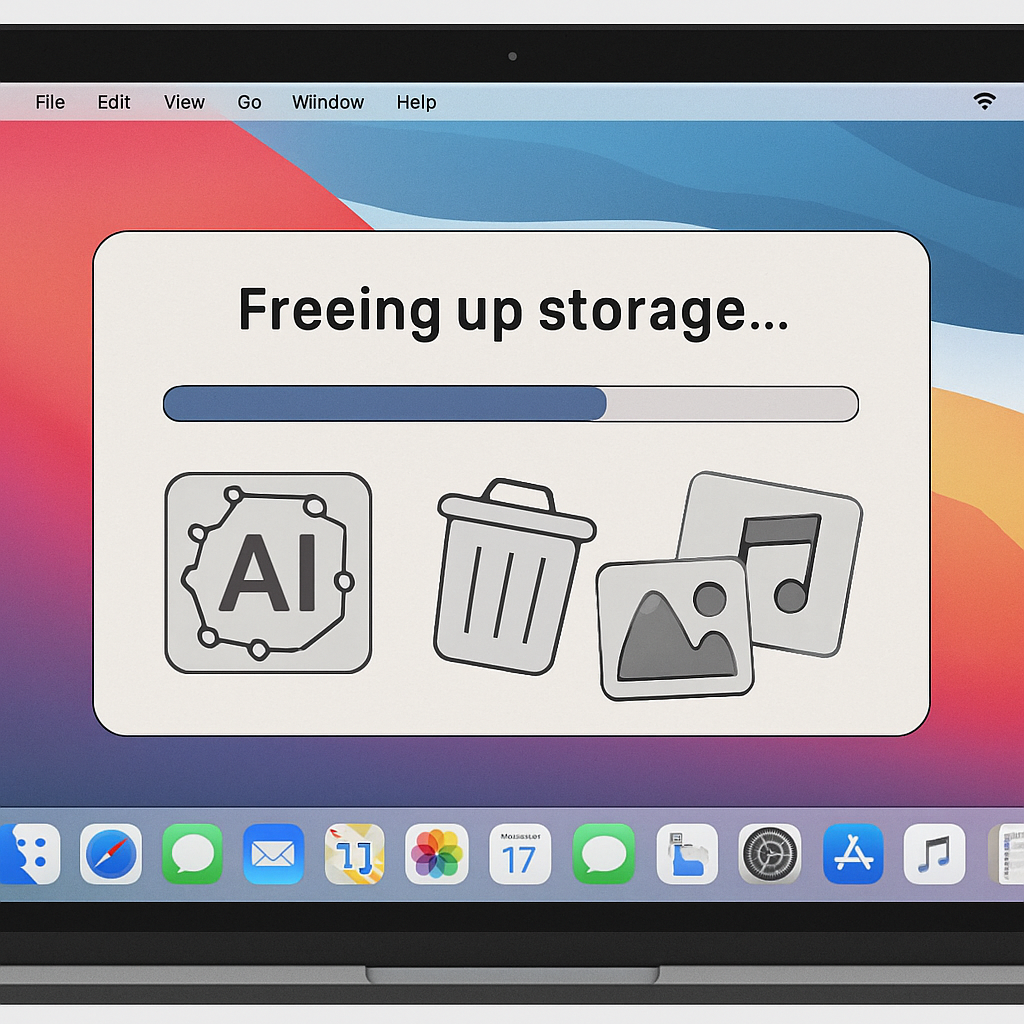
macOS 27 Golden Gate automatically installs large AI models under the banner of Apple Intelligence—components that many users can’t disable through normal settings. A new open-source utility, called RemoveMacAI, offers a workaround by fully disabling Apple Intelligence, deleting its stored models, and blocking future downloads. It could be a savior for Macs with limited storage.
What RemoveMacAI Does
Apple removed the policy toggle for turning off Apple Intelligence in macOS 27, leaving users with only partial feature disablement. But RemoveMacAI leverages configuration profiles to shut off Apple’s asset management system, eliminating all downloaded Apple Intelligence models. Then it adds firewall-style rules so that any attempt to re-download the removed models is redirected to a closed local port, preventing them from coming back onto the system. What’s notable: RemoveMacAI does all this without turning off System Integrity Protection (SIP) or manually deleting files from restricted OS locations.
How Much Space Can You Reclaim—And What You Lose
For many Macs, running RemoveMacAI means freeing up around 10–12 gigabytes of storage, depending on which AI models were present. Some users report even larger gains when their machines contained more or heavier models. But this comes at a cost: any feature tied to Apple Intelligence—including advanced Siri features, smart replies, generative emoji (Genmoji), summaries, inline predictions, image playground features, smart writing tools, Photos clean-up, spatial photo enhancements, and predictive completion in Xcode—will no longer function. Basic dictation remains available. On Macs with just 256GB drives, the trade-off proves attractive, especially since the profile persists through system updates.
The project has gathered hundreds of stars on GitHub since its release last week, and discussions are active on Reddit and Hacker News about whether these Apple models occupy too much system space by default. Still, the developer warns that some of the configuration-profile keys RemoveMacAI depends on were deprecated back in macOS 26.4, and though they still work on macOS 27.0.1, future updates could render them unusable.
This tool exists because once installed, Apple Intelligence models are downloaded automatically on macOS 27 the first time a device connects to the internet. Users have no built-in way to prevent this behavior, and disabling individual features doesn’t purge those models from disk.
Warning: Because this is third-party open-source software, it’s not officially supported, and using it carries risk. Users should understand what’s involved before installing, and backup critical files in case something goes wrong.
Analytical Insight: The rise of tools like RemoveMacAI reflects a growing tension between built-in AI services and user control over system resources. As AI becomes more deeply integrated into operating systems, default downloads of large models threaten the storage of devices with modest capacity. What this reveals is that many users value storage efficiency over perks if the system leaves them little choice. Apple may be compelled to respond by offering lighter AI models, more granular control, or toggles that actually remove assets. Until then, tools like RemoveMacAI fill a gap—but also underscore how much control users have ceded in recent macOS versions.