Apple’s software head has shed light on how the company is enabling app creators to take full advantage of the iPhone Duo’s novel hinge and dual-screen design. The aim is to make the experience of moving between the device’s folded and unfolded states feel seamless—not just flashy.
Hinge Angle & Pose: New Tools for Devs
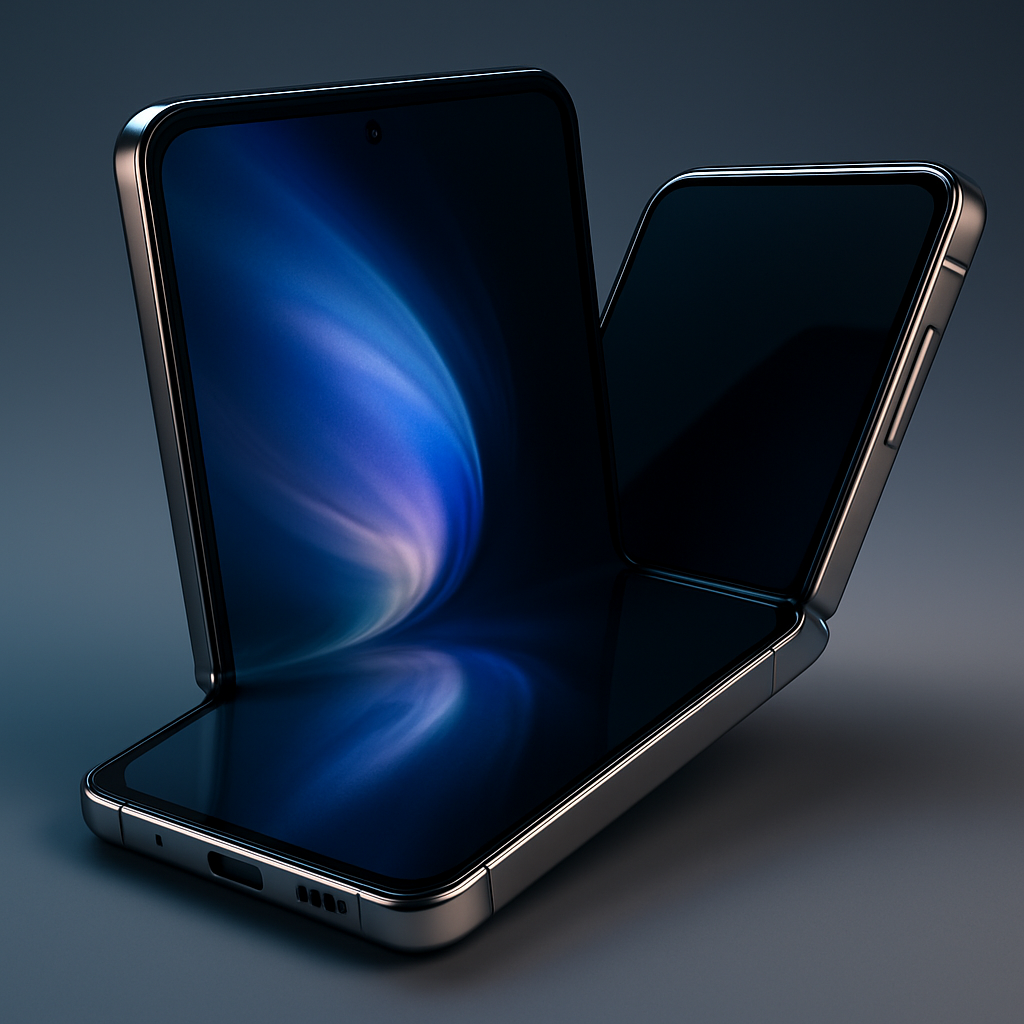
The iPhone Duo introduces a hinge whose position apps can sense. An API allows developers to read the hinge angle to about five degrees of precision, alongside information about the device’s pose—whether it’s in book mode, tent mode, on the table, or in hand. This data isn’t just for granular input; it’s meant to empower both simple and creative use cases.
Apple already uses this hinge information in its own built-in features. A key example: the outer screen gradually de-focuses into a preview of the inner screen as the phone opens. The effect is designed to feel natural—less like animation and more like a subtle visual bridge between closed and open states.
How the Platform Supports Designers & Creators
To smooth development, Apple is leaning heavily on high-level frameworks—UIKit and SwiftUI—to abstract many of the layout and adaptation challenges. Apps built using these systems may gain new behaviors automatically when running on the iPhone Duo. That means developers often won’t need to rewrite UI code to take advantage of the Duo’s hinges or folding display.
For those wanting more control, Apple is also offering what it calls agentic coding tools. These let developers tap into the raw hinge and pose data for creating novel animations or custom UI transitions that go beyond what standard frameworks provide.
Federighi expressed confidence that the design community will devise exciting applications for this new hardware. He pointed out Apple’s past success in giving developers accelerometer and gyroscope data, and how such sensor inputs led to creative innovations over time.
This interview offers a look at how Apple is balancing developer experience with intuitive hardware innovation.
What this means: The iPhone Duo introduces a hardware mechanism—its hinge—and Apple is equipping developers with APIs that deliver usable angle and pose data. Coupled with frameworks like SwiftUI and tools for more fine-grained control, creators can both rely on default behaviors and build deeply custom interfaces.
Going forward, it will be important to watch how app makers actually adopt these capabilities. Do they lean on the standard, automatic adaptations or pursue custom experiences? And how well do users respond to apps that exploit the hinge in creative ways? The Duo’s hinge could become a meaningful differentiator if it sparks a wave of innovative UI and UX designs—or it could underwhelm if stuck in novelty mode.