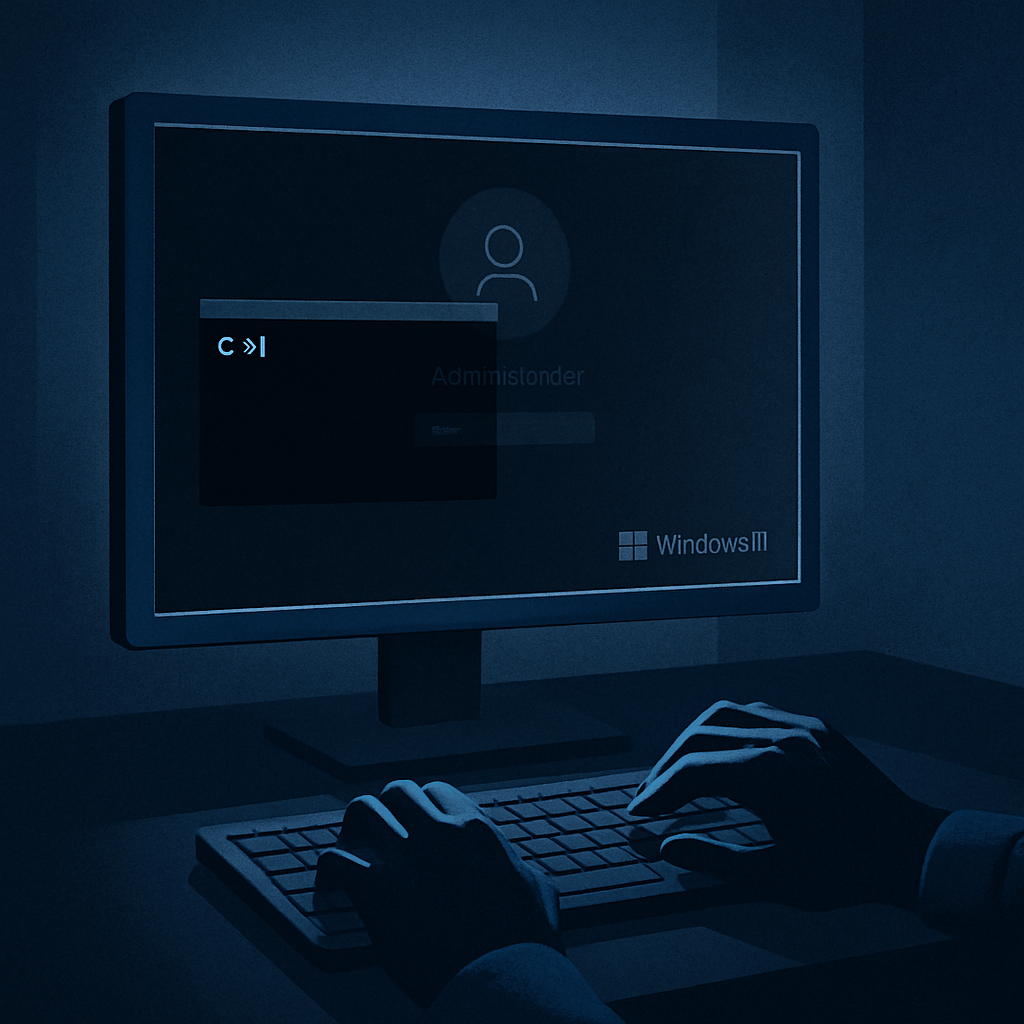
Microsoft has verified a Windows 11 issue that prevents the desktop from loading properly after login, leaving users with a black screen. This glitch follows the deployment of optional preview and cumulative updates released on August 27, 2026. While Microsoft classifies the bug as “mitigated,” work on a permanent correction is ongoing.
The problem appears mainly in Azure Virtual Desktop (AVD) environments that use FSLogix. Affected systems hang after user authentication, with the Windows shell failing to launch automatically—this means users get stuck without a usable desktop despite successfully signing in. Event logs may show Explorer.exe crashes in some cases.
Which Versions Are Impacted
The bug affects Windows 11 version 26H1, traced to update KB5120996 (preview build 28000.2804). Older supported releases—25H2 and 24H2—are also impacted through update KB5120998, both rolled out in August. Windows Server editions are not currently listed among those affected.
Workarounds and Rollback Options
There’s a quick workaround for users caught in the black screen state: pressing Ctrl+Shift+Escto open Task Manager, running a new task for explorer.exe, which can restore desktop functionality for that session. This does not reverse the root issue, but it gets users back on track.
For enterprises and managed setups, Microsoft has issued Known Issue Rollback (KIR) policies. Windows 11 26H1 systems should use policy KB5124006 260924_20071, while those on 25H2 or 24H2 need KB5124010 260924_20021. These policies can be applied via Group Policy in Active Directory or hybrid Microsoft Entra ID. After applying and restarting, devices should retrieve the policy within 90–120 minutes—admins can also use gpupdateto force refresh.
Administrators managing pooled or multi-session AVD hosts are advised to verify whether their machines are running the affected builds, correlate login failures with Explorer crashes, test rollback policies using representative FSLogix profiles, and monitor recovery after reboot. Importantly, these workarounds and rollback settings are temporary: Microsoft expects to introduce a full fix in a future update.
This vulnerability underscores the risks that optional preview and cumulative updates carry for organizations, particularly in virtual desktop environments. Monitoring Windows Health updates, testing patches before wide deployment, and having rollback or mitigation tools ready are essential. It’s not a crisis yet—but it’s a very sharp reminder.”