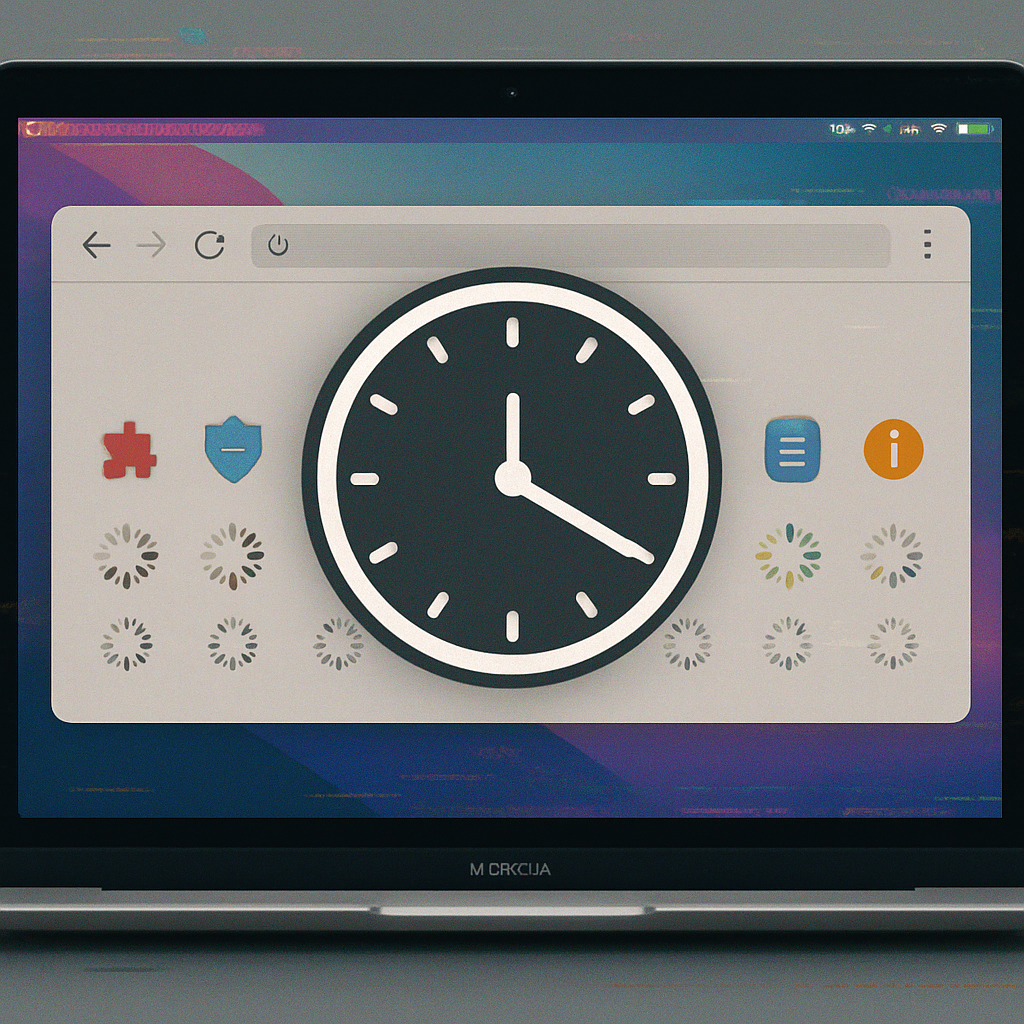
Mac users of Google Chrome are reporting that browser extensions—which normally appear instantly—are now taking up to a full minute to load, thanks to a bug introduced in recent Chrome updates running on macOS. Google is aware of the problem and investigating fixes.
What’s going wrong
The problem first came to light through reports that extensions like password managers (notably 1Password) were lagging significantly. What used to open immediately now takes tens of seconds—up to 60 for some users—before extension popups are usable. The issue appears in Chrome on macOS, with no widespread reports of similar delays on Windows or mobile platforms.
A Chromium issue-tracker thread identifies the likely culprit as how Chrome is treating certain extension processes with low priority, especially under macOS 26. Rather than promptly handling extension operations, the browser seems to relegate them behind other tasks, pushing them to the background where they struggle for system resources. Google hasn’t yet confirmed this theory but is treating the issue with high priority.
Community response and possible workarounds
Developers and users alike have chimed in—beyond 1Password, other extensions are also affected, though inconsistently. Some users experience sluggish auto-fill or delayed UI elements, while others don’t. The root cause appears tied to how Chrome schedules and prioritizes processes on macOS, particularly with recent updates.
One temporary fix being shared is enabling a hidden Chrome flag called “PMLoadingPageVoter,” which seems to restore normal performance in some cases. But this is risky: tinkering with flags can introduce instability or other unintended effects. Google’s statement indicates work is ongoing and that the company might roll out changes or experiments once more diagnostics are completed.
Google has acknowledged the bug in its community forums and is investigating it as a priority. Users looking for long-term resolution will need to wait for an official patch. Meanwhile, keeping Chrome updated and avoiding untested flags is the safest path.
Why this matters: Extensions are critical to many users’ workflows—especially password managers, form-fill tools, blockers, and productivity tools. When those launch slowly, it not only frustrates users but also undermines the utility of those extensions. For Chrome to remain competitive (particularly vs. Safari and Edge on macOS), performance glitches like this need swift remediation.