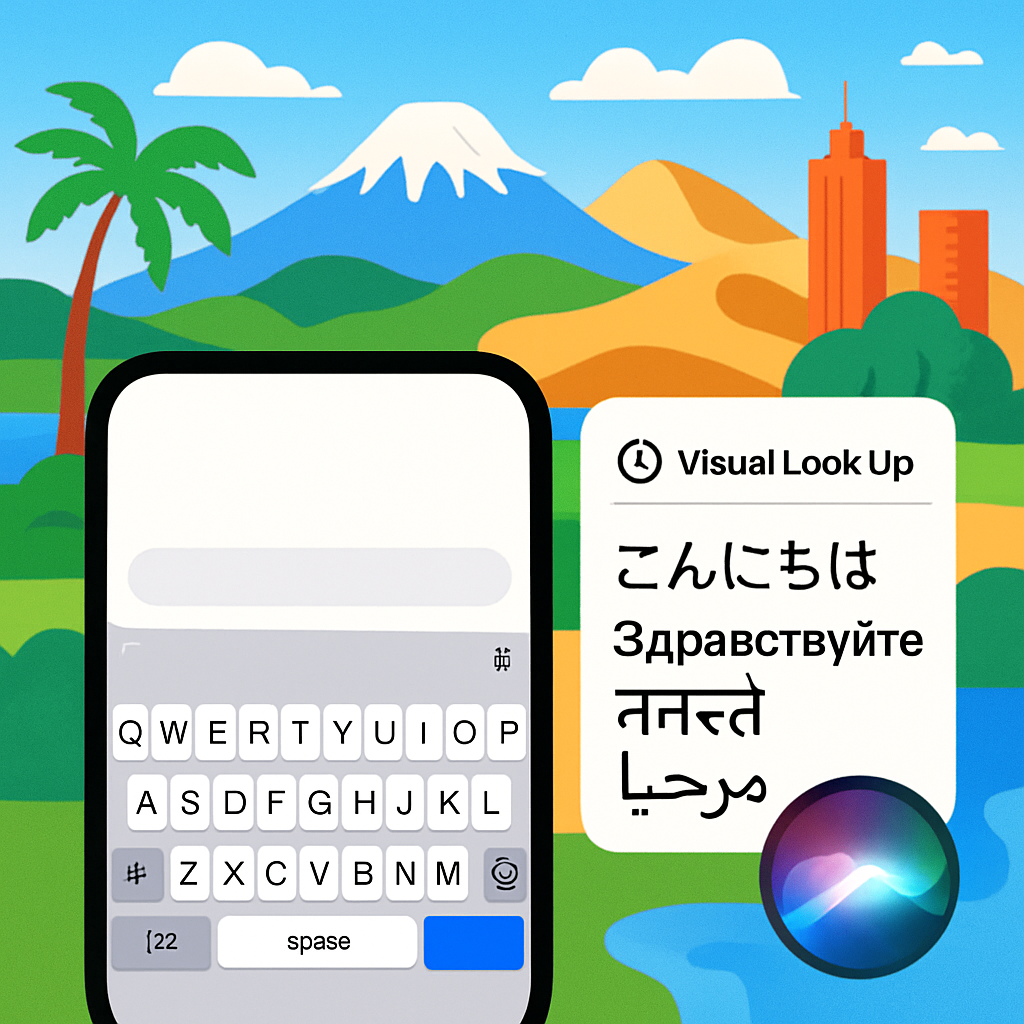
With iOS 27 and iPadOS 27 rolling out, Apple has broadened its support for languages in key system features, adding over 30 languages and dialects across tools like Dictionary, QuickType Keyboard, Siri, and Visual Look Up.
Major updates in language features
The latest versions include expanded offerings for the Dictionary: Definitions and Thesaurus, now supporting English (Australia) and English (Canada). Previously, those regional variants were limited or unavailable. Meanwhile, QuickType Keyboard gets a sweeping expansion: from Afrikaans and Basque to Zulu and Woods Cree, dozens of new languages and dialects are added. Many work with features like autocorrect, predictive typing, multilingual typing, and QuickPath.
Siri’s activation phrase (“Hey Siri”) support is expanded as well. In iOS 27 / iPadOS 27, Siri can now be awakened using French in France and German in Germany. Visual Look Up gains support for Arabic (Saudi Arabia), Traditional Chinese in Hong Kong and Taiwan, Dutch (Netherlands), Korean, Portuguese (Brazil), Thai, and Turkish.
What’s new — Language by feature
QuickType Keyboard: Language support now includes languages and dialects such as Blackfoot, Comanche, Esperanto, Galician, Guarani, various Cree dialects (Northern East, Plains, Southern East, Swampy, Woods), Tuvan, Xhosa, Zulu, and several regional variants like English (Philippines), Luxembourgish, Malagasy, Tagalog (Baybayin), and others. Autocorrection, predictive typing, multilingual typing, and QuickPath are available in many of the new languages—and English (Philippines) is prominent across several keyboard modes.
Siri’s wake-word (“Activate with Siri”) gains French (France) and German (Germany), enhancing voice assistant usability in those locales. Visual Look Up, which identifies objects, landmarks, and more from images, now works with Arabic (Saudi Arabia), Traditional Chinese in Hong Kong and Taiwan, Dutch, Korean, Portuguese (Brazil), Thai, and Turkish.
Why this matters
Expanding language support isn’t just cosmetic. For Apple’s global user base, including speakers of Indigenous or underrepresented languages, these updates make core features like autocorrect and Siri more useful and inclusive. Dictionary and Thesaurus expansions mean regional language variants are treated with equal importance, avoiding forced use of nonlocal or less accurate references.
This also underscores Apple’s broader push to make its devices usable in diverse linguistic contexts. With over 200 features tracked in the language support matrix—from Calendar to Accessibility—these additions show a continued effort to close gaps in core user experience across geographies.
Going forward, users in locales that receive support will want to test these features firsthand—multilingual typing, for instance, works best when keyboard settings are properly configured, and dialectal nuances may influence predictive suggestions or look-up results. Developers and localization experts should also watch whether third-party apps follow Apple’s lead in supporting these newly embraced languages.