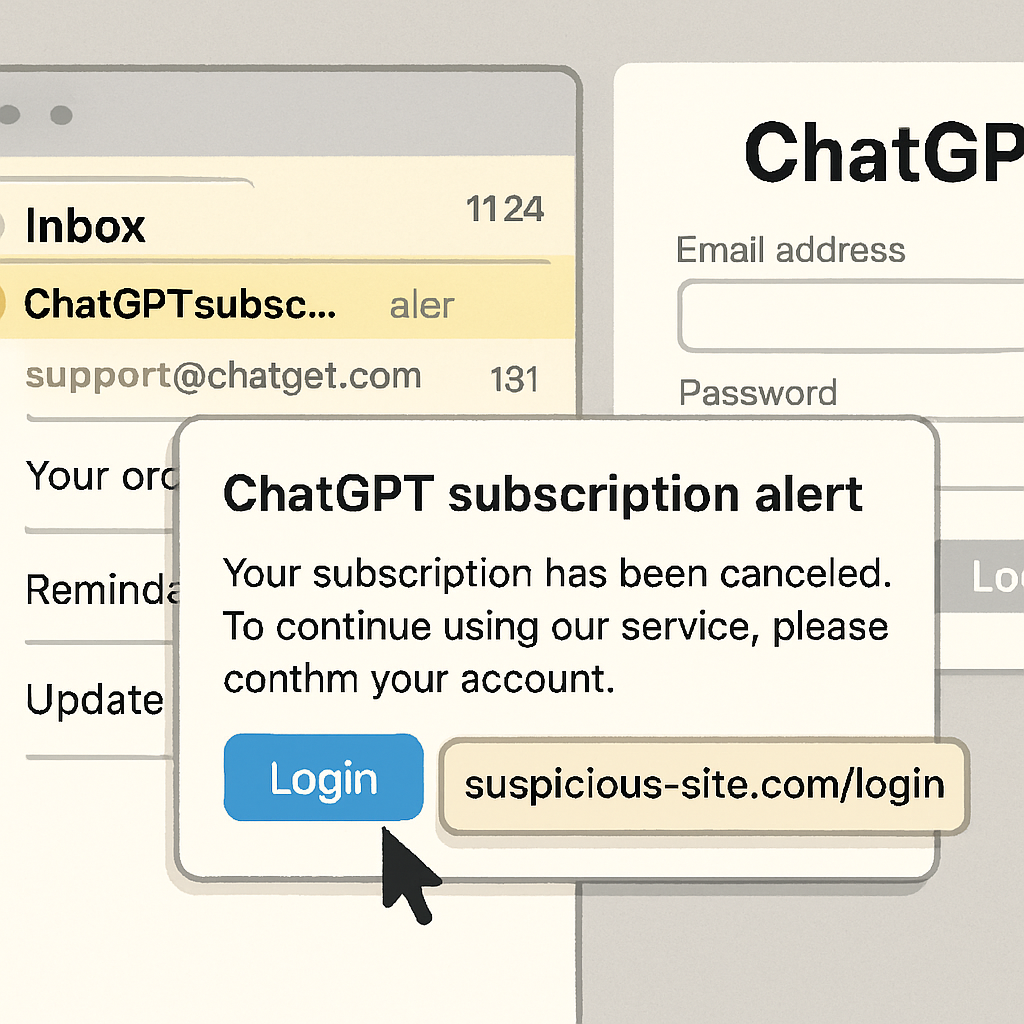
Scammers are now sending fake ChatGPT subscription alerts that appear to come directly from OpenAI, all in an effort to capture your login credentials. These phishing emails use the guise of a billing problem—warning you that payment information needs updating within 48 hours—and include buttons that take you to a fraudulent sign-in screen.
The emails are crafted to look convincing. They display legitimate ChatGPT branding, use professional wording such as “Subscription Payment Required,” and are signed “The OpenAI Team.” But the sender address is fake, and hovering over links reveals destinations that don’t lead to OpenAI. Once the victim clicks, it redirects through Google API wrappers before ending up on attacker-controlled websites. These fake login pages mimic OpenAI’s login interface but are made to steal credentials. After credentials are entered, users are shown an error message rather than access being granted.
Behind the Phishing Campaign
Cybersecurity firm Cofense uncovered the campaign, noting that it illustrates a rising risk from social-engineering tactics targeting services most people no longer consider novel or niche—like AI tools and subscriptions. Even users who only have personal subscriptions are at risk, especially if they reuse passwords or share email domains with their work environments. Threat actors exploit trust in subscription-renewal norms to pressure recipients into acting fast. The organization did not identify who is behind this campaign.
The attack chain typically has two stages. First, recipients get an invoice-style email urging urgent action. The email button ostensibly leads to “Update Payment Information,” but clicking reveals a redirect: links lead to domains not belonging to OpenAI, eventually landing on a login page controlled by the attacker. Even users who are cautious could be fooled by an almost perfect visual replica of an OpenAI login screen.
How to Recognize and Defend Against It
Legitimate companies will not force you to update payment through email buttons. The single safest move is to ignore links in billing-related messages—even if they look official. Open your browser manually, go to OpenAI’s site through a bookmark or by typing the address, and log in there to check account status.
Other warning signs include email addresses that don’t match OpenAI’s domain, links that resolve to unexpected domains, and websites that look almost identical but have different URLs or ask for payment details immediately. If you’ve ever entered your password into a suspicious page, change it as soon as possible via the genuine website, review your account activity and billing settings, and enable two-factor authentication—even though MFA can’t always stop phishing.
For organizations, employee education, email monitoring, and strict link-handling policies are essential. Reporting suspicious invoices and verifying them via known channels rather than by replying or clicking are also key defenses.
At the technical level, indicators of compromise (IoCs) tied to this campaign include specific sender addresses and URLs. One is “[email protected].” Another uses a Google APIs notification redirect link, followed by domains like “e83cedb076.nxcli.io/fertaq/app/login.php.” While these domains are defanged, they are part of the chain leading to credential capture.
The rise of AI tools in daily workflows has created new attack surfaces. Fake ChatGPT subscription emails take advantage of users’ familiarity with routine charges and renewals, making phishing harder to spot even for experienced users.
Why this matters: As more people rely on AI tools professionally and personally, trust in subscription alerts grows—and attackers bank on that. Stay vigilant, especially when you’re prompted to act urgently. Verifying messages through trusted sources and adopting strong account hygiene are your best defenses.