With the arrival of iPadOS 27.2 in its beta form this week, Apple has ported over a macOS feature that streamlines how users can call up Siri after highlighting text. This addition mirrors behavior first introduced in macOS 27 Golden Gate.
New ‘Ask Siri’ Popup on Text Select
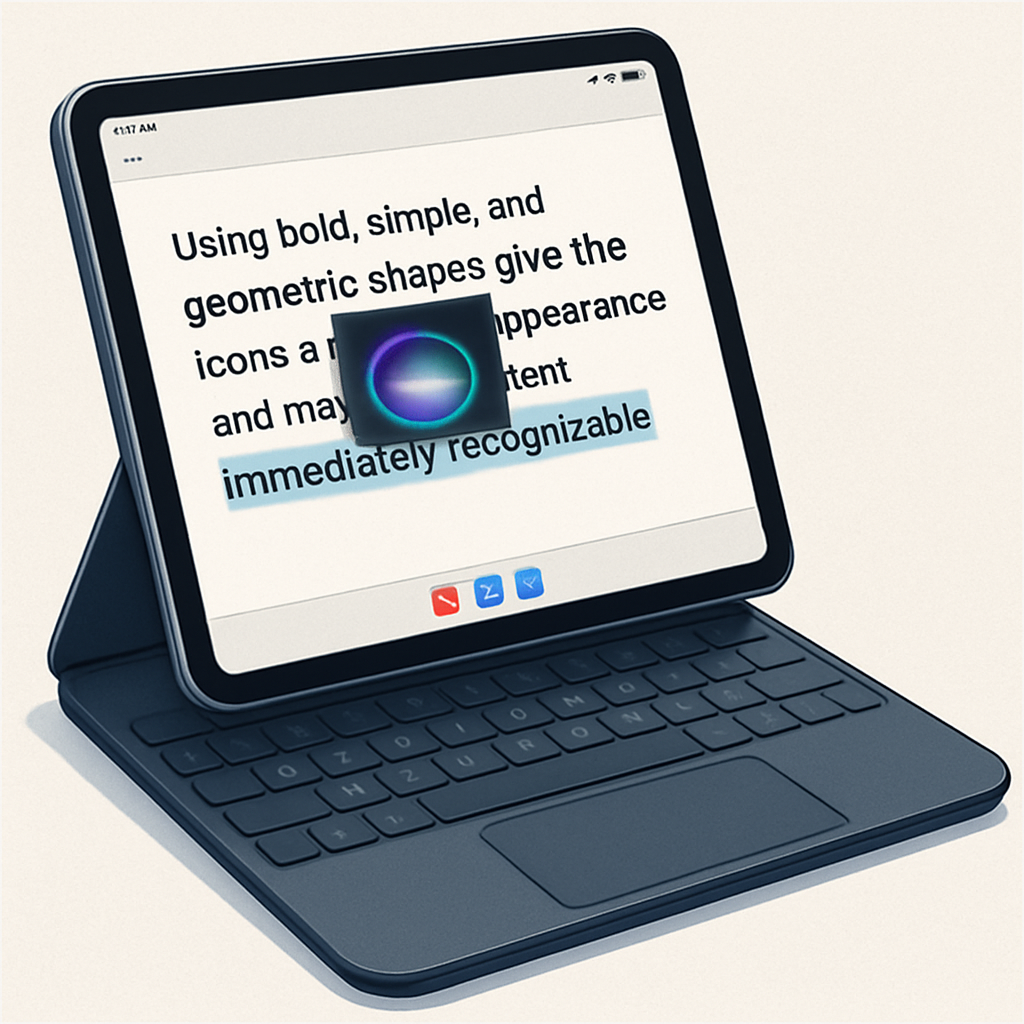
On Macs running Golden Gate, selecting text triggers a small Siri icon near the top-left of the selection. Hovering over this icon expands it into an “Ask Siri” dialogue box. iPadOS lacked this functionality — until now. The latest 27.2 beta enables this same behavior on iPads when a trackpad is connected. When you select some text using the trackpad, the Siri icon appears, and hovering over it reveals a convenient prompt to engage Siri directly.
If you’re not using a trackpad, nothing changes in text selection: the full edit menu still appears, including the option to reveal Siri. But with a trackpad, invoking Siri becomes faster and more natural thanks to this new popup.
Why This Matters
This update builds on iPadOS 27’s core theme: expanding Siri’s presence and ease of access. Prior to this change, users could activate Siri through commands like “Hey Siri,” voice prompts, pulling down from the top of the screen, using a new editor menu option, opening the dedicated Siri app, or pressing Command-Space via Spotlight. The popup feature adds another, more context-aware route. That’s especially useful for multitasking workflows or when editing text. If your daily uses involve copying, defining, translating, or researching selected text, this could shave off steps and improve fluidity.
Bringing features from macOS into iPadOS isn’t new, but this is one of the more subtle and productivity-focused ones. It shows Apple layering macOS’s precision and convenience into iPad’s touch and trackpad environment, especially for users who lean into keyboard or trackpad input.
What to watch: this is currently in beta, so availability and behavior might still shift. Also, it’s trackpad-dependent — if you use only touch, the feature won’t alter your experience.
This minor but meaningful change underlines a larger trend: iPadOS is increasingly absorbing macOS’s productivity tricks. Expect more such refinements in future updates, especially features that smooth the gap between touch-first design and keyboard or trackpad usage.