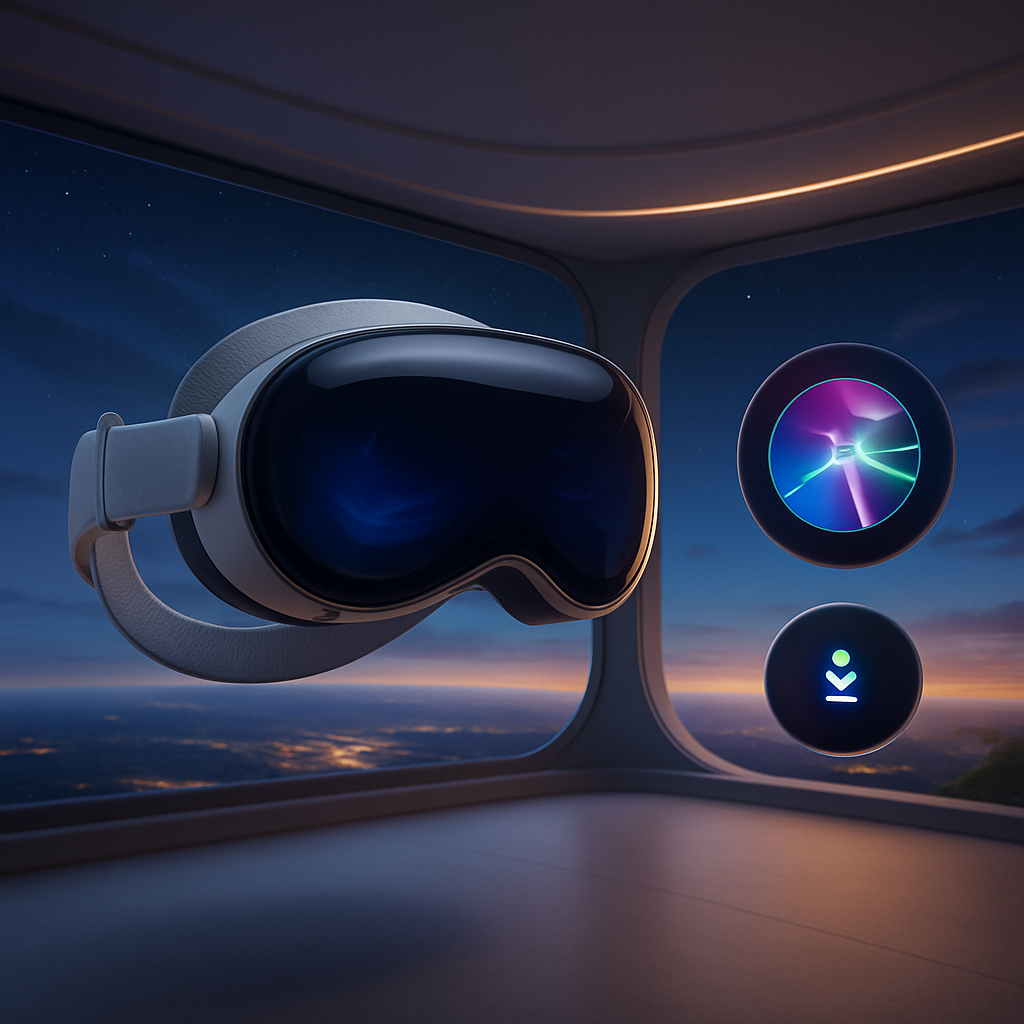
Apple has officially rolled out visionOS 27 today, a free update for both versions of the Vision Pro headset packed with major new features focused on AI, spatial experiences, and improved usability. Early adopters can install it by heading to Settings → General → Software Update—you’ll need to remove the headset during setup while progress shows via the EyeSight display.
Siri AI & Smarter Assistant Abilities
visionOS 27 brings a significantly upgraded Siri—rebranded here as “Siri AI”—available on Vision Pro units with the M2 chip or newer. It leverages your personal context to operate across apps, offering deeper onscreen awareness and connecting to your physical environment through “Visual Intelligence,” which lets you ask questions about things you see, whether objects around you or content displayed in front of you.
Users can now place Siri anywhere in their spatial environment and interact via voice without saying “Hey Siri”—simply look at it and speak. A dedicated Siri app syncs conversations privately via iCloud, and you can create writings using Siri—drafting text, editing existing writing, or requesting feedback in any text field. For Vision Pro models with the newer M5 chip, there’s greater voice customization with more expressive tones and pace.
Spatial Scenes, Home & Browser Upgrades
The update expands spatial features too. You can transform panoramic photos into immersive spatial scene panoramas, set your own personal environments, and explore a new scenic “Thórsmörk” environment inspired by Iceland, complete with both daytime river and aurora variations.
Safari adds immersive 360° environments for compatible websites. Multiview windows adopt a curvature for more natural viewing, and Quick Look enhancements make it easier to manipulate 3D models—changing materials, viewing wireframes, or adding annotations with live previews. macOS apps connected via Mac Virtual Display also benefit: you can pull models into real space and edit them in real time.
System & Accessibility Upgrades
visionOS 27 addresses many system-level tweaks. Wi-Fi connects up to three times faster after powering on. Notification previews let you glance and reply without opening the full app. A redesigned Control Center pulls together playback, environment, and notification controls into more distinct zones. Video capture steps up: you can now record high-quality full-edge 4K views for up to three minutes, including the ability to mirror what you’re recording on another display. Widgets gain a new extra-small size; freeform spatial groups help you organize multiple objects, and the Mac Virtual Display widget lets you place and control your Mac in space.
Accessibility tools get serious updates: powered wheelchair control now works via eye movements, and path-based dwell control lets you select items just by glancing, confirmed without waiting for a timer.
The only feature that demands the M5 Vision Pro is the customizable Siri voice—every other feature works on either model.
These changes build on Apple’s evolving push toward deeper spatial computing, tight AI integration, and making immersive tech more intuitive to use. visionOS 27 arrives in the same spirit as recent updates in iOS and macOS emphasizing responsiveness, personalization, and mixed-reality fluidity.
Analytical angle:With visionOS 27, Apple is clearly broadening what Vision Pro can do beyond “just” extended reality viewing. By bringing in powerful AI—especially one that understands your visual context—and giving users more control over spatial environments, Apple seems to be steering toward computing that’s less about desks and screens and more about spaces. The environment you inhabit becomes part of the interface. Going forward, it’ll be crucial to see how well developers adapt to these immersive tools—if apps lean into spatial depth, AI task flows, and cross-device integration, visionOS’s promise may finally live up to its ambition.


