Apple has confirmed iOS 27 and iPadOS 27 will arrive on all compatible devices starting September 14, bringing updates aimed at AI-powered tools, smarter Siri, and design refinements. This release introduces a range of new capabilities across iPhone and iPad, including changes to Photos, Maps, Home, and health tracking. Here’s a look at what to expect.
Major Additions to Siri & Apple Intelligence
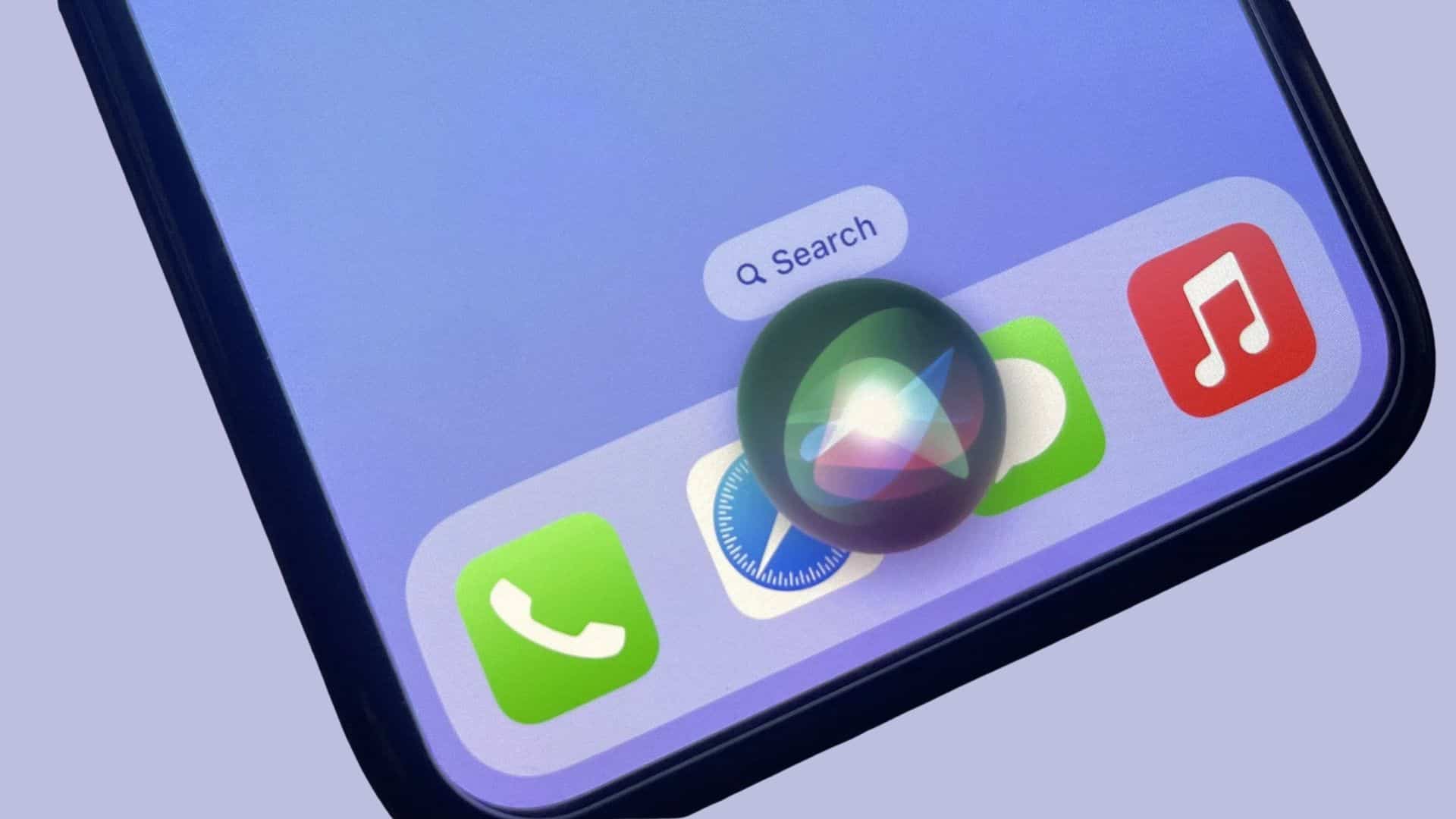
One of the flagship changes in iOS 27 is the overhaul of Siri. The new version leverages Apple Intelligence with a System Orchestrator under the hood. Siri will at last support typed input alongside voice, keep a conversation history to enable follow-up questions, and tap into more personal context drawn from supported apps. In Camera, there’s now a dedicated Siri mode for using visual input — and users will also be able to plug in screenshots and photos when submitting queries.
On iPadOS 27, these features extend further: Spotlight searches can now generate results powered by Apple’s AI models; the new Siri app maintains past interactions; and third-party apps are allowed to supply data for Siri Intelligence to pull from. Other enhancements include smarter paste suggestions, faster multitasking window actions, a persistent menu bar across the system, and Files app transfers up to five times quicker.
Photos, Design Tweaks & Smarter Home
The Photos app sees major upgrades. A new Spatial Reframe feature lets users change perspective in images, while Extend stretches an image beyond its original frame for creative edits. Image Playground adds new styles, including photorealistic options.
Design improvements arrive with the new Liquid Glass theme, offering better readability, sharper icons, and more customization choices. Gym’s integration gets easier too: iPhones will now be able to connect directly with compatible cardio equipment using GymKit.
Home app upgrades aim to simplify management of smart home devices. You’ll get summaries of incoming notifications, the ability to search or describe HomeKit Secure Video clips, and support for streaming and recording video in 4K from compatible cameras.
Health, Parental Tools & Maps
The health suite gets incremental updates. The most notable addition is perimenopause pattern notifications added to Cycle Tracking — though otherwise there’s less new content here compared to other updates.
Parents gain simplified ways to set up child accounts and expanded options for managing website permissions. Screen Time’s app controls have been revamped; Communication Safety has been enhanced to detect graphic imagery and blur it automatically.
In Maps, Apple expands its Flyover imagery to more locations and introduces Local Lists, which auto-generate recommendations for nearby restaurants and other points of interest based on user preferences.
Compatibility & What’s Dropping
iOS 27 will support models starting from the iPhone SE (2nd generation), plus iPhone 11 and all subsequent flagship devices up to the latest iPhone 17 Pro Max and Air. Older models—iPhone 10-series and below—are no longer eligible. iPadOS 27 also drops support for aging hardware, focusing on modern iPads capable of running the enhanced AI and interface features.
System-wide performance improvements, bug fixes, and under-the-hood enhancements will also ship with iPadOS 27, aiming to make things feel smoother even if you don’t use the headline AI stuff.
Analytical Take: iOS 27 marks a clear pivot: Apple is betting big on AI and context-aware tools. By weaving in smarter Siri, open third-party app support for AI, and visual intelligence features directly in Camera and Photos, Apple signals its priority to compete in generative and assistive AI. For users, the question will be whether the new functionality justifies upgrading—especially if you have an older device. Keep an eye on how well these AI features run in real-world use, whether privacy concerns persist, and whether the performance gains are noticeable across your apps and workflows.