Security researchers have uncovered a new threat campaign that abuses rogue ScreenConnect installations to spread malware across Windows systems in a worm-like fashion. The attack begins with social engineering, through tactics such as phishing or fake support interactions, convincing victims to install or run malicious remote-access software. From there, an unauthorized ScreenConnect client is installed.
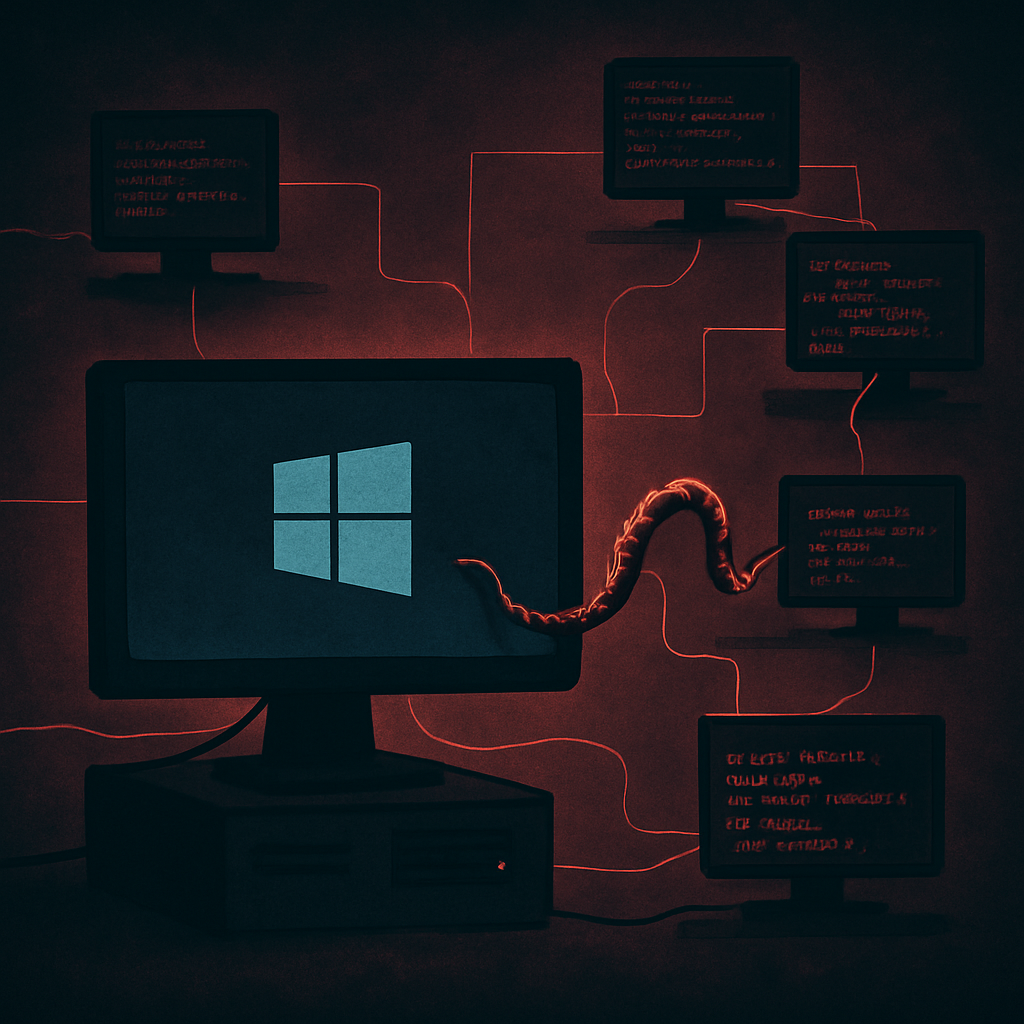
Once in place, the compromised client initiates a multi-stage script chain—often four stages—using Windows Script Host. Early scripts check system details and prepare encrypted payloads; later ones choose additional malicious tools based on the environment. If the compromised PC connects to others via ScreenConnect, the scripts use the tool’s file-transfer capability to deliver these payloads to connected machines. This gives the infection a capability similar to worms.
The Modes & Moods of the Attack
The actors behind the campaign avoid exploiting software vulnerabilities; instead they rely on trust and normal remote-support workflows. Once the client is under their control, attackers can maintain persistence—surviving system restarts, escalating privileges, weakening defenses, setting up traffic tunneling, and even deploying cryptocurrency miners. They also attempt to skip over systems with certain protections, making the attack more selective.
Storage of payload components and artifacts is stealthy. Filenames and hashes are rotated, and persistence is achieved via registry run-keys and script or batch files, which makes detection harder. Supplemental remote tools like UltraViewer or Windows Quick Assist have been observed in some incidents.
How It All Begins — Social Engineering & Delivery
Social engineering is central to the campaign: victims might receive messages or see advertisements promising refunds or support, leading them to download malicious installers or allow remote access. One case involved a user who used Windows Quick Assist after being duped; another involved phishing that led to running the installer.
Once attackers have access, the compromised ScreenConnect client kicks in, pushing out scripts to other connected machines during sessions. These sessions often look legitimate, meaning malicious actions can hide in what appears to be ordinary administrative activity until detection.
Defense: Detection & Mitigation
Defenders are urged to examine ScreenConnect server logs for guest process activities that execute remote file transfers tied to scripting (VBScript, PowerShell). Also, any unfamiliar remote-execution operation during a ScreenConnect session should raise alarm, especially when names of files or tools are unusual.
If a device is compromised, the recommended path is reimaging from clean media or fully reinstalling the operating system. Organizations should also vet all remote-management deployments, ensuring they are authorized before allowing connections. Remote-support permissions should be tightly controlled, and any unsolicited support requests should be treated with suspicion.
Here are key Indicators of Compromise (IoCs) to watch for:
• Specific filenames like ScreenConnect.ClientSetup.msi, WindowsServiceHost.vbs
• SHA-256 hashes for staged VBScript files (e.g., 1.vbs through 4.vbs)
• Registry run-keys launching persistence scripts
• Domains and IPs like tele-sync.opik.net, borertors92.anondns.net, and certain IP ranges used for tunneling or asset control
For end users, the immediate takeaway is straightforward: never share remote support codes or run unsolicited installers. Organizations should establish verified support channels and isolate any devices suspected of compromise before damage spreads.
This exposure demonstrates how trusted admin tools can be weaponized—once attackers get access, they can turn trust into an offensive launch pad.
Why this matters: This campaign underscores a troubling shift in cyberattacks—from exploiting software flaws to manipulating trust and workflows. Attackers don’t need zero-days when social engineering plus a remote-access tool can infect entire networks. Teams must tighten support protocols, monitor remote sessions closely, and treat any anomalous script or file activity via ScreenConnect as a serious threat. Watch for new cases where remote-management becomes the beachhead, and prioritize securing both the tools and the human behaviors around them.