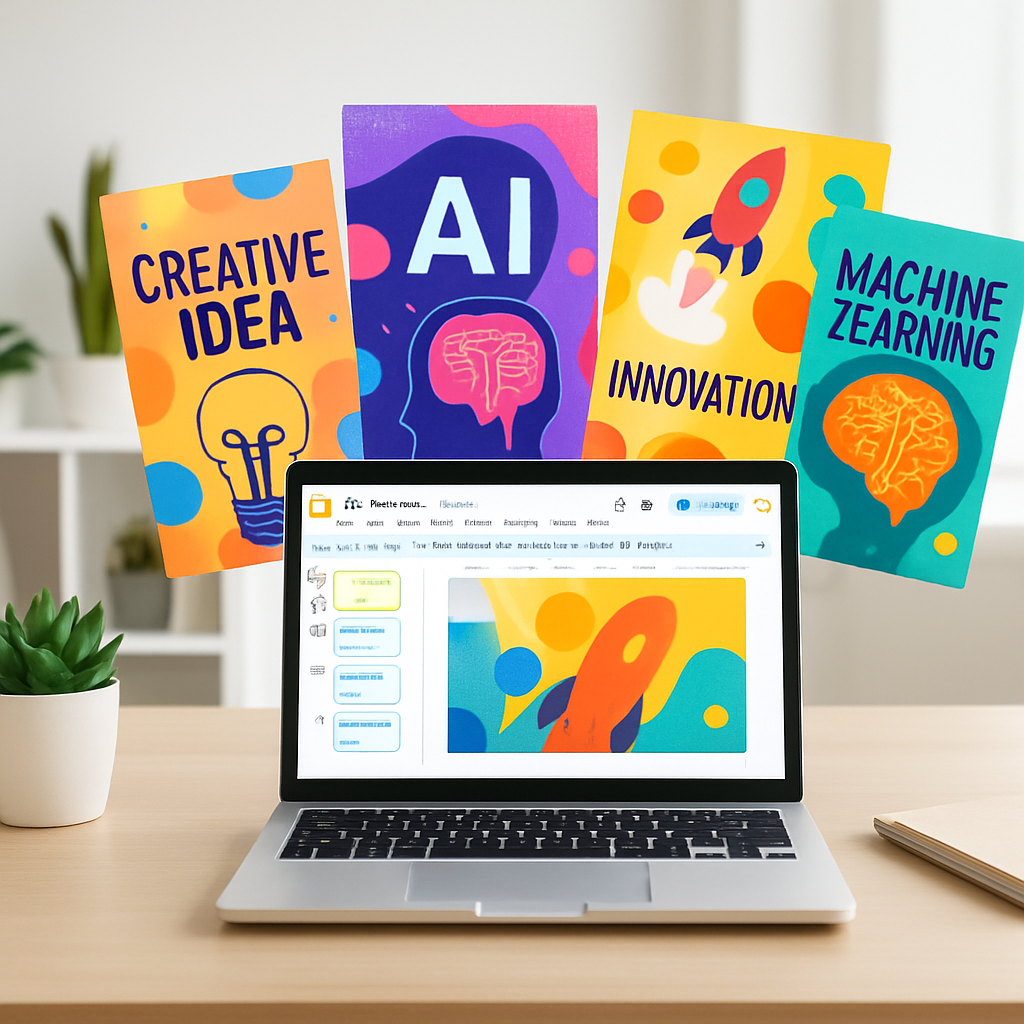
Google is launching a new AI-powered image creation and editing tool called Google Pics, aimed at Workspace business users and premium Google AI subscribers. Unlike traditional graphic design apps, Google Pics lets users generate visuals through text prompts rather than manual design work. The tool incorporates an assortment of editing capabilities like object isolation, text translation and transformations, and multiple image generations to pick from.
What Google Pics Offers
Built on Google’s Nano Banana image generation model, Google Pics is meant to simplify common design tasks such as posters, social media visuals, and other everyday visual content. Workspace customers, plus those subscribed to Google AI Pro or Ultra, will receive access in the upcoming weeks. Initially integrated into Docs and Slides—rolling out today—its full availability will expand later to Drive.
One distinguishing feature: users don’t start from scratch with templates or layouts to build designs. Instead of designing with tools, you prompt with language and let the model produce creative output. Once you have results, you can refine with editing tools for isolated objects, translated text, or different versions—allowing collaboration and comparison among image options.
How It Stacks Up
Google Pics enters a crowded field populated by Canva, Adobe Express, and others. But its approach diverges sharply from Canva’s model, which supports artist-created templates, graphics, and photos that are drawn from a marketplace—many of which earn royalties for creators. In contrast, Google Pics relies entirely on its AI model to generate visuals, without built-in templates sold by third parties.
Adobe Express, meanwhile, still emphasizes manual design—dragging, arranging, styling with interactive tools—while Google Pics puts prompt-driven creation front and center. The shift marks a move toward letting AI handle creative heavy lifting instead of hands-on design.
Features like collaborative editing and browsing multiple generations of created images aim to make the tool flexible for workplaces. It lets users iterate on visuals without restarting the creative process each time they want a variation.
Working in Docs and Slides first means that early adoption will likely focus on document-heavy users—presentations, proposals, and visual communications. As it becomes available in Drive and Workspace generally, Google Pics could reshape how business teams handle creative assets.
What this means: Google Pics may lower the barrier to entry for design tasks, especially for teams without dedicated graphic designers. It could challenge incumbents like Canva and Adobe Express by offering a more AI-centric workflow—one where the primary input is language rather than layout. What to watch: how well Nano Banana model handles nuance, photo realism, discounting bias in image generation, and whether users accept fewer design controls in exchange for speed and ease. If Google gets this right, Pics could change expectations about visual creation across business software.