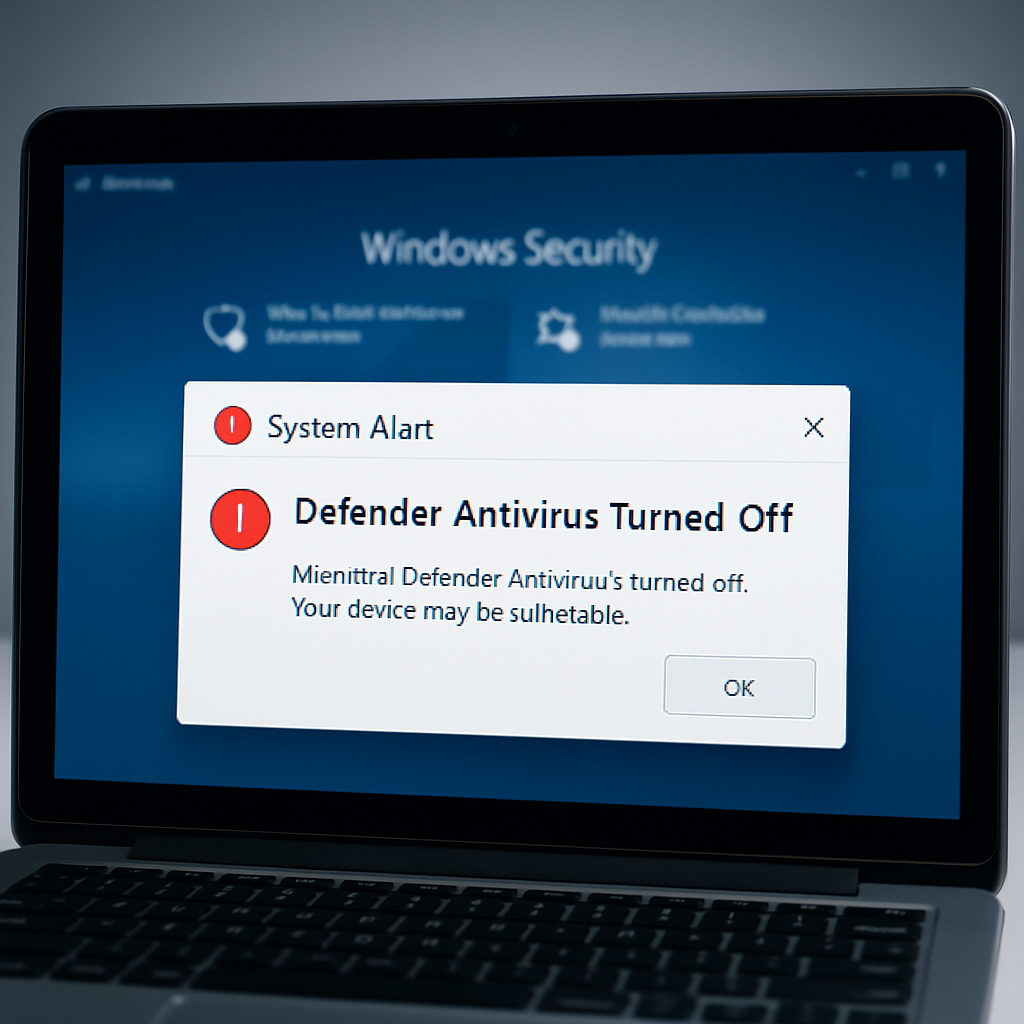
Microsoft has confirmed that warnings claiming its built-in antivirus protection—Microsoft Defender—has been turned off are triggering incorrectly on many Windows systems. The company insists this is a display bug, not a breakdown in protection. Despite the alarming notifications, Defender is still active and fully functional on all affected machines.
How the Bug Manifests
These misleading alerts began appearing after recent Defender Antivirus updates, sometimes during startup and then periodically afterward. Notably, they persist even if notification settings have been disabled, meaning users cannot silence them via normal controls. Microsoft published a “release-health advisory” on August 28, 2026, confirming the issue while clarifying that a fix will arrive in a forthcoming Defender update. No specific release date has been finalized.
Scope of Impact & What Users Should Do
This glitch is hitting a wide range of Windows versions. Microsoft says almost every version of both Windows 10 and Windows 11—plus Windows Server editions spanning back to 2012—is vulnerable. Systems running Windows 11 versions 23H2, 24H2, 25H2, and 26H1, as well as Windows 10 versions 21H2 and 22H2, are affected. Enterprise LTSC releases from 2016 and 2019, and server editions from 2012 through 2025, are all included in the bug’s reach.
Security professionals are urging users to verify the error rather than ignoring the notification entirely. Opening the Windows Security app and checking the Virus & Threat Protection dashboard for “real-time protection enabled” is the recommended approach. If those settings are intact, the warning can be treated as a harmless display issue until Microsoft issues a correction.
Background & Related Issues
This isn’t the first time Defender updates have caused confusion. Earlier this month, certain devices experienced access violations (error code 0xc0000005) when running quick or full scans. That issue has since been resolved via a signature update. The recurrence of unexpected behaviors in Defender updates raises concerns about reliability, especially when users are repeatedly warned that protection is compromised.
IT teams managing multiple endpoints are being advised to treat the “Defender is turned off” alerts as cosmetic for now. Monitoring the official Microsoft advisories and verifying system protection via PowerShell or the Windows Security dashboard is the safest stopgap.
What this means: Microsoft is owning the problem promptly, emphasizing that the issue lies in its warning mechanism rather than in antivirus performance. However, the lack of a confirmed fix timeline leaves many users uneasy—alerts that repeatedly suggest you’re unprotected—even when you’re not, can erode trust. What to watch for now is when Microsoft finally rolls out the corrective update, and whether future Defender patches will include stronger safeguards against display bugs that sow unnecessary alarm.