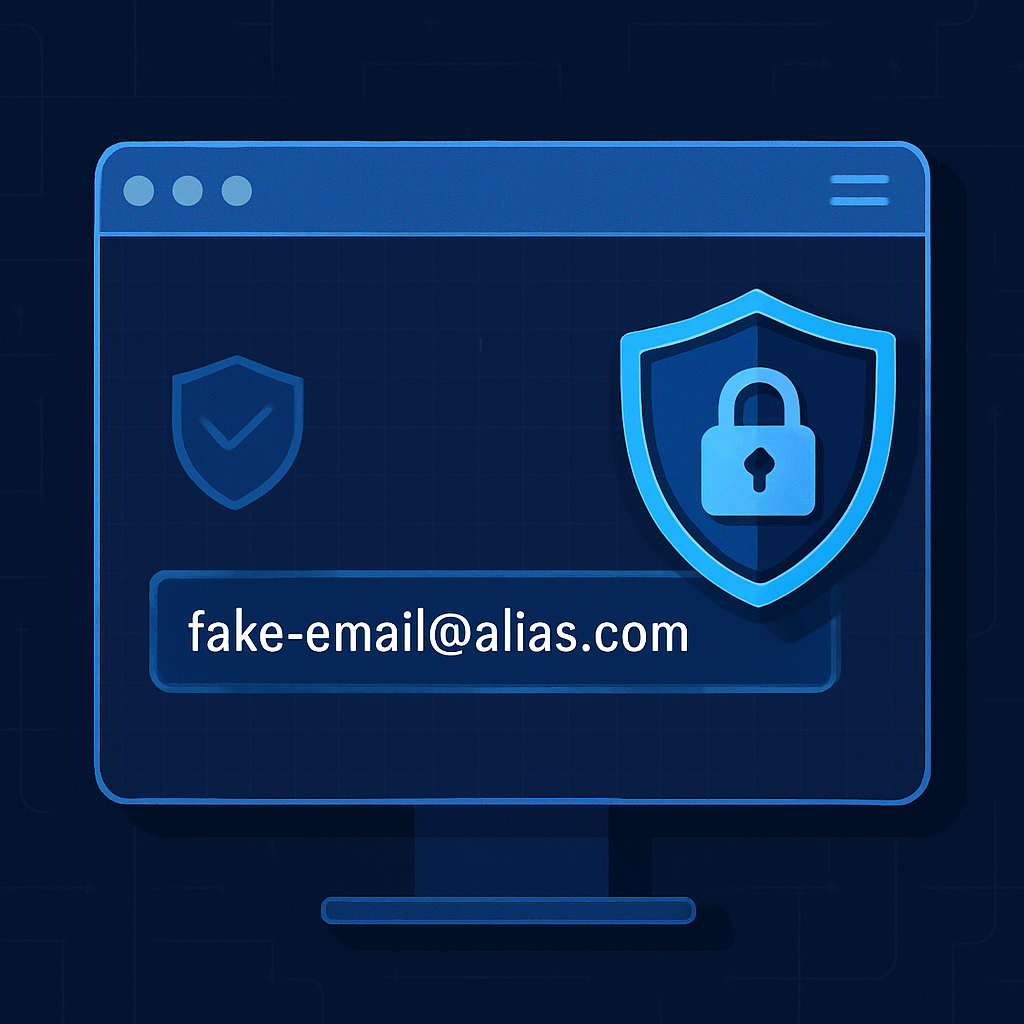
Brave Browser has rolled out a new email alias feature, aimed at giving users greater control over their personal data and online privacy. As of this week, Brave users who sign up for a browser account can generate aliases to use in place of their real email when registering for services across the web. Any mail sent to these temporary addresses is forwarded to the user’s primary account, keeping the real address concealed.
How It Works and Why It Matters
To access the new alias capability, users need to create a Brave account and supply their actual email address. Once logged in, when filling out an email field on a website, a prompt will appear offering the option to use an alias instead. If that pop-up doesn’t show up, users can right-click the field to select the alias option manually.
Emails sent to the alias are routed to your main email address. Brave insists that it doesn’t glance at email contents, except for spam and virus filtering. After forwarding, Brave removes the message from its own servers. User data is encrypted at rest, and any notes tied to aliases are stored locally unless the user enables sync — in which case those notes are protected with end-to-end encryption.
Balancing Privacy with Practical Limits
Guarding against privacy risks—like sites using email to track users or risking exposure through data breaches—is the heart of this update. Email aliases help break the link between a user’s identity and their online activity, making data more difficult to exploit by advertisers or bad actors.
That said, Brave warns that initially forwarded email may be flagged as spam more often until the new alias system builds up enough trust as a mail provider. Users receive five aliases for free now, with a promise of more aliases under Brave’s upcoming premium tier.
This feature sets Brave apart from many mainstream browsers, offering users built-in tools to obscure their email when they sign up for various web services. Combined with Brave’s existing privacy tools—such as tracker blocking and ad shielding—the addition of aliases could provide a more comprehensive defense against invasive tracking.
What to keep an eye on: How quickly Brave can improve alias delivery so legitimate messages avoid spam folders; whether the premium plan’s added aliases will offer significant value; and how this functionality impacts user adoption compared to Chrome and other browsers without integrated alias tools.