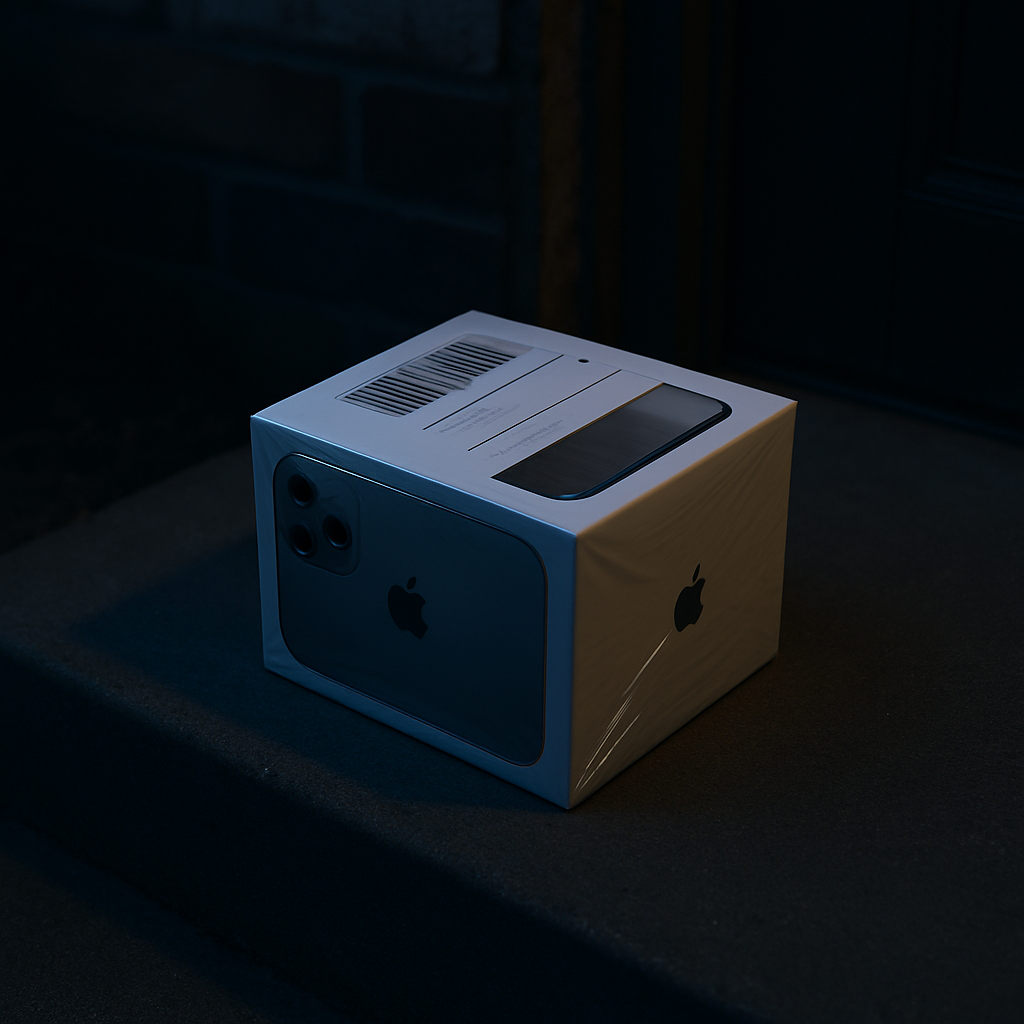
An unexpected iPhone showing up at your door sounds like a windfall—but it’s almost certainly a setup. Using a device you didn’t order is risky. It gives whoever sent it access to everything you do once that phone is activated, from passwords to two-factor codes.
How These Scams Work
A recent case involved a person who received a sealed iPhone 15 Pro Max they never ordered. When they checked the serial number, it matched an Apple record confirming the phone had been activated months earlier and its warranty had already expired. The shipping label was via FedEx—but the tracking number didn’t actually show up in the shipper’s system. Clear signs this was no mystery gift from a friend. This kind of setup is aimed at fooling people into turning on a compromised device. Once activated, the scammer can harvest credentials and personal info. All without physical contact—just by leveraging trust.
Why This Is More Than Just Odd
For attackers, the cost of sending out these phones is minimal compared to the potential payoff. Retail price for high-end models like recent iPhones often runs to $1,200 or more. Even if stolen or acquired secondhand, sending them through the mail to random recipients lets scammers hit as many targets as possible. Some small fraction of people will power it on and log in—and that may be enough for the attacker to get into financial or personal accounts.
Terms You Should Know: Whale Phishing
This is a form of fraud known as whale phishing—an attack aimed at a single target. While traditional phishing focuses on broad nets, whale phishing is far more personalized. The attacker’s goal is to lure someone into activating a phone so they can harvest credentials, impersonate the victim, or otherwise gain access to financial resources.
What You Should Do If It Happens To You
If an iPhone just appears and you didn’t order it, don’t turn it on. Don’t connect it to your accounts. If you work for a company, let your IT department know—don’t assume they’ll dismiss the risk. The safest move is disposing of it properly. Recycle it at an Apple Store or drop it off at an e-waste center. Avoid throwing it in the trash—it’s safer all around.
This kind of unsolicited device is not a mystery gift—it’s a potential life-ruiner. Don’t power it on. Don’t log in. Don’t help them hijack your identity.
What this means: security threats keep evolving. This isn’t just phishing by email—it’s device delivery. Be skeptical of anything you didn’t order. Your personal security may depend on it.