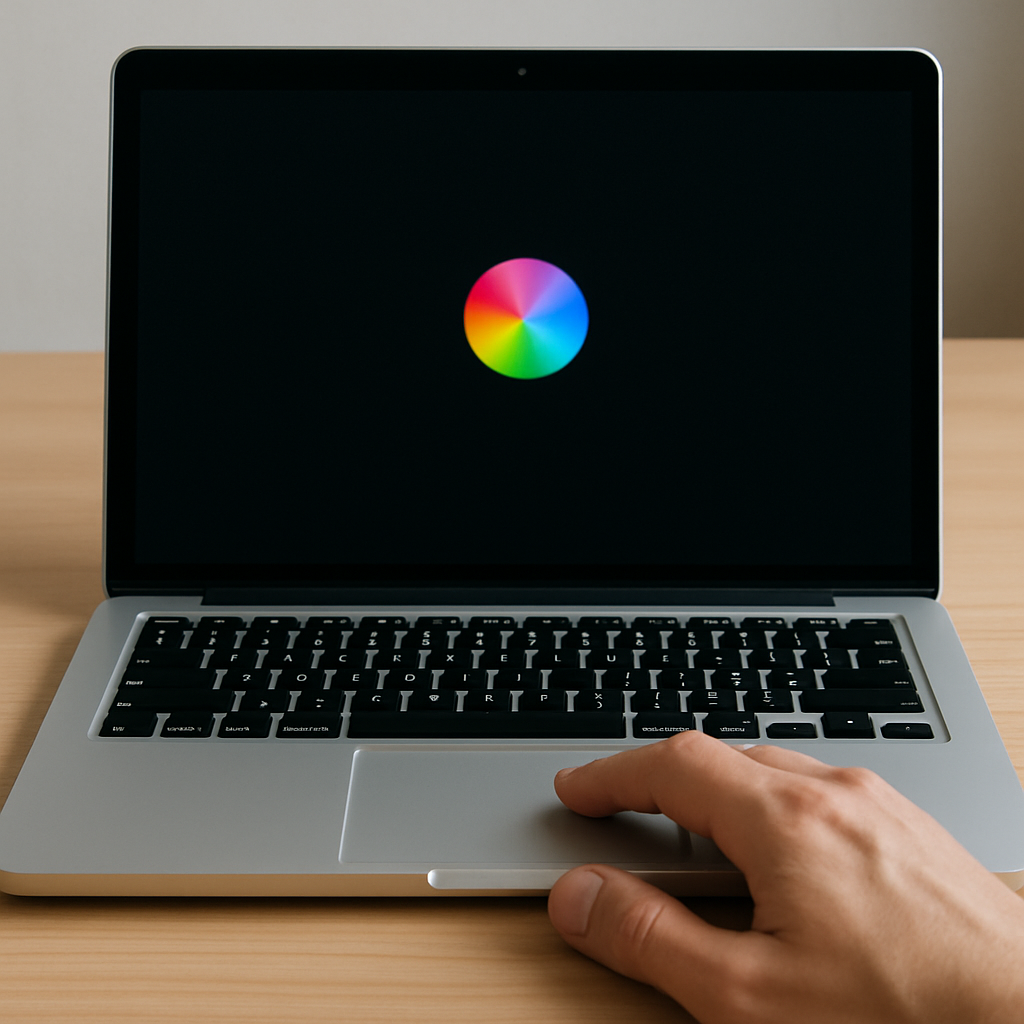
Mac users running macOS 26.5 have reported frequent occurrences of the spinning beach ball and instances where the trackpad becomes unresponsive for several seconds. These issues can significantly disrupt productivity and user experience.
Upon investigating, users have identified three processes in Activity Monitor that are often responsible for high CPU usage during these episodes: mediaanalysisd, kernel_task, and corespotlightd. These processes are integral to macOS’s background operations, including media analysis and system management.
One effective solution to this problem involves deleting the CoreSpotlight metadata folder, which forces the system to rebuild its Spotlight index. This process can temporarily slow down search functionalities as the index is rebuilt but has been reported to resolve the beach ball and trackpad issues.
Steps to Delete the CoreSpotlight Metadata Folder
- Open a Finder window.
- From the ‘Go’ menu, select ‘Go to Folder…’.
- Enter the following path:
~/Library/Metadata/CoreSpotlight - Press ‘Enter’ to navigate to the folder.
- Select all items within the folder (Command + A).
- Right-click on any selected item and choose ‘Move to Trash’.
- Right-click on the Trash icon in the Dock and select ‘Empty Trash’.
- Confirm the action when prompted.
After completing these steps, the system will begin rebuilding the Spotlight index. This process may take some time, depending on the size of your data, but users have reported that the beach ball and trackpad issues do not recur post-rebuild.
It’s important to note that while this solution has been effective for many, it may not work for all users. If the problem persists, consider reaching out to Apple Support or visiting an Apple Store for further assistance.
In the broader context, this issue highlights the complexities of modern operating systems and the potential for background processes to impact user experience. As macOS continues to evolve, it’s crucial for Apple to address such performance issues promptly to maintain user trust and satisfaction. Users should stay informed about system updates and community-reported solutions to mitigate similar problems in the future.