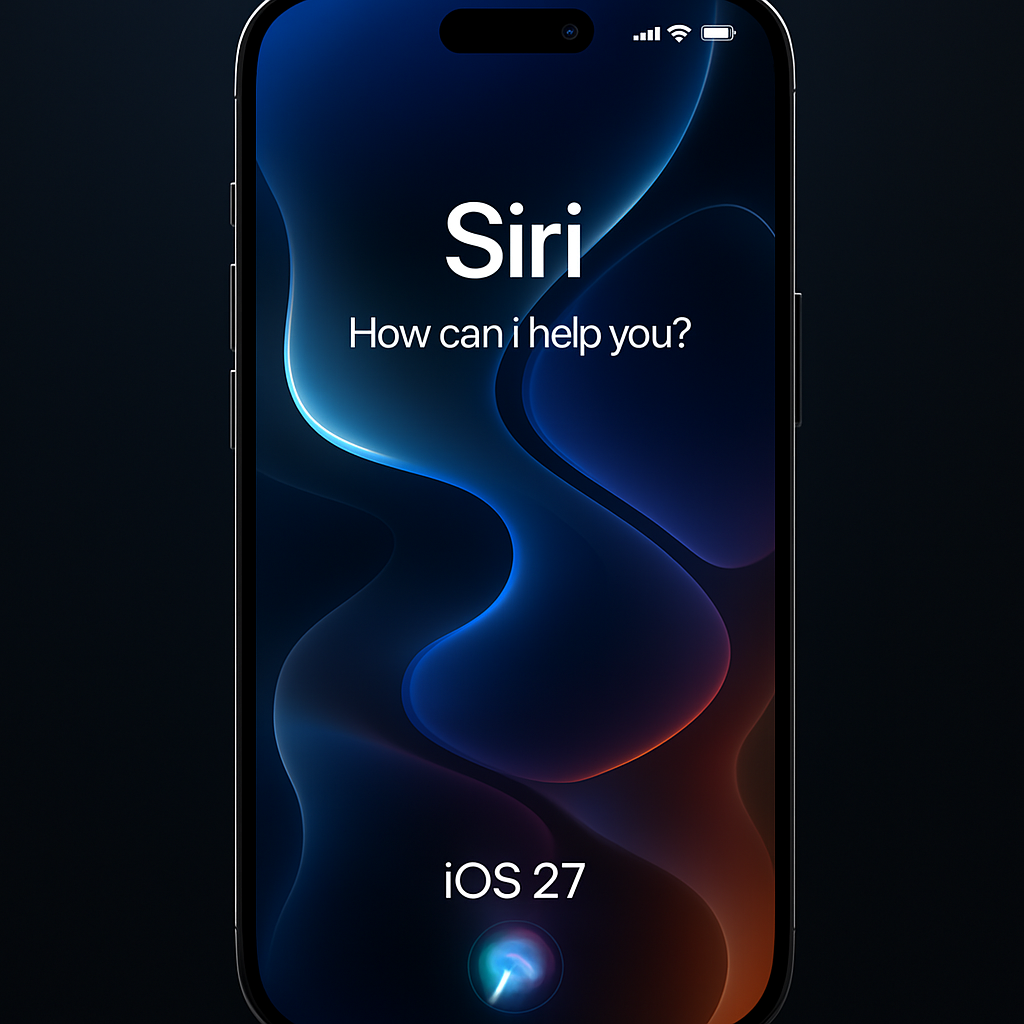
The iOS 27 public beta has been released, offering iPhone users an early look at Apple’s latest software enhancements. This update introduces significant features, including the advanced Siri AI, a redesigned Screen Time interface, customizable Liquid Glass aesthetics, and notable performance improvements.
How to Install the iOS 27 Public Beta
To access the iOS 27 public beta, follow these steps:
- Back up your iPhone using iCloud or a computer to safeguard your data.
- Visit the Apple Beta Software Program website and sign in with your Apple ID.
- Accept the program terms to enroll your device.
- On your iPhone, navigate to Settings > General > Software Update > Beta Updates.
- Select ‘iOS 27 Public Beta’ and return to the Software Update screen.
- Tap ‘Update Now’ to initiate the installation.
It’s advisable to install beta software on a secondary device, as beta versions may contain bugs or compatibility issues. Ensure your device is compatible; iOS 27 supports iPhone 11 and newer models, as well as the second-generation iPhone SE and later.
Key Features in iOS 27
Siri AI Integration: The standout feature of iOS 27 is the enhanced Siri AI, designed to provide more intuitive and context-aware interactions, significantly improving user experience.
Liquid Glass Customization: Building upon the Liquid Glass design, iOS 27 introduces a customization slider under Settings > Appearance. This allows users to adjust the transparency and tint of the interface, offering a personalized aesthetic.
Performance Enhancements: Apple has optimized the CPU scheduler, resulting in apps launching up to 30% faster. AirDrop transfers are up to 80% quicker, and new captures appear in Photos up to 70% faster. These improvements extend to older devices, ensuring a smoother experience across the board.
Screen Time Overhaul: The Screen Time feature has been revamped to provide a clearer overview of device usage. Parents can set Time Allowances for specific app categories and establish Schedules to control app availability during different times, such as school days or weekends. The ‘Ask to Browse’ feature allows children to request permission before accessing certain websites or contacting new individuals.
Additional Features:
- Messages now supports background sending of large media files without blocking new texts and consolidates group-chat Tapback notifications.
- Photos introduces full-resolution Shared Albums, keyword tagging, star ratings, and customizable slideshows.
- Users can save any video frame as a photo with a single tap.
- Alarm volume can be adjusted independently from the system volume.
- Extra-large widgets can occupy an entire Home Screen page.
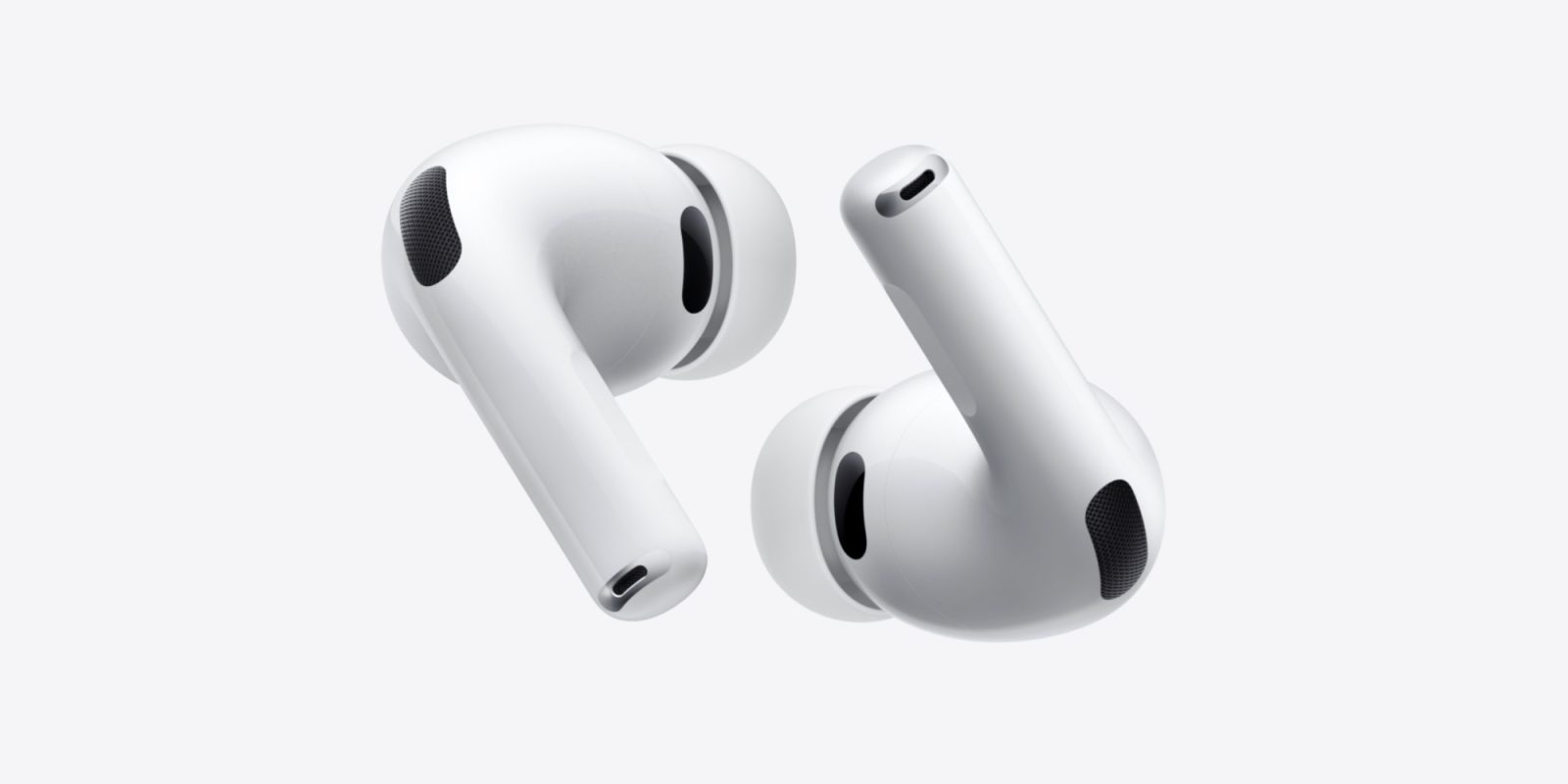
- AirPods gain a custom equalizer for lows, mids, and highs.
- iPhones can connect directly to compatible GymKit equipment.
- FaceTime supports simultaneous front- and rear-camera video on iPhone Air and iPhone 17 models.
- The Home app offers more reliable HomeKit Secure Video recording and native 4K camera support with eligible hardware and iCloud+ service.
As with all beta software, users may encounter bugs or compatibility issues. Apple encourages feedback through the built-in Feedback Assistant app to help refine the final release, expected this fall.
For those interested in exploring the latest features and providing input on Apple’s software development, the iOS 27 public beta offers a comprehensive preview. However, it’s essential to weigh the potential risks of beta software against the benefits of early access, especially when considering installation on primary devices.