With the release of iOS 27, iPhone users are introduced to a host of new features and enhancements. To make the most of this update, consider the following steps:
Explore Apple Intelligence
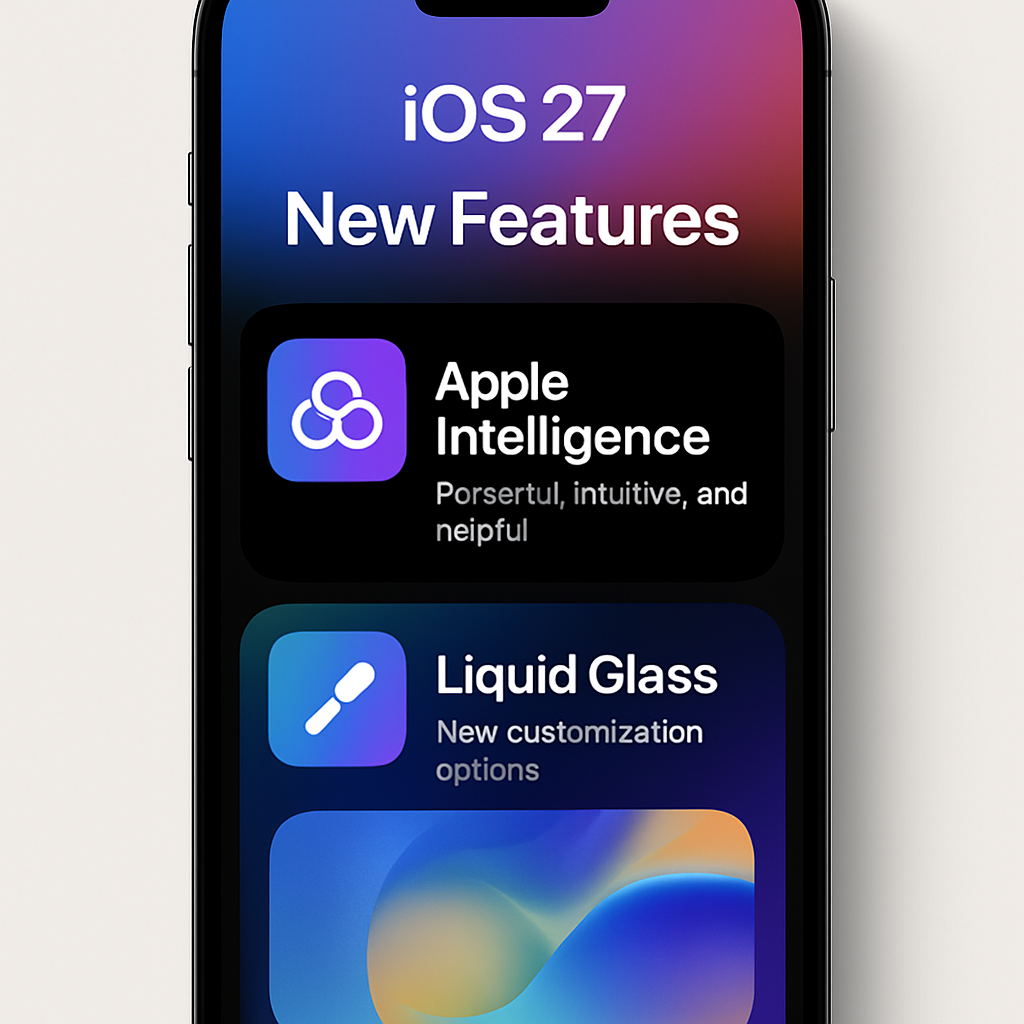
iOS 27 introduces Apple Intelligence, a suite of AI-driven features designed to enhance user experience. Familiarize yourself with these tools to leverage their full potential.
Customize Liquid Glass Settings
The Liquid Glass feature has been refined in iOS 27, offering more granular control over its appearance. Adjust the frosting intensity and layer separation to suit your preferences.
Set Separate Alarm and Notification Volumes
For the first time, iOS 27 allows users to set distinct volumes for alarms and notifications. This ensures that important alerts are heard without unnecessary disturbances.
Update Apple TV via the Home App
With iOS 27, you can now update your Apple TV directly through the Home app, streamlining the process and ensuring your devices are always up to date.
Review and Adjust Privacy Settings
New privacy features in iOS 27 provide enhanced control over your data. Review these settings to ensure your information is protected according to your preferences.
By taking these steps, you can fully embrace the advancements offered by iOS 27, enhancing both functionality and user experience.