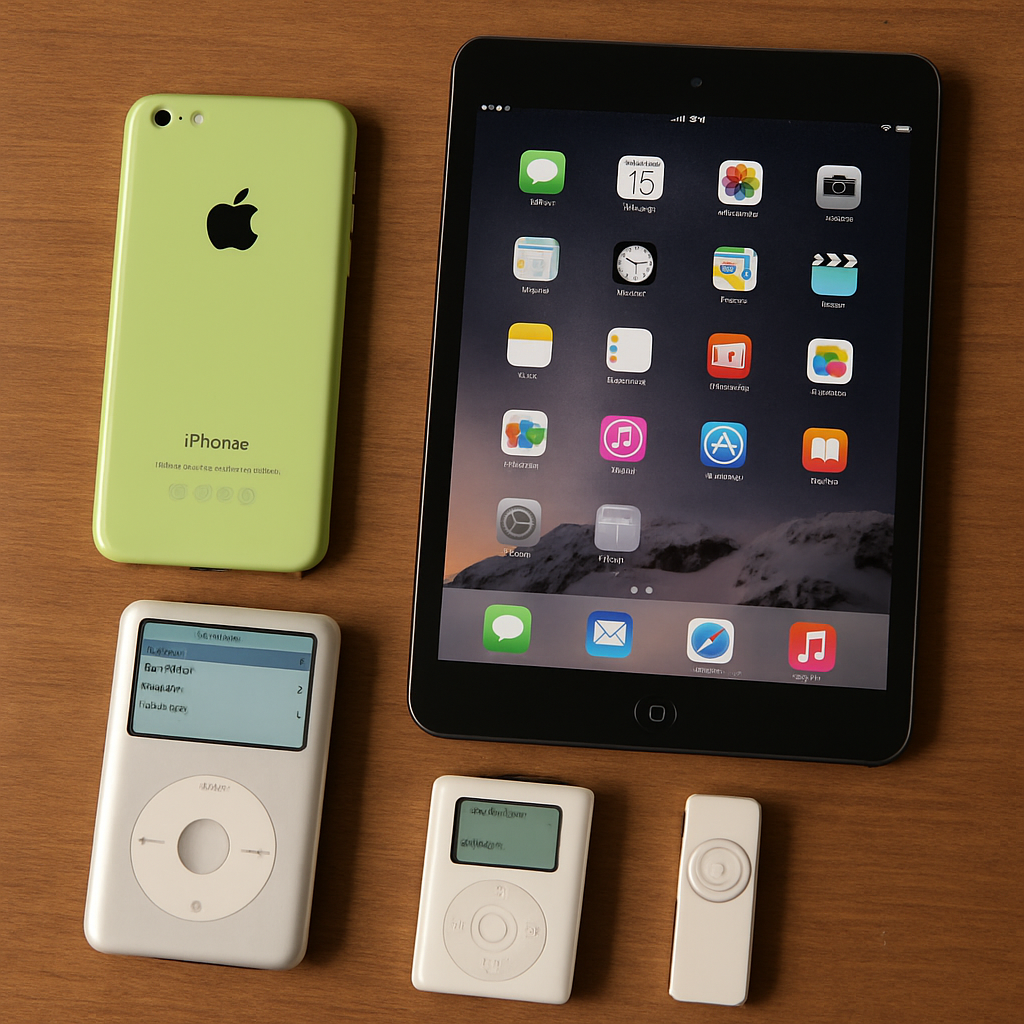
Apple has ceased signing specific iOS versions for several older iPhone and iPad models, effectively preventing users from restoring or downgrading these devices to certain firmware versions. This change impacts devices such as the iPhone 5c, iPhone 4, iPhone 4S, iPhone 5, and various iPad models, including the iPad 2, iPad 3rd generation, iPad 4th generation, and iPad mini.
When Apple stops signing a particular iOS version, it means that the company no longer validates installations of that firmware. Consequently, users can no longer restore their devices to these versions using Finder or iTunes. This move primarily affects the baseband firmware—the low-level software managing the device’s cellular modem—associated with these iOS releases.
The specific devices and iOS versions affected include:
- iPhone 4 (CDMA): iOS 7.1.2 IPSW installs
- iPhone 4S: iOS 6.1.3 and iOS 8.4.1 OTA installs; iOS 9.3.5 and iOS 9.3.6 IPSW installs
- iPhone 5 (GSM and CDMA): iOS 8.4.1 OTA installs; iOS 10.3.3 and iOS 10.3.4 IPSW installs
- iPhone 5c (GSM and CDMA): iOS 10.3.3 IPSW installs
- iPad 2 (Wi-Fi + 3G, CDMA): iOS 6.1.3 and iOS 8.4.1 OTA installs; iOS 9.3.5 and iOS 9.3.6 IPSW installs
- iPad 3rd generation (GSM and CDMA): iOS 8.4.1 OTA installs; iOS 9.3.5 and iOS 9.3.6 IPSW installs
- iPad 4th generation (Wi-Fi + Cellular): iOS 8.4.1 OTA installs; iOS 10.3.3 and iOS 10.3.4 IPSW installs
- iPad mini (Wi-Fi + Cellular): iOS 8.4.1 OTA installs; iOS 9.3.5 and iOS 9.3.6 IPSW installs
Notably, this change affects only cellular models of these devices, as Wi-Fi-only iPads lack cellular modems and, therefore, do not have baseband firmware that requires signing.
One significant aspect of this update is the cessation of signing for the over-the-air (OTA) version of iOS 8.4.1. Previously, this version served as a transitional firmware, allowing certain devices to upgrade to iOS 9 or revert back if needed. With this signing halted, users of devices like the iPhone 4S and iPhone 5 lose this fallback option.
It’s important to understand that devices currently operating on these firmware versions will continue to function normally. However, if a user needs to restore their device—due to issues like system crashes or the need for a clean installation—they will no longer be able to install these specific iOS versions.
This development underscores Apple’s ongoing strategy to phase out support for older hardware and software. As technology advances, maintaining support for legacy devices becomes increasingly challenging and resource-intensive. Users of these older devices should consider upgrading to newer models to ensure continued access to the latest features, security updates, and support services.