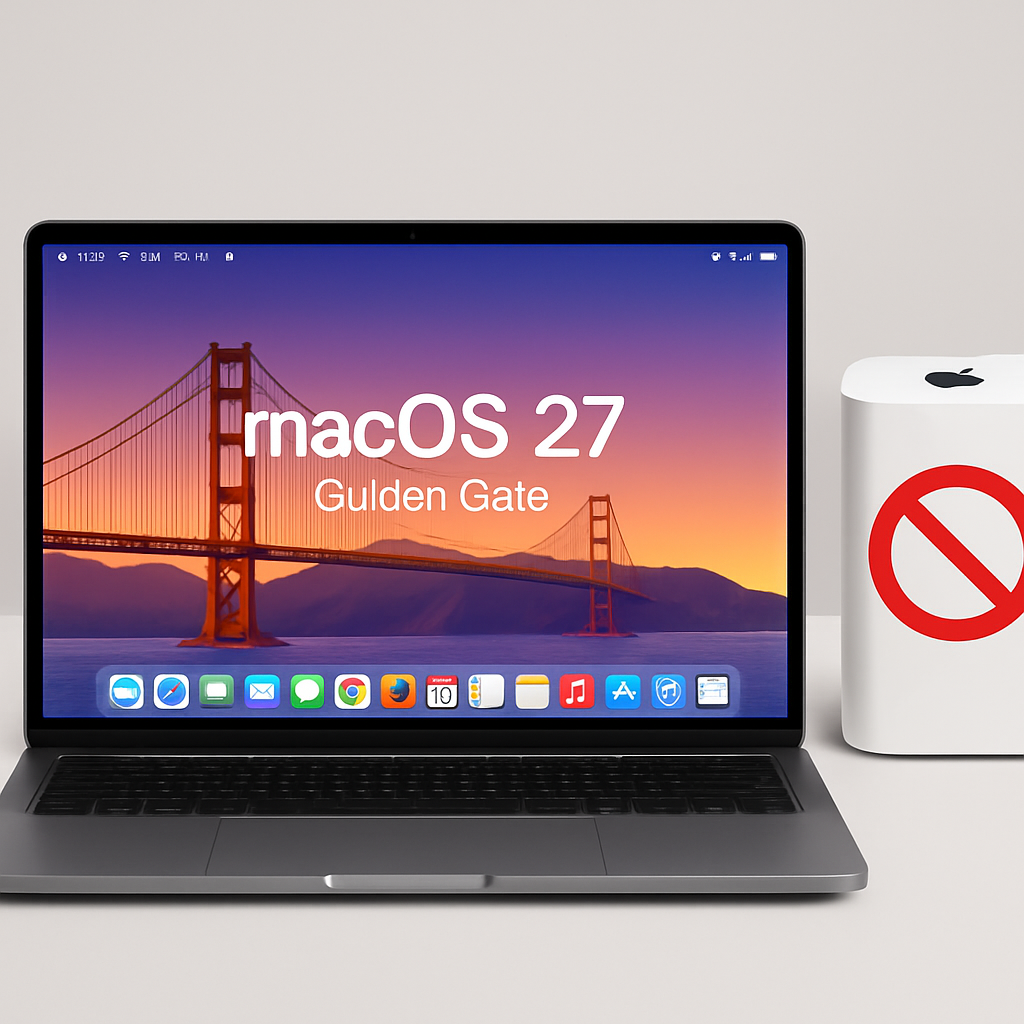
Apple’s latest operating system, macOS 27 Golden Gate, has officially ended support for Time Capsule devices by removing compatibility with the Apple Filing Protocol (AFP). This change marks the conclusion of Time Machine’s integration with Time Capsule, a combination that has been in place since 2008.
Introduced at Macworld Expo in January 2008, the Time Capsule was a device that combined a Wi-Fi router with network-attached storage (NAS) designed to work seamlessly with Apple’s Time Machine backup software. Despite its initial popularity, Apple discontinued the entire AirPort product line, including the Time Capsule, in April 2018. The last updates to these products were made in 2013, and they were completely sold out by November 2018.
AFP, which dates back to 1988, was Apple’s native file-sharing protocol for Macintosh systems. In 2013, with the release of OS X 10.9 Mavericks, Apple shifted to using the Server Message Block (SMB) protocol as the primary file-sharing method. The ability to run an AFP server was removed in macOS 11 Big Sur in 2020, and the AFP client was officially deprecated in macOS Sequoia 15.5. Users were warned that AFP support and Time Capsule compatibility would end with the release of macOS 27.
With the removal of AFP in macOS 27, all Time Capsule models, which rely on AFP and the outdated SMBv1 protocol, are no longer compatible with Time Machine. The new operating system requires SMBv2 or SMBv3 for Time Machine backups, protocols that modern NAS devices support but that Time Capsule hardware does not. Additionally, macOS 27 enforces stricter network security requirements, including a minimum of TLS 1.2, which Time Capsule devices cannot meet.
In response to this development, a community-driven project called TimeCapsuleSMB has emerged. Created by James Chang, an engineer at Microsoft, this project aims to extend the usability of Time Capsule devices by installing a modern Samba build directly onto them. This allows the devices to run a Samba 4.24.3 server, advertise themselves over Bonjour, and accept authenticated SMB3 connections. Users can then connect via a standard SMB URL in Finder, bypassing the need for Apple’s legacy protocols.
However, this solution has its limitations. Only the fifth-generation Time Capsule model from 2013 can automatically restart the Samba server after a reboot. Earlier models require manual activation each time the device loses power, which could lead to backups stopping unexpectedly after a power outage.
The discontinuation of Time Capsule support in macOS 27 reflects Apple’s ongoing efforts to modernize its software and hardware ecosystem. While this move enhances security and performance by adopting newer protocols, it also renders older hardware obsolete. Users relying on Time Capsule for backups will need to consider alternative solutions, such as upgrading to modern NAS devices that support SMBv2 or SMBv3, or exploring community-driven projects like TimeCapsuleSMB. This transition underscores the importance of staying updated with technological advancements to ensure compatibility and security in data management practices.