Google has officially launched Android 17 for Pixel devices, following a series of beta releases. This update introduces several notable features and enhancements aimed at improving user experience and device performance.
Key Features and Enhancements
One of the standout additions in Android 17 is the expanded functionality of Bubbles. Previously limited to messaging conversations, Bubbles now support any application. Users can long-press an app icon on the home screen and select the new option in the top-left corner to create a movable, chat head-style icon. This feature is particularly useful for multitasking, allowing users to keep essential apps accessible without cluttering the screen. For larger devices, a Bubble Bar is available in the bottom-right corner to manage these floating icons.
Another user-centric improvement is the option to hide app labels on the home screen. By navigating to Wallpaper & style > Icons > Names, users can toggle the “Show app names” setting, resulting in a cleaner and more minimalist interface.
To enhance device performance and battery life, Android 17 implements app memory limits. This ensures that applications do not consume excessive RAM, leading to smoother operation and prolonged battery usage.
Redesigned Screen Recording and Quick Settings
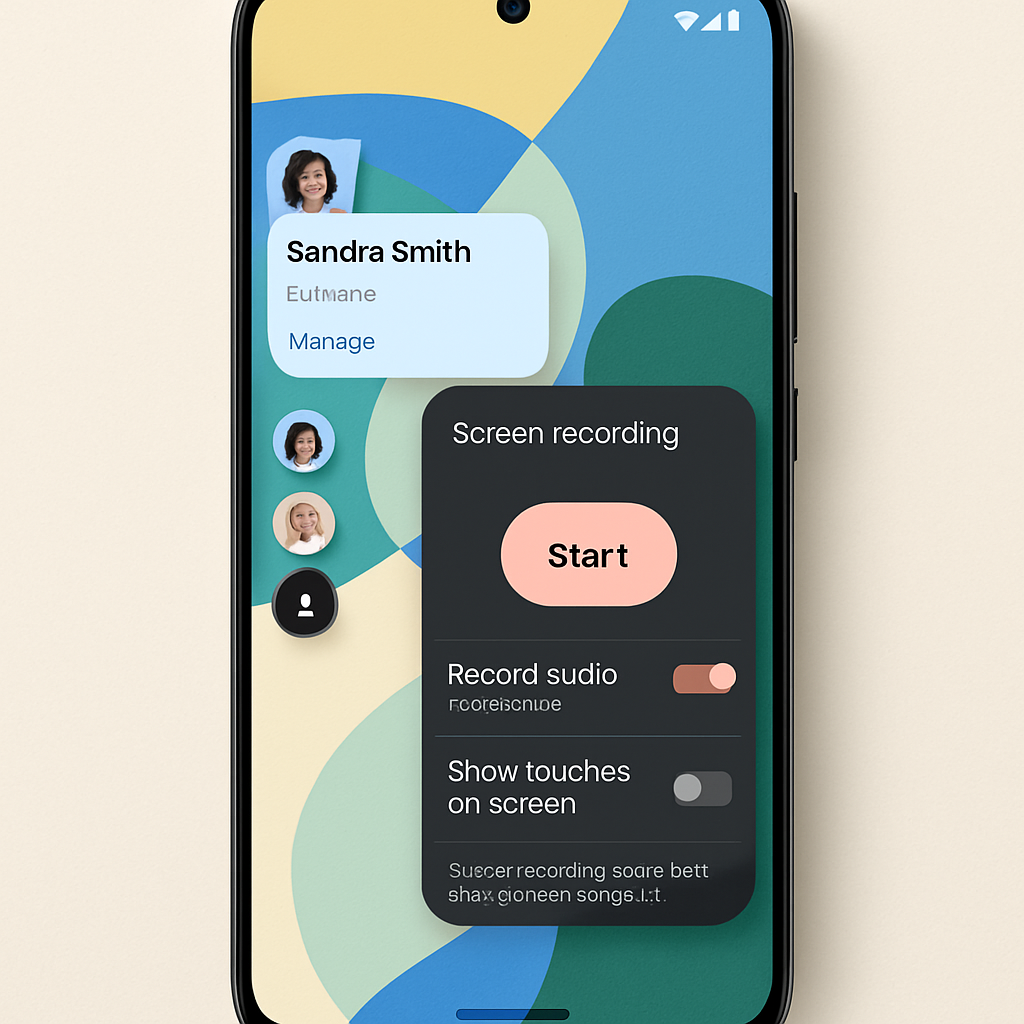
The screen recording feature, accessible via Quick Settings, has been overhauled with a floating pill interface. While the core functionality remains unchanged, users can now tap the status bar indicator during recording to access the pill interface, allowing for adjustments or stopping the recording. Additionally, a new “Screen Reactions” feature enables users to add a selfie video overlay to their recordings, providing a more interactive experience. After recording, users are presented with a fullscreen preview page offering options to edit, delete, or share the clip.
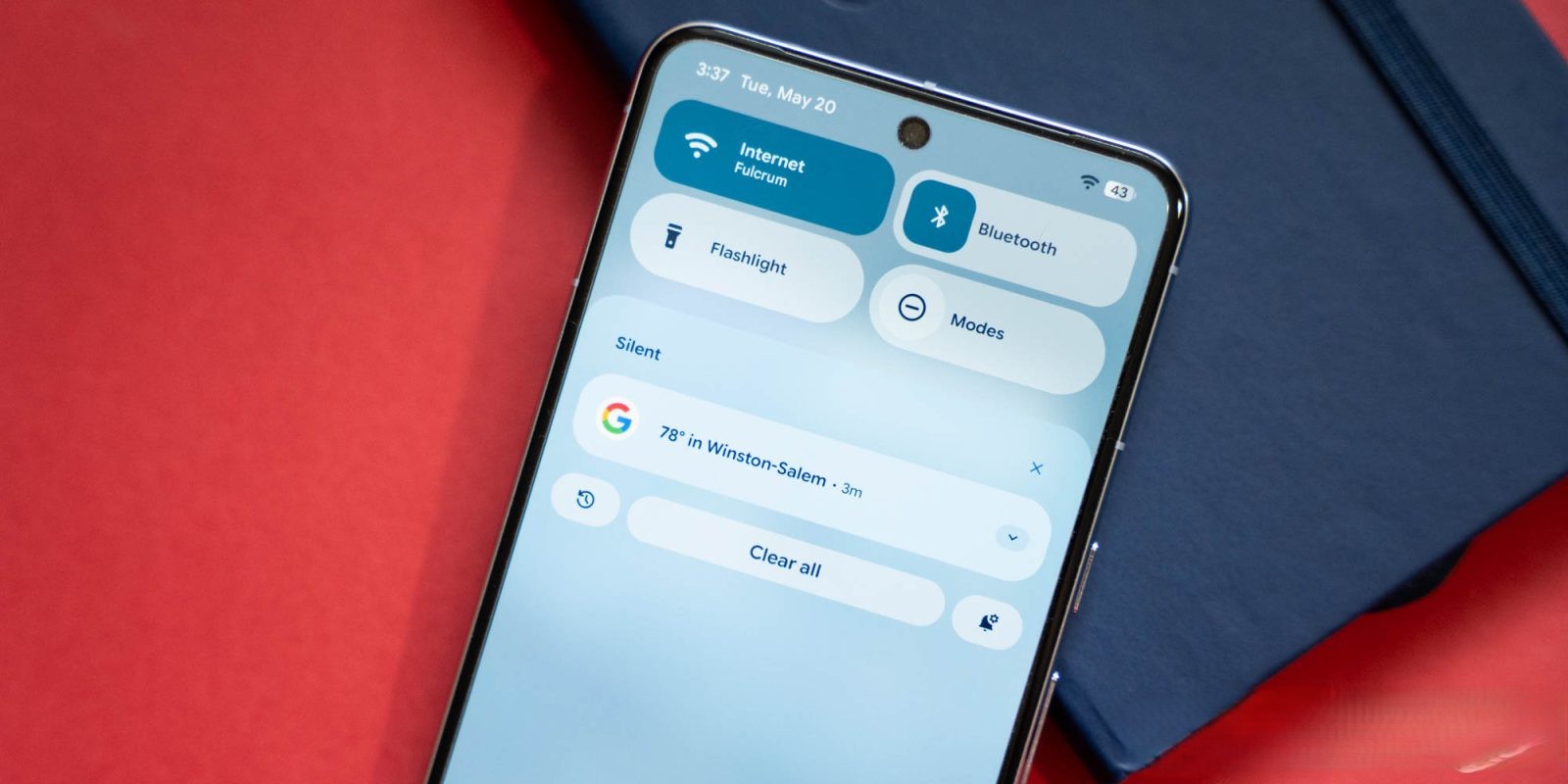
Quick Settings have also received updates. The Camera, Location, and Microphone access indicators in the top-right corner have been redesigned for better clarity, featuring narrower pills with circular containers. Notably, the previous Internet Tile has been split into separate Wi-Fi and Mobile data toggles, providing more granular control over connectivity settings. For devices supporting satellite connectivity, a new “Satellite” Tile directs users to the relevant settings.
Enhanced Privacy and Security
Android 17 introduces several privacy and security enhancements. The runtime Location permission now includes explicit checkboxes for selecting between “Precise” and “Approximate” location sharing. Additionally, a new one-time precise location option is available for apps, and the algorithm for determining approximate location has been improved.
Users can now share specific contacts with applications instead of granting access to the entire address book, offering more control over personal information. Furthermore, the Find Hub feature has been updated to require biometric authentication when marking a device as lost. This ensures that even if someone has access to the device’s passcode, they cannot disable tracking or access sensitive information.
Android 17’s release ahead of the traditional fall window aligns with Google’s updated release schedule, aiming to deliver timely enhancements to users. The expanded Bubbles functionality and refined Quick Settings interface reflect Google’s commitment to improving multitasking capabilities and user control. As users explore these new features, feedback will be crucial in shaping future updates and ensuring that Android continues to meet the evolving needs of its diverse user base.