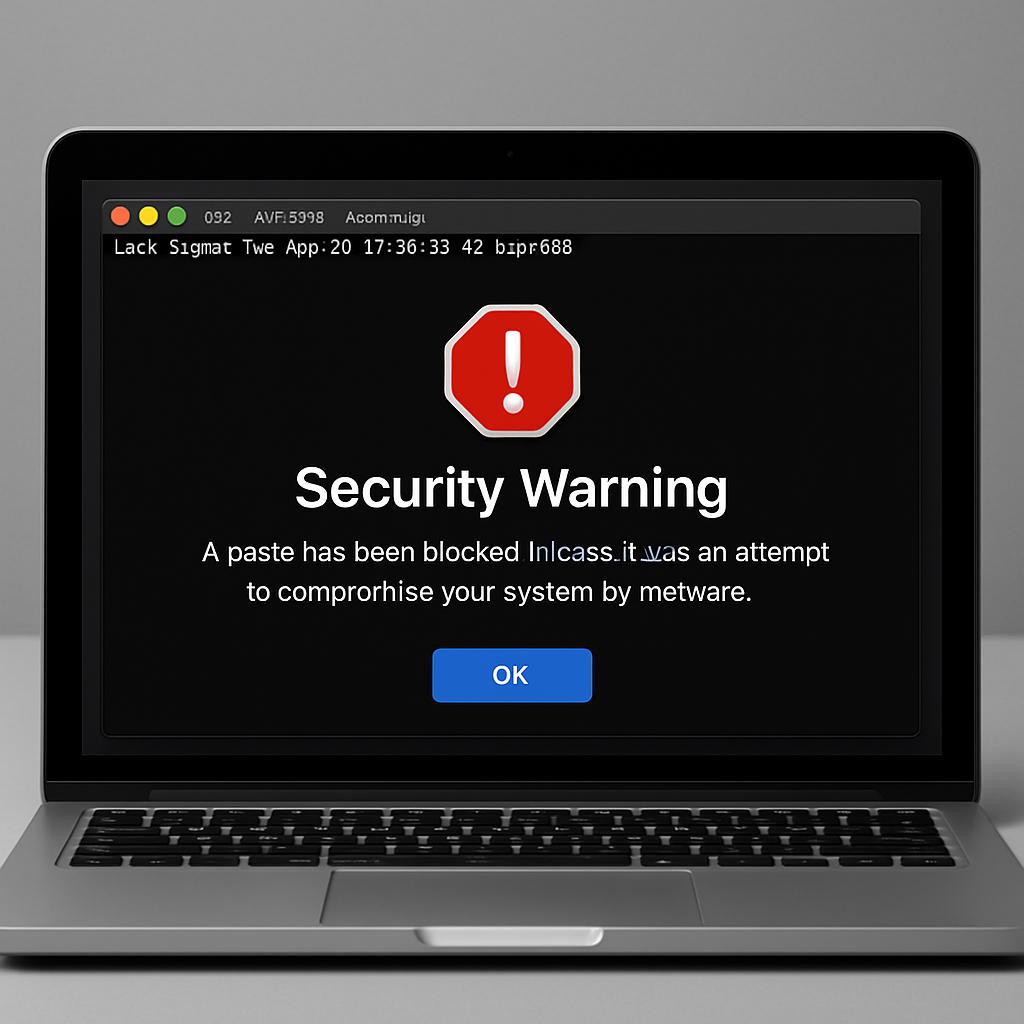
In March 2026, Apple introduced a security feature in macOS Tahoe 26.4 designed to protect users from potentially harmful commands in the Terminal application. This feature alerts users when they attempt to paste commands that could compromise their system’s security.
The warning message displayed reads:
Possible malware, Paste blocked
Your Mac has not been harmed.
Scammers often encourage pasting text into Terminal to try and harm your Mac or compromise your privacy.
These instructions are commonly offered via websites, chat agents, apps, files, or a phone call.
Users have the option to proceed by selecting “Paste Anyway” if they trust the command.
Apple has provided further clarification on this feature. The alert is triggered when a user who does not regularly use Terminal attempts to paste a command copied from external sources such as websites, chat agents, or email applications. This measure aims to prevent users from inadvertently executing malicious commands that could harm their Mac or compromise personal data.
Additionally, macOS includes proactive alerts like “Malware Detected, Paste Blocked” or “Malicious Script Blocked.” These warnings indicate that the system has identified known malware within the command or script and has blocked its execution. In these instances, the “Paste Anyway” option is not available, underscoring the severity of the threat.
For users who believe a command or script has been incorrectly blocked, Apple suggests that the issue may stem from a website being mistakenly flagged as deceptive. Users can report such errors through Apple’s designated channels.
This enhancement reflects Apple’s ongoing commitment to user security. By integrating these warnings into macOS, Apple aims to mitigate the risks associated with social engineering attacks that exploit the Terminal application. Users are encouraged to remain vigilant and only execute commands from trusted sources to maintain the integrity of their systems.