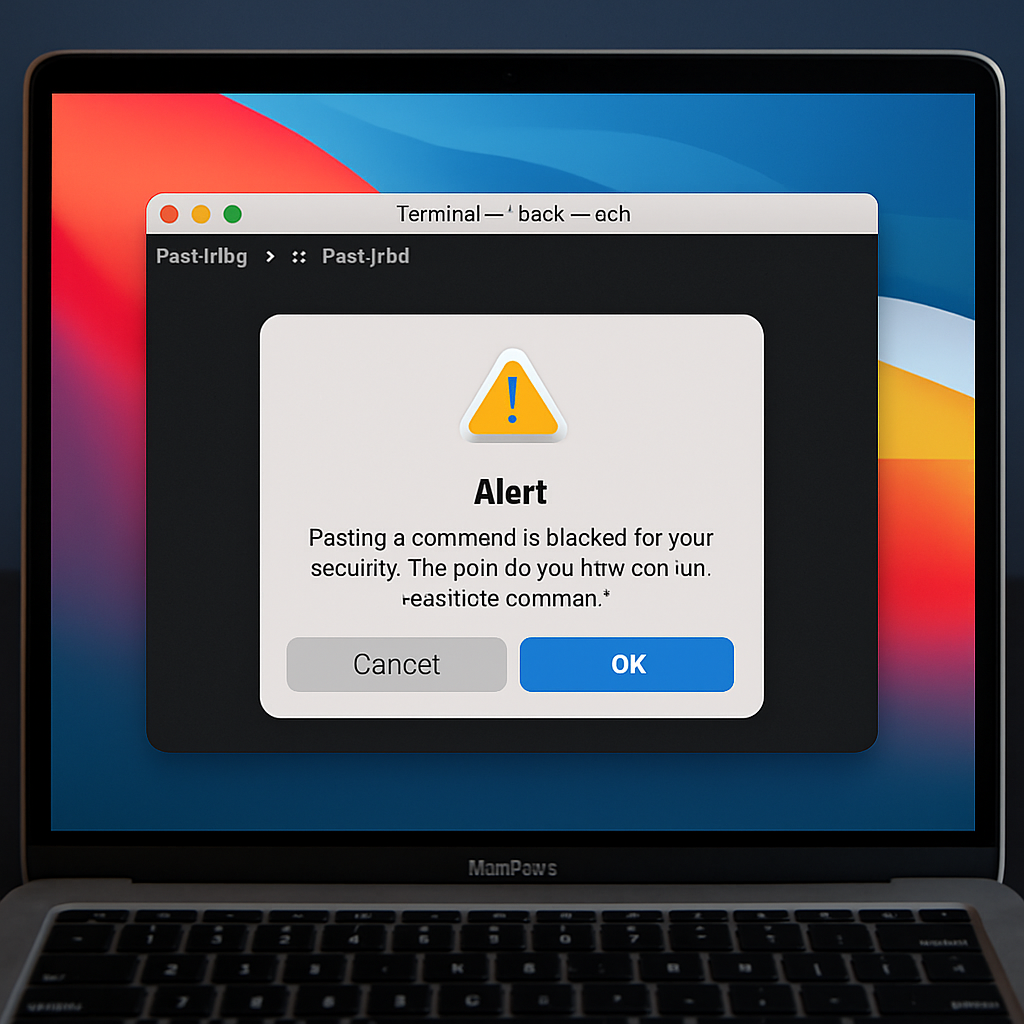
Apple has provided further insight into the security alerts introduced in macOS 26.4’s Terminal application. These alerts are designed to protect users from potentially harmful commands and scripts.
In a recently published support document titled “If your Mac blocks a Terminal command paste or script,” Apple explains the circumstances under which these alerts appear. Specifically, if a user who doesn’t frequently use Terminal attempts to paste a command copied from sources like websites, chat agents, or messaging apps, macOS will display a warning. This measure aims to prevent users from inadvertently executing commands that could compromise their system.
Additionally, macOS may present alerts such as “Malware Detected, Paste Blocked” or “Malicious Script Blocked” when it identifies known malware within a command or script. In these instances, the system blocks the action without providing an option to proceed. Apple advises users who believe a command or script was incorrectly flagged due to a misidentified deceptive website to report the issue through their designated channels.
These security enhancements underscore Apple’s commitment to safeguarding users, particularly those less familiar with Terminal’s functionalities. By proactively blocking potentially harmful commands and scripts, macOS aims to reduce the risk of malware infections and unauthorized system modifications.
For users who rely on Terminal for advanced tasks, it’s essential to stay informed about these security features. Understanding the triggers for these alerts can help in troubleshooting and ensuring that legitimate commands are executed without unnecessary interruptions. As always, exercising caution when copying and pasting commands from external sources remains a best practice to maintain system integrity.